Tired of a million tabs and zero focus? That combo of half-finished tasks, unread messages, and a brain that keeps switching tracks is painfully familiar if you live with ADHD. You open your phone to check one thing, end up somewhere else, then remember the original task twenty minutes later when you're already mentally fried.
The good news is that your phone doesn't have to stay the problem. It can become part of the fix. Free ADHD apps now cover far more than simple timers. A 2018 systematic review found 109 ADHD apps in app stores and 110 total across app-store and academic searches, with tools aimed at children, adolescents, adults, parents, teachers, and clinicians. That breadth matters because it means you can build around your actual problem, whether that's task initiation, distraction, time blindness, or follow-through.
This list gets straight to the tools. I've organized them by what they're best at so you can build a free ADHD tech stack instead of downloading random apps and hoping one becomes your life coach. If you want to widen the lens beyond free tools, our guide to apps that help with ADHD covers the broader category.
Table of Contents
- 1. Kohru
- 2. Tiimo
- 3. Numo
- 4. Habitica
- 5. Microsoft To Do
- 6. Structured
- 7. Stay Focused
- 8. LeechBlock NG
- 9. SelfControl
- 10. Flora
- Top 10 Free ADHD Apps Comparison
- From Information to Action Your Next Step to Consistent Focus
1. Kohru
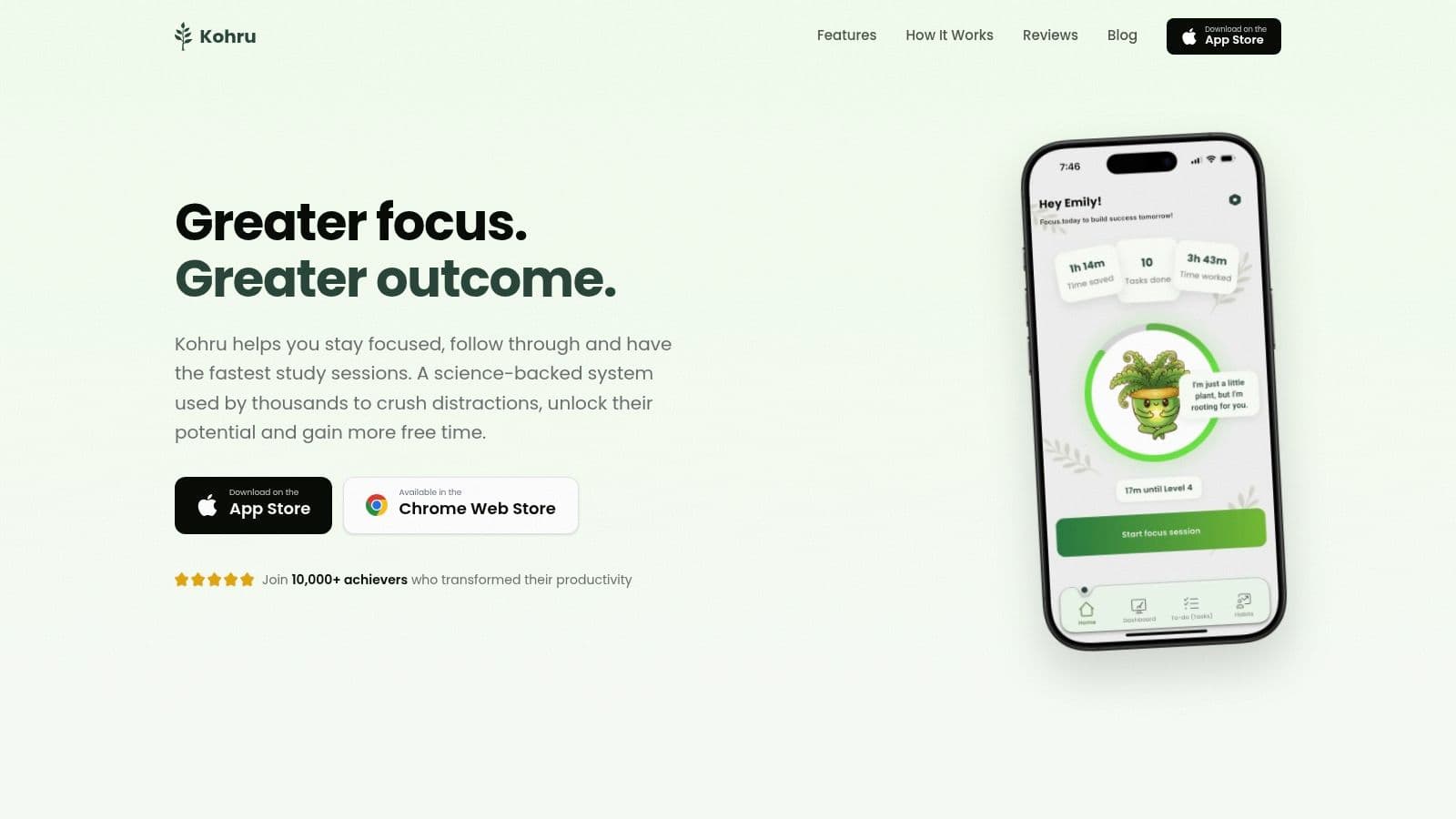
You sit down to work, open the task, then bounce to your phone, then your browser, then back to the task you were supposed to start 20 minutes ago. That loop is where Kohru earns its spot on this list.
Kohru is one of the few ADHD apps that tries to handle the full start-to-focus gap instead of only one piece of it. You can pick a task, start a Focus Session, and block distractions across your phone and Chrome setup without spending 15 minutes configuring categories and rules first. For people who lose momentum during setup, that matters.
Most ADHD productivity setups split across separate planners, blockers, timers, and accountability apps, and you will see exactly that split in the nine tools below. Kohru works best for readers who want an all-in-one anchor for their ADHD tech stack, especially if distractions jump between laptop and phone.
Why Kohru stands out
What I like about Kohru is that it reduces decision points. The Smart To-Do list separates Work and Personal tasks, which sounds minor until you use it for a week and notice less list paralysis. It also turns tasks directly into focus sessions, so you are not constantly translating between “plan mode” and “do mode.”
The habit system is another smart choice. Weekly targets are easier to recover from than daily streaks, so one rough day does not make the whole app feel punitive. That design tends to work better for ADHD than apps that punish inconsistency and call it motivation.
Practical rule: If an app makes you feel behind after one messy day, you probably will stop opening it.
A few trade-offs are worth checking before you commit:
- Best fit: Students, remote workers, researchers, and anyone who keeps drifting between devices.
- Big strength: Blocking and task execution live in the same workflow.
- Weak spot: If you want a very detailed calendar view, this is less flexible than a dedicated visual planner.
- Check first: Kohru is iPhone only, with no Android app. Android users should look at Stay Focused instead.
Best workflow
Kohru works best as the base layer in an ADHD stack. Use it for the moment that matters most: choosing one task and protecting the next 25 to 50 minutes from phone and browser drift.
Then add a second app only for the part Kohru does not cover as well for you. If you want to go deeper on focus sessions themselves, our ADHD focus app guide breaks down how to choose and run one. If you need visual scheduling, pair it with a timeline planner. If you already have a planner you trust, use Kohru as the execution layer instead of replacing everything at once.
That is the primary value here. Kohru is not just another task app. It is a good fit for people who already know what to do and need help starting, staying with it, and avoiding the usual cross-device detours.
2. Tiimo
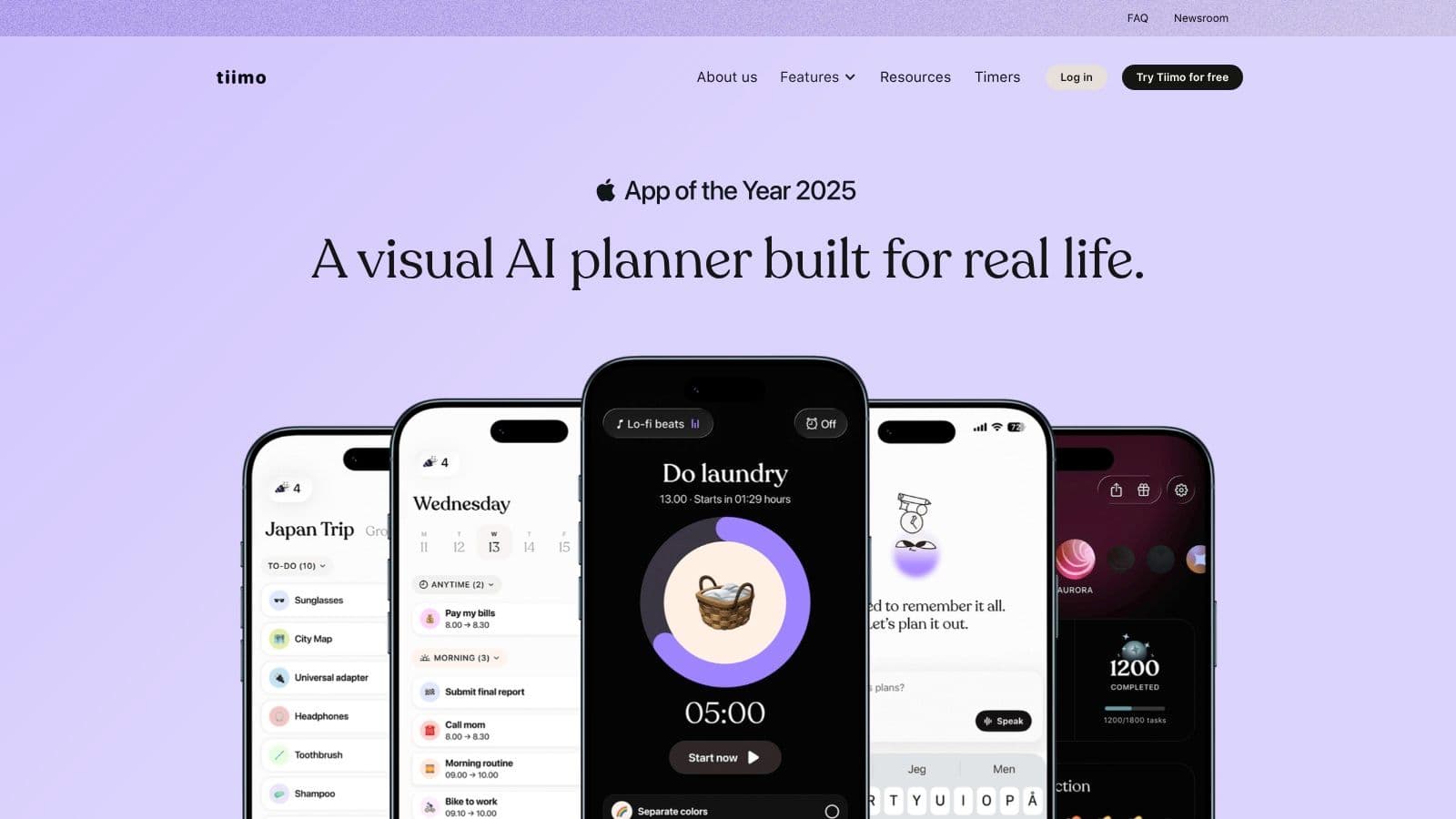
Tiimo is one of the better free ADHD apps for people who need to see their day, not just list it. The visual timeline is the selling point. Instead of a pile of tasks, you get a schedule that feels more like “what happens next” than “look at all the things you're failing to do.”
That design choice matters for ADHD because abstract task lists can quickly become wallpaper. Tiimo makes routines easier to follow by giving steps, timers, and a cleaner sense of sequence.
Where Tiimo works best
I'd recommend Tiimo to anyone who struggles with transitions. If mornings drift, errands expand, or work blocks vanish into vague intentions, the visual timeline helps externalize the day. It's especially useful for recurring routines like getting out the door, studying, or winding down at night.
The free entry is solid and the app is available across phone, web, and watch, which helps if you tend to ignore the device that isn't in front of you. The trade-off is that some of the more polished planning help lives behind the paid tier, including some advanced features and customization.
Tiimo is less about brute-force blocking and more about reducing uncertainty. That's a very different kind of support, and for some people it works better.
A few honest notes:
- Strong point: The interface is calming and easier to parse than dense task managers.
- Less ideal for: People who need hard website blocking or strict enforcement.
- Good pairing: Tiimo plus a blocker app is often better than Tiimo alone.
You can try it directly on Tiimo.
3. Numo
Numo makes the most sense if your brain responds better to people than to systems. Some ADHD users don't need another planner. They need accountability, validation, and a place where the friction they experience is treated as real rather than laziness.
That's what Numo does well. It blends ADHD-focused resources, self-assessments, tools, and community features so the app feels more like support infrastructure than a productivity dashboard.
Best for accountability seekers
If you tend to abandon solo apps after the novelty wears off, Numo has an edge. The community layer can help create momentum, especially when you need that mild social pressure that says, “someone else is also trying to get through today.”
The catch is that community-driven apps can get noisy. If you're easily sidetracked by feeds, chats, or too much input, Numo can become supportive procrastination unless you use it intentionally. I'd keep it for check-ins, short bursts of motivation, and ADHD-specific reflection, not as your only task system.
- Best use case: You want peer accountability and ADHD-specific context.
- Potential downside: Some of the deeper coaching-style experiences sit behind paid plans.
- Smart combo: Pair Numo with a lightweight to-do app so support doesn't replace execution.
The platform is available at Numo.
4. Habitica
Habitica turns your task list into a role-playing game. For the right user, that's brilliant. For the wrong one, it's one more elaborate thing to maintain.
The app works because it gives immediate feedback. ADHD brains often respond well to visible rewards, completion loops, and a sense that small actions count for something right now. Habitica is built around that.
When gamification helps and when it backfires
Habitica is strongest when you're bored by conventional productivity apps. If a plain checklist dies on contact, an avatar, rewards, quests, and challenges can create enough interest to keep you engaged. Its social elements also help if you like group momentum.
The downside is cognitive load. There's a lot going on at first. If you're already overwhelmed, the game layer can feel like another interface to decode before you do any real work.
Free ADHD apps with low engagement often handle function better than follow-through. In a systematic review of 829 ADHD apps, only 17 free English-language apps met inclusion criteria, with moderate overall quality, stronger functionality, and notably lower engagement. Habitica's whole pitch is trying to solve that engagement problem.
A simple way to use it well:
- Keep habits tiny: Track a few repeatables, not your entire life.
- Use dailies carefully: Too many recurring tasks turn guilt into background noise.
- Lean on rewards: If the game part doesn't motivate you, the app loses most of its advantage.
You can start with the free core version on Habitica.
5. Microsoft To Do
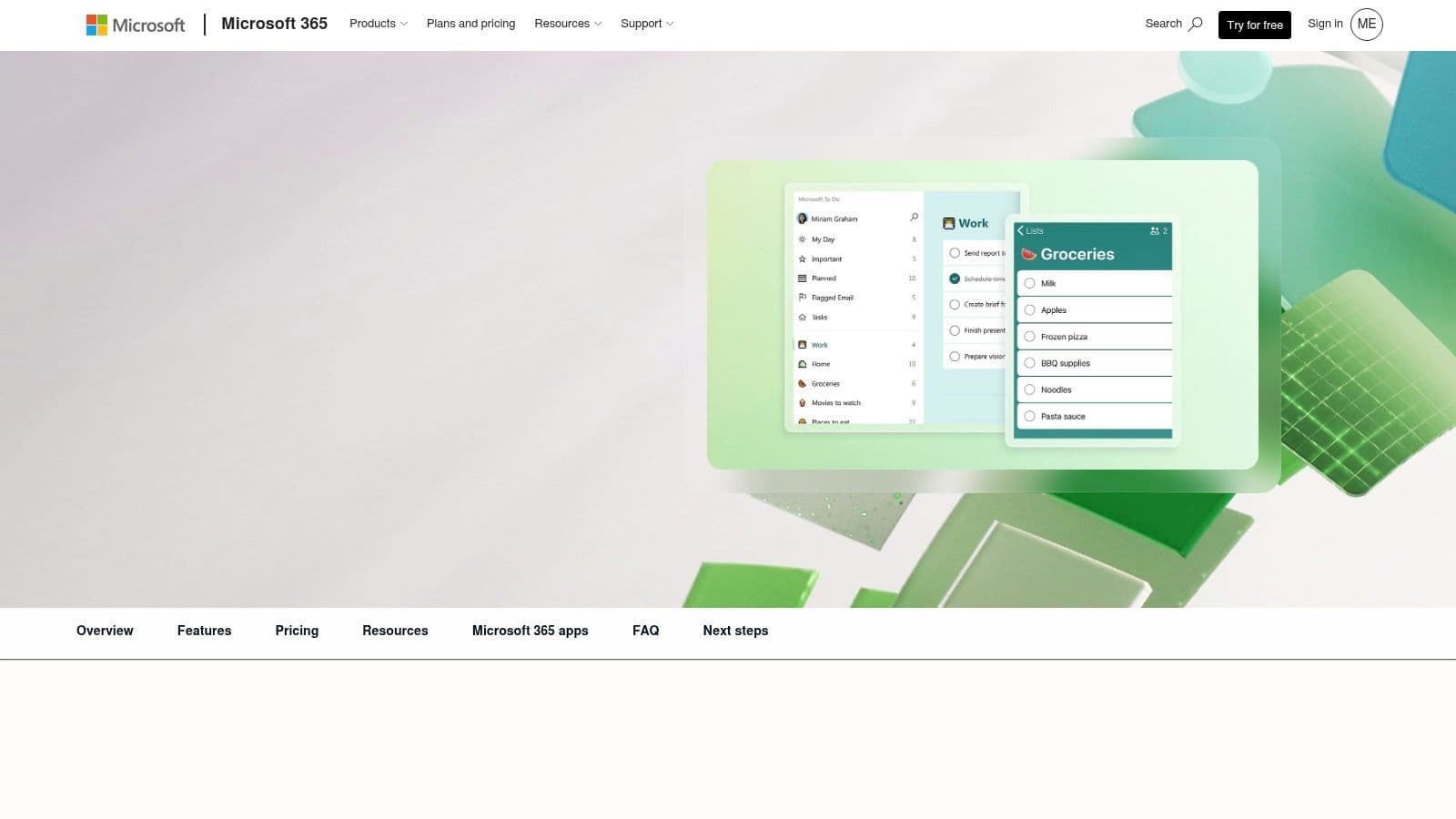
Microsoft To Do isn't ADHD-specific, and that's part of why it works. It doesn't try to coach you, gamify you, or reframe your life. It gives you a clean list, solid syncing, and one feature that matters more than it gets credit for: My Day.
My Day is useful because it narrows attention. Instead of staring at every task you've captured, you decide what matters today. That cuts down on the “everything is equally urgent” feeling that can freeze people up.
Best for low-friction planning
This is the app I'd suggest to someone who's bounced off more specialized tools. If you need dependable syncing across web, phone, and desktop, and you don't want an app that feels like homework, Microsoft To Do is an easy recommendation.
Its weakness is also obvious. There's no native blocking, no built-in focus system, and no ADHD-aware scaffolding. If distraction is your main issue, this app won't stop you from leaving the list and opening six other things.
- Great for: Capturing tasks fast and keeping daily plans realistic.
- Not great for: Impulse control or focus protection.
- Best stack: Microsoft To Do plus a blocker like LeechBlock NG, Stay Focused, or SelfControl.
If you want a deeper planner comparison, our guide to the best to do list app for ADHD covers dedicated options in detail.
The app is free and easy to access through Microsoft To Do.
6. Structured
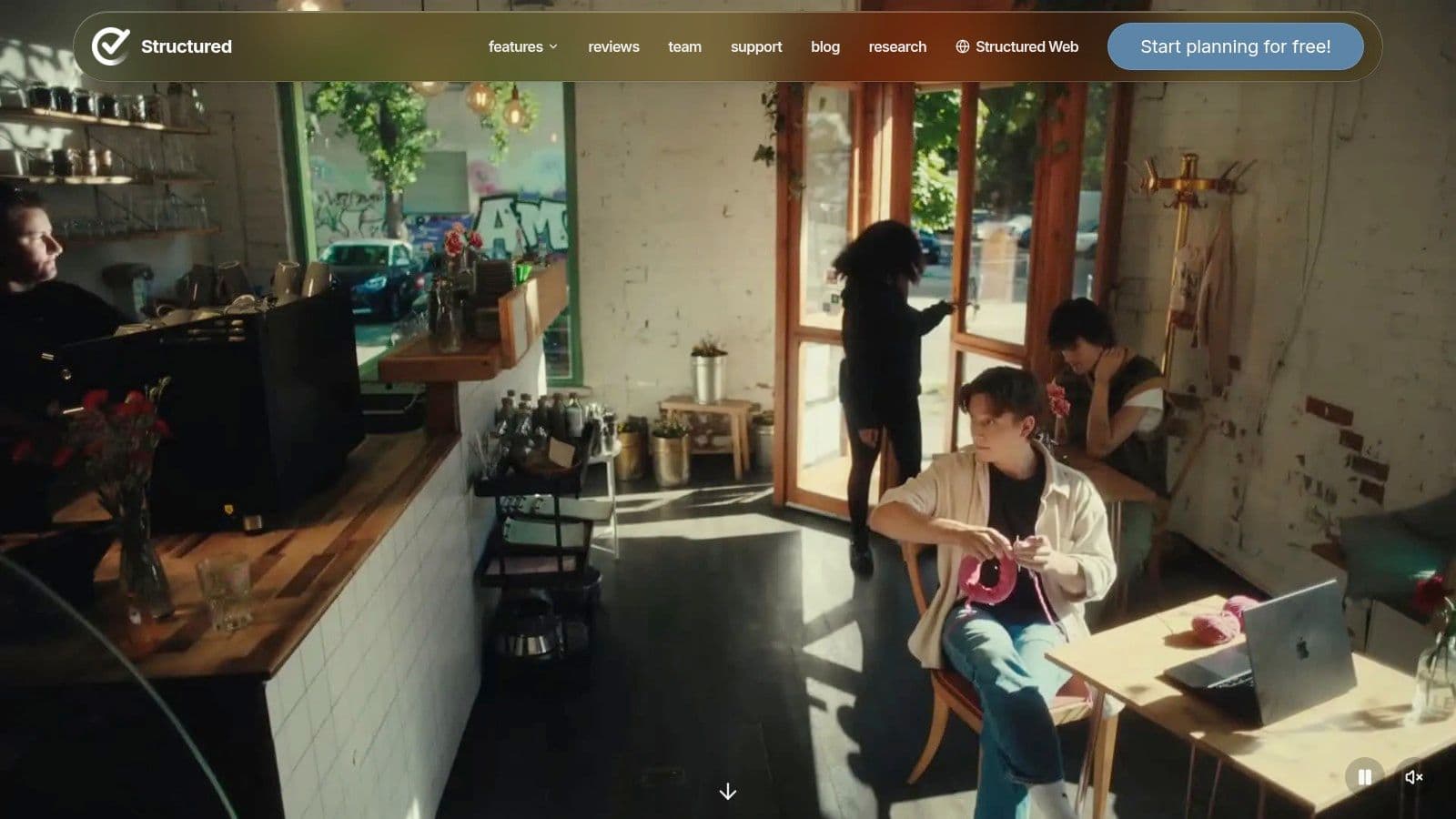
Structured is for people who don't struggle to write tasks down. They struggle to place them in time. Its single-timeline view gives your day shape, which helps when time blindness turns “I'll do it later” into “why is it 6 p.m.?”
The color-coded layout is a big reason people stick with it. Lists can feel endless. Timelines feel finite.
Best for visual timeboxing
Structured shines when you want to map a day without turning it into a project management system. Add tasks, drag them into a sequence, import calendar items, and let the timeline become your external working memory.
The trade-off is that it's more about planning than enforcement. If you routinely ignore notifications or abandon schedules the second your mood shifts, Structured won't pull you back by itself. It works best for users who benefit from visual clarity more than strict boundaries.
A visual day plan can prevent overwhelm. It usually won't stop a distraction spiral once it's started.
A practical way to use it is to schedule fewer blocks than you think you can handle. That leaves room for transition time, late starts, and the fact that ADHD days rarely unfold in perfect order. You can explore it on Structured.
7. Stay Focused
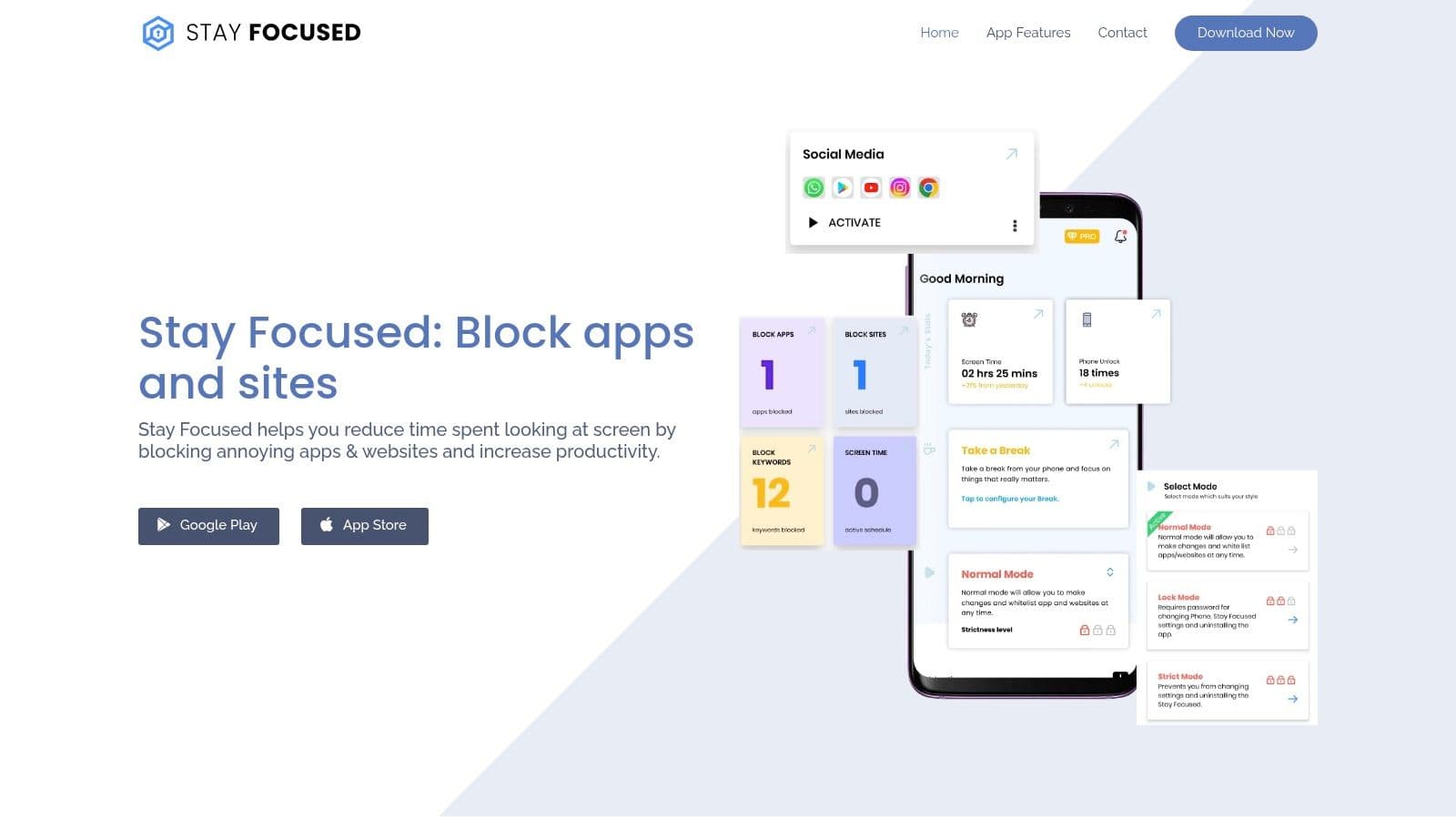
Stay Focused is the tool for when you already know your patterns. You don't need inspiration. You need your phone to stop offering you the same traps all day.
This app focuses on app and website limits, schedules, quotas, and rules. That makes it less warm and more mechanical than planner-style apps, but that's often exactly what helps.
Best for stronger phone boundaries
Stay Focused is particularly useful if your distraction loops are predictable. Maybe social apps hijack your mornings, video platforms eat your evenings, or messaging apps break every work block into pieces. The app lets you set rules around those habits instead of relying on motivation.
Its biggest strength is Android. Platform policies limit how far iOS and macOS apps can go with this kind of control, so your experience will depend a lot on device ecosystem. On Android, it can feel meaningfully stricter.
- Best use case: Students and heavy phone users who need hard limits.
- Weak spot: It won't replace a task manager or planner.
- Good stack: Stay Focused on your phone, plus a browser blocker on laptop.
If your issue is less “I forgot” and more “I kept checking,” this is the lane to explore at Stay Focused.
8. LeechBlock NG
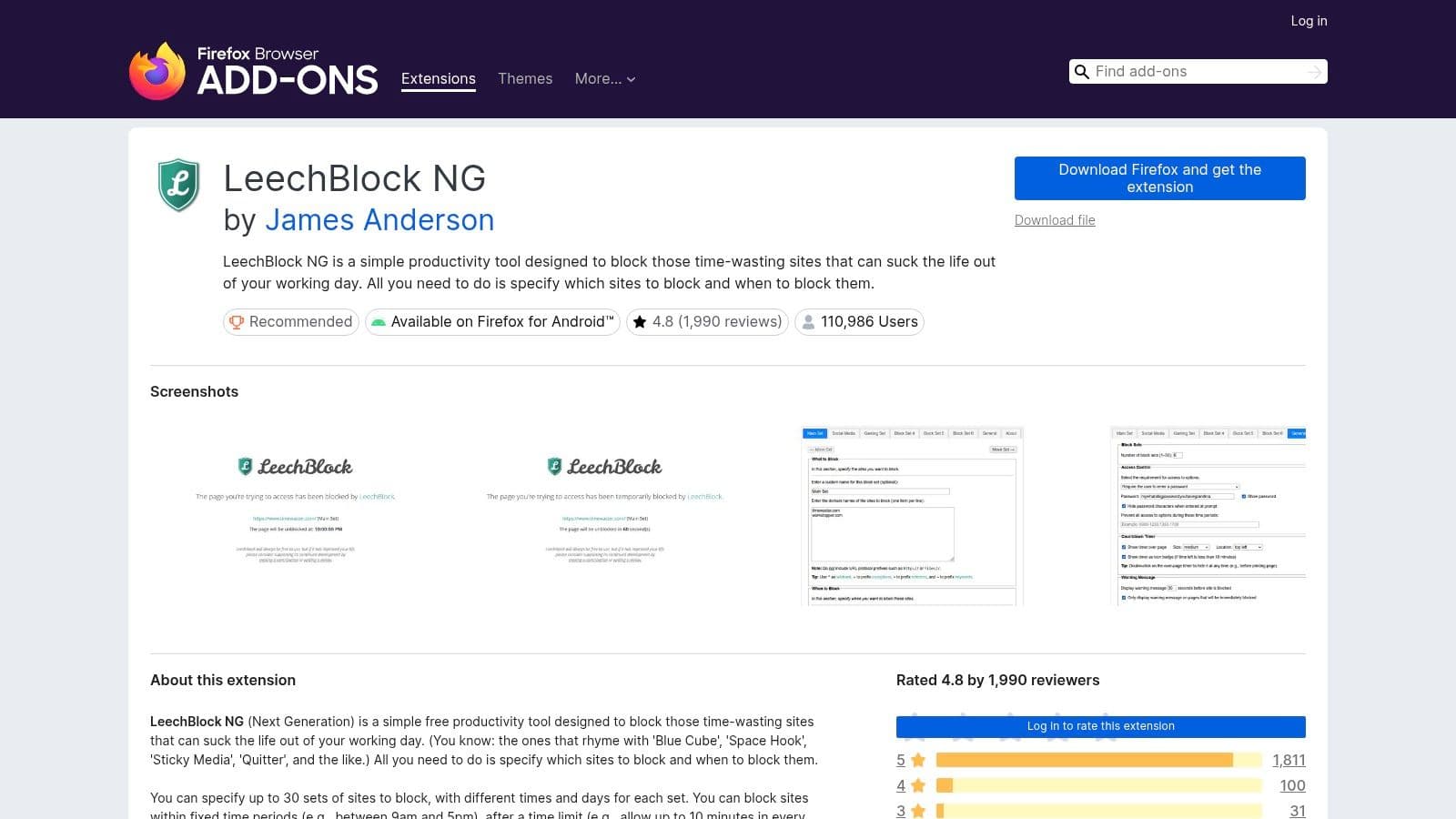
LeechBlock NG is one of the best free tools on this list if your real office is a browser. It isn't flashy, and that's a plus. It blocks websites, supports multiple block lists, lets you create time windows or quotas, and can be configured with enough detail to match how you get distracted.
This is the blocker I'd recommend for writing, research, admin work, and any job where “just one tab” keeps becoming ten.
Best for browser-heavy work
LeechBlock NG gives you serious control without trying to become your whole productivity system. That makes it ideal for people who already have a planner they like but need better friction on desktop or laptop.
Its limitation is obvious. It's browser-only. If your phone is the bigger problem, or if you hop between native apps and browser tabs, you'll need something else alongside it.
Don't ask one app to solve planning, motivation, and environmental control. Most tools are better when they do one job well.
Use LeechBlock NG with a simple setup first:
- Block your top distractors: Start with a short list, not every tempting site on earth.
- Match blocks to your real schedule: Lunch breaks and end-of-day windows reduce rebound behavior.
- Pair it with a visible task list: Blocking works better when the next action is already defined.
You can install it from LeechBlock NG.
9. SelfControl
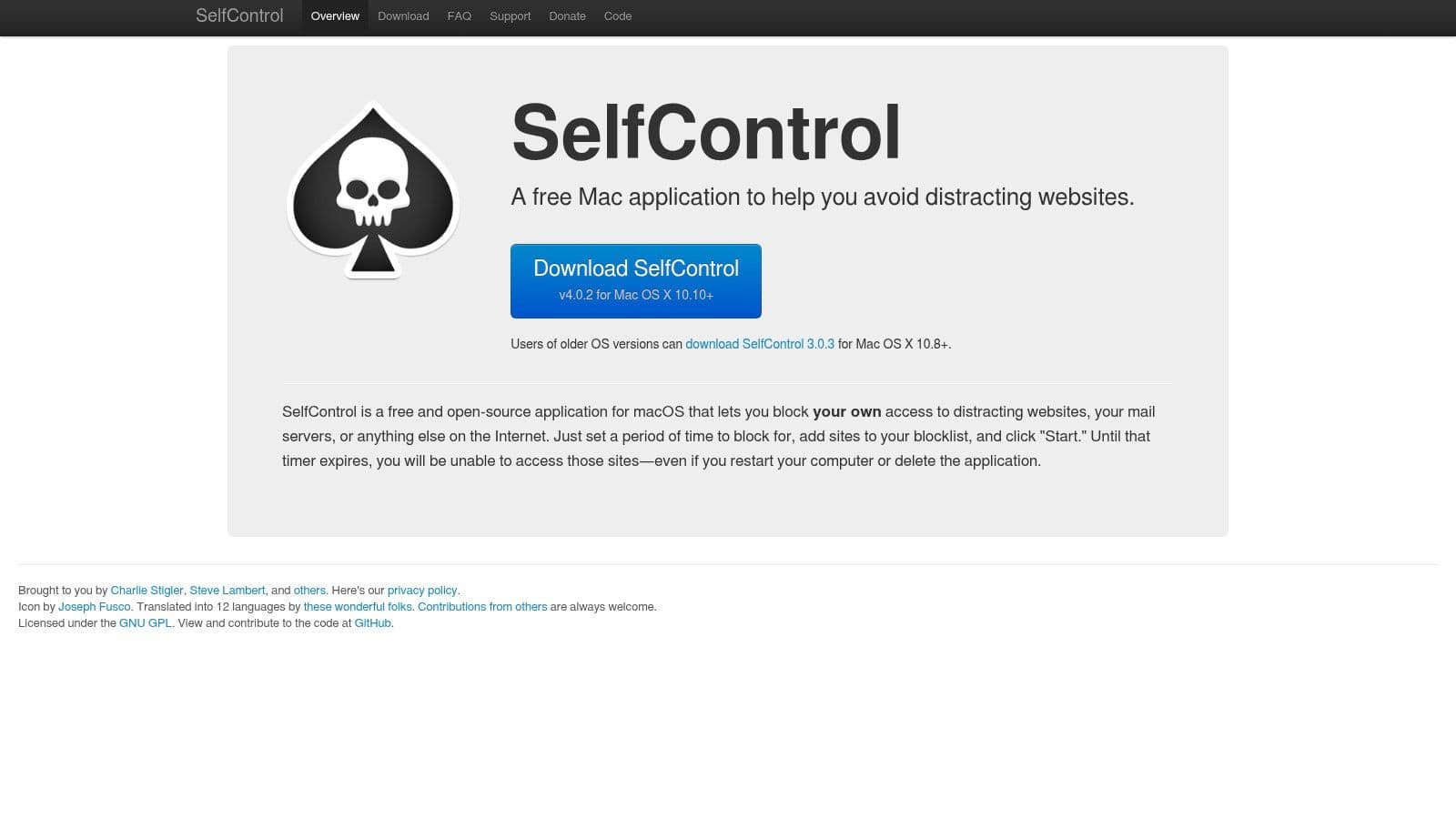
SelfControl is the opposite of a gentle nudge. On macOS, it blocks selected websites system-wide for a set period, and once the session starts, the block persists even if you quit the app or restart your Mac.
That sounds extreme until you're dealing with impulsivity. Then it sounds useful.
Best for hard-lock deep work on Mac
This app is ideal for high-stakes sessions when you can't negotiate with yourself anymore. Thesis writing, deadline work, exam prep, and anything that tends to trigger “quick check” behavior are all good fits. The setup is simple and intentionally unforgiving.
The downside is that it only does one thing. There's no mobile version, no task management, and no soft landing if you accidentally block something you needed. That's why I'd treat it like a tool for deliberate deep work, not an all-day operating system.
A sensible stack looks like this:
- Use a planner first: Decide the exact task before you start the block.
- Then use SelfControl: Lock out the sites that usually derail you.
- Keep sessions specific: It's better for focused sprints than vague “be productive” blocks.
There's growing clinical interest in ADHD support apps, but the evidence is still uneven. A 2025 systematic review identified 14 studies of app-based ADHD interventions, with some apps linked to reduced symptoms or better engagement in certain areas, while results stayed mixed overall. SelfControl fits the practical takeaway from that review. Apps can be useful support tools, but they work best when tied to a clear behavior change target. For that behavioral side, our ADHD focus strategies guide pairs naturally with the blocking setup above.
Download it at SelfControl.
10. Flora
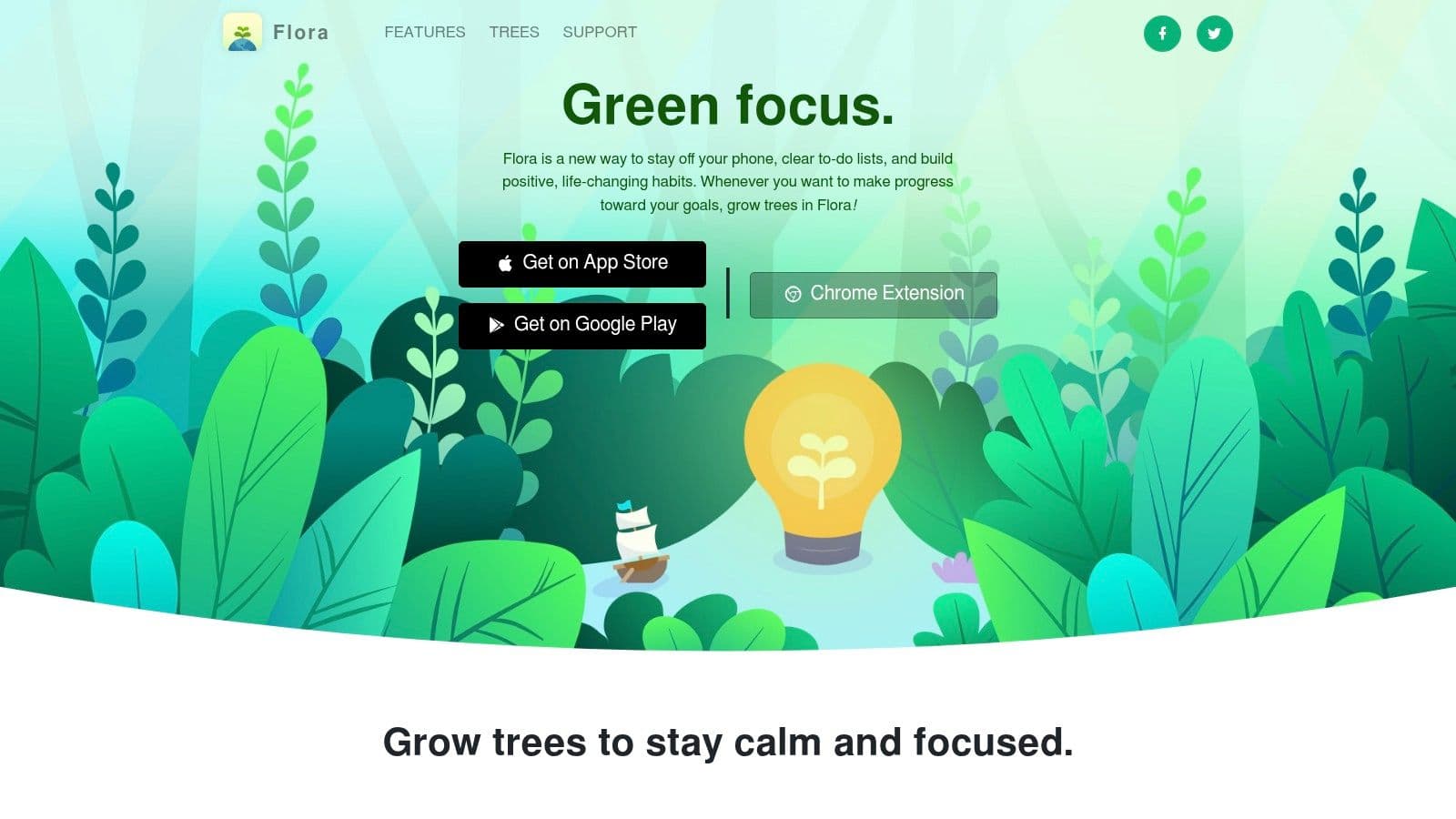
Flora makes focus more tangible by growing virtual trees while you stay on task. If you leave the session and break the rule, the tree dies. That's a simple mechanic, but for a lot of people it creates just enough emotional friction to keep them from touching the phone.
It also adds social accountability through shared rooms, which is where the app becomes more than a cute timer.
Best for social focus sessions
Flora is a good choice if you like body-doubling, co-working energy, or “let's both focus now” accountability. It's especially helpful for study sessions, admin blocks, and any work that feels easier when someone else is doing their thing too.
The main limitation is reliability. Gamified focus apps can occasionally feel fragile after major updates, and friend or group features aren't always perfectly smooth across platforms. If you need airtight blocking, use it as a motivator rather than your only defense.
- Best fit: People who want light pressure, visual rewards, and social co-focus.
- Less ideal for: Users who need strict desktop or system-level enforcement.
- Nice combo: Flora for session motivation, plus a stronger blocker for your main distraction device.
You can try it on Flora.
Top 10 Free ADHD Apps Comparison
A comparison table only helps if it answers the setup question: which app should handle planning, which one should handle blocking, and which ones work better as a pair than on their own. This version does that. I added two columns people usually need after the first download. How limited the free version feels, and what each app pairs well with in a simple ADHD tech stack.
| App | Best role in your stack | Free tier reality | Best paired with | Main trade-off |
|---|---|---|---|---|
| Kohru | All in one focus and blocking tool | No free tier. Full access during a 3-day free trial, then a paid subscription is required | Microsoft To Do or Structured if you want a separate planning layer | iPhone plus Chrome only, with no Android app, so Android users need a different blocker |
| Tiimo | Visual routine planner | Good for basic routines and timers, but several advanced supports sit behind Pro | Stay Focused or LeechBlock NG if planning is not your main problem | Excellent for time blindness, weaker as a distraction defense |
| Numo | Accountability and ADHD community support | Enough to test the social layer, but many coaching style features are paid | Microsoft To Do or Tiimo for actual task capture | Helpful for motivation, less useful as a standalone system |
| Habitica | Motivation through rewards and streaks | The core system is genuinely free and fully usable | Microsoft To Do if you want cleaner task capture underneath the game layer | Great for starting tasks. Too busy for users who already feel overstimulated |
| Microsoft To Do | Simple task capture and daily planning | Very generous free tier | SelfControl, LeechBlock NG, or Stay Focused | Dependable, but it will not stop distractions by itself |
| Structured | Time blocking and daily flow | Free version is enough to test the timeline approach, with some sync and premium extras gated | Flora or Stay Focused for session follow-through | Strong for seeing your day. Less useful if your problem is impulsive app switching |
| Stay Focused | Android distraction blocker | Free version is workable, but stricter controls and extras may push you toward paid | Tiimo or Structured | Strong Android blocking. Not a full planning app, and Apple users will hit platform limits |
| LeechBlock NG | Browser level blocker for desktop work | Free | Microsoft To Do or Habitica | Extremely flexible, but setup takes effort and it only covers the browser |
| SelfControl | Hard lock for Mac deep work | Free | Structured or Microsoft To Do | Very strict once started, but macOS only and zero task support |
| Flora | Social focus timer and light accountability | Free version is enough for co-focus sessions | Kohru, Stay Focused, or SelfControl for stricter blocking | Good at adding pressure to stay on task. Not reliable enough to be your only blocker |
Free ADHD Apps: Frequently Asked Questions
What is the best free ADHD planner app?
It depends on how you plan. Tiimo and Structured work well if you think in timelines and routines. Microsoft To Do works better if you just want a fast, reliable list. All three have usable free versions, and the comparison table above shows what each free tier includes.
Are free ADHD apps actually effective?
The evidence is promising but mixed. A 2025 systematic review of app-based ADHD interventions found some benefits in symptom reduction and engagement, but results varied by app and by what it targeted. Apps tend to help most when they are tied to one specific problem, like blocking a known distraction or starting one defined task.
Which free ADHD apps work for adults, not just students?
Most of the tools on this list work for adults. Microsoft To Do, LeechBlock NG, SelfControl, and Structured are all built around work and daily life rather than school. Numo's ADHD-specific community is also adult-oriented.
What is the best free ADHD app overall?
There is no single answer, because ADHD shows up differently for everyone. Start with your biggest failure point. If distraction comes first, start with a blocker like Stay Focused, LeechBlock NG, or SelfControl. If planning comes first, start with Tiimo, Structured, or Microsoft To Do.
From Information to Action Your Next Step to Consistent Focus
The most useful way to approach free ADHD apps is to stop looking for a perfect one. Different apps solve different failures in the chain. One helps you see time. Another helps you start. Another stops the scroll spiral. Another gives you enough accountability to finish what you already planned.
That's why categories matter more than hype. If your biggest issue is distraction, start with a blocker like Kohru, Stay Focused, LeechBlock NG, or SelfControl. If your issue is planning, go with Tiimo, Structured, or Microsoft To Do. If you know you won't stick with a solo system, try Numo, Habitica, or Flora for accountability and reinforcement.
There's also a practical market reason you'll keep seeing free-plus-paid models in this space. One market model projects the ADHD time-management app sector at $1.8 billion in 2025 and $5.6 billion by 2034, with freemium accounting for 52.6% of revenue and Android at 38.4% platform share in 2025. That doesn't tell you which app is best. It does explain why many of the strongest free ADHD apps give you a meaningful entry point, then reserve advanced layers for paid plans.
My advice is simple. Build a stack around one pain point at a time.
Start with one of these combinations:
- For constant phone and laptop distraction: Kohru.
- For time blindness and a messy daily flow: Structured or Tiimo.
- For low-friction task capture: Microsoft To Do plus LeechBlock NG.
- For motivation through rewards: Habitica or Flora.
- For support and accountability: Numo plus a simple planner.
Then use it for one week only. Not forever. One week is long enough to notice whether the app helps you start faster, stay on task longer, or recover better after interruptions. If it doesn't, switch categories, not just brands.
The most common mistake is stacking too many tools at once. Don't install five planners. Don't combine three blockers and then spend an hour configuring them. Pick one anchor app and, if needed, add one companion tool. That's usually enough.
The right app won't cure ADHD. It can reduce friction, protect attention, and make follow-through more repeatable. For a lot of people, that's the difference between another chaotic day and a day that feels manageable.
If you want one app that combines focus blocking, task flow, and habit support instead of scattering those across multiple tools, Kohru is the strongest place to start. It's especially good for students and professionals who lose time switching between phone and laptop and need a calmer, more practical system for getting into deep work fast.
