Summary of the Article
An app that locks your phone for studying only works if you can't talk yourself out of it. The real difference between tools is how you get back in: the timer ends, a schedule ends, you earn the unlock, or a physical key is involved. Here's the short version.
- Kohru: study-first focus sessions with app and website blocking across your phone, laptop, and Chrome; the best all-around pick for students.
- Forest: gentle timer-based focus with a growing tree; best if you mostly need help starting, not a hard wall.
- Opal: strict scheduled blocking with a paid Hard Mode you can't turn off mid-session; best for chronic overriders.
- StudyLock: blocks your apps until you pass a quiz on your own study material; best when distraction and weak studying feed each other.
- Freedom: syncs blocklists across your phone, computer, and browser; best when your laptop is the bigger problem.
- iPhone Guided Access and Android Focus mode: free built-ins that work, but they are easy for you to switch off.
If you know you'll override a soft block, skip Forest and go straight to a stricter option. If you just procrastinate on starting, the gentle ones are enough and less frustrating.
What makes a phone lock app 'study-first'?
Plenty of blockers are built for general screen time. A study-first lock app is built around the actual study session: you start a session for a task, your distracting apps and sites go dark while it runs, and getting back in early is either impossible or costly. Three things separate the good ones:
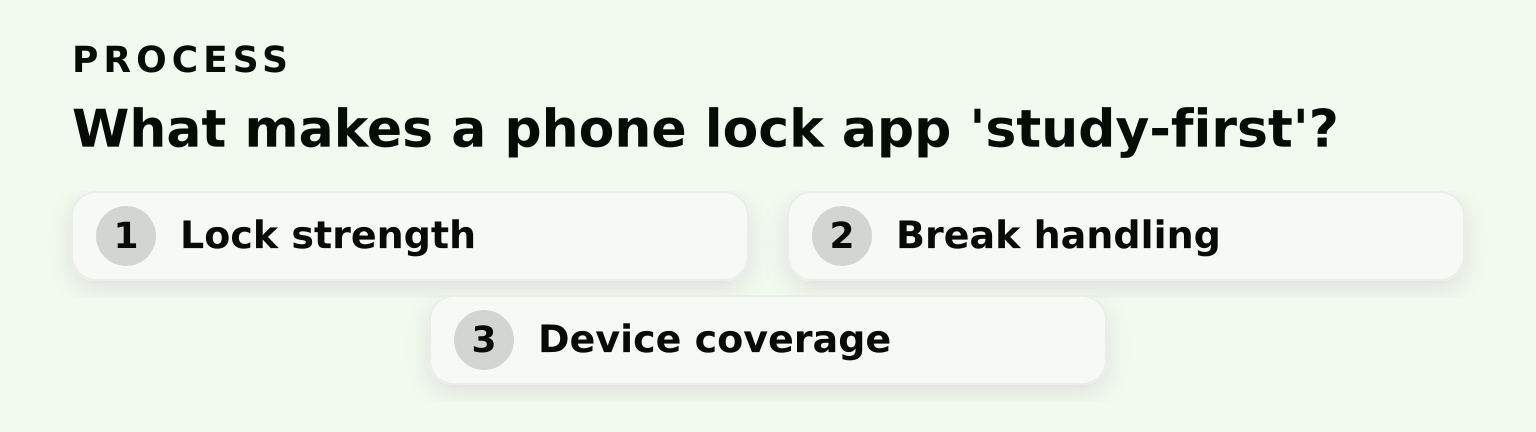
- Lock strength. Can you quit mid-session with two taps, or does the app make overriding it genuinely painful?
- Break handling. What happens when the timer ends, and what happens when you try to bail at minute 10 of a 90-minute session?
- Device coverage. Your phone isn't your only escape hatch. If you can just open Instagram on your laptop, the phone lock didn't really lock anything.
This article compares the main options on exactly those three points, plus price and setup speed. Note upfront: these findings come from vendor pages, app store listings, and public documentation, not hands-on testing. Prices change, so check each vendor's page before you buy.
How to think about locks: four ways to get back in
Every locking app fits one of four escape models:
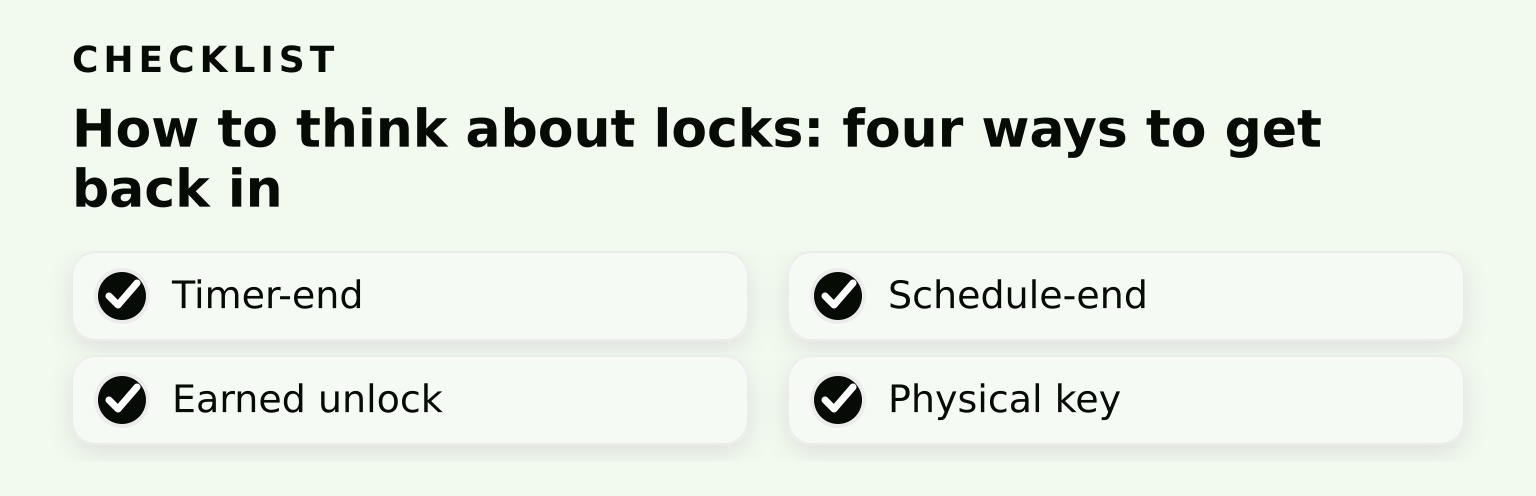
- Timer-end. The lock lifts when your session timer runs out. Gentle, flexible, and easy to cheat if the app lets you end the timer early.
- Schedule-end. The lock is tied to a schedule you set in advance, like 7 to 9 p.m. every weekday. Stronger than a timer because you committed ahead of time, but a bad schedule is annoying to live with.
- Earned unlock. You only get your apps back by doing something: passing a quiz, completing a task. The distraction and the studying are locked together.
- Physical key. A separate device or object, like a lockbox, holds the key to unlocking. The strongest option, because software can't talk you out of hardware. Apps like Brick and Foqos work this way, but they're a bigger commitment than most students need for a semester of study sessions.
Knowing your own failure mode tells you which model you need, and the selection guide near the end maps that out.
1. Kohru: study sessions with blocking built in
Kohru is a study and productivity app designed around focus sessions rather than generic screen-time limits. You turn tasks from your Work and Personal lists into focus sessions, and the app blocks distracting apps and websites while one runs. It covers your phone, your laptop, and your Chrome browser through an extension, so the laptop loophole is closed. It also tracks habits, focus time, completed tasks, and progress, which helps if you want to see the streak you're building, not just survive one session.
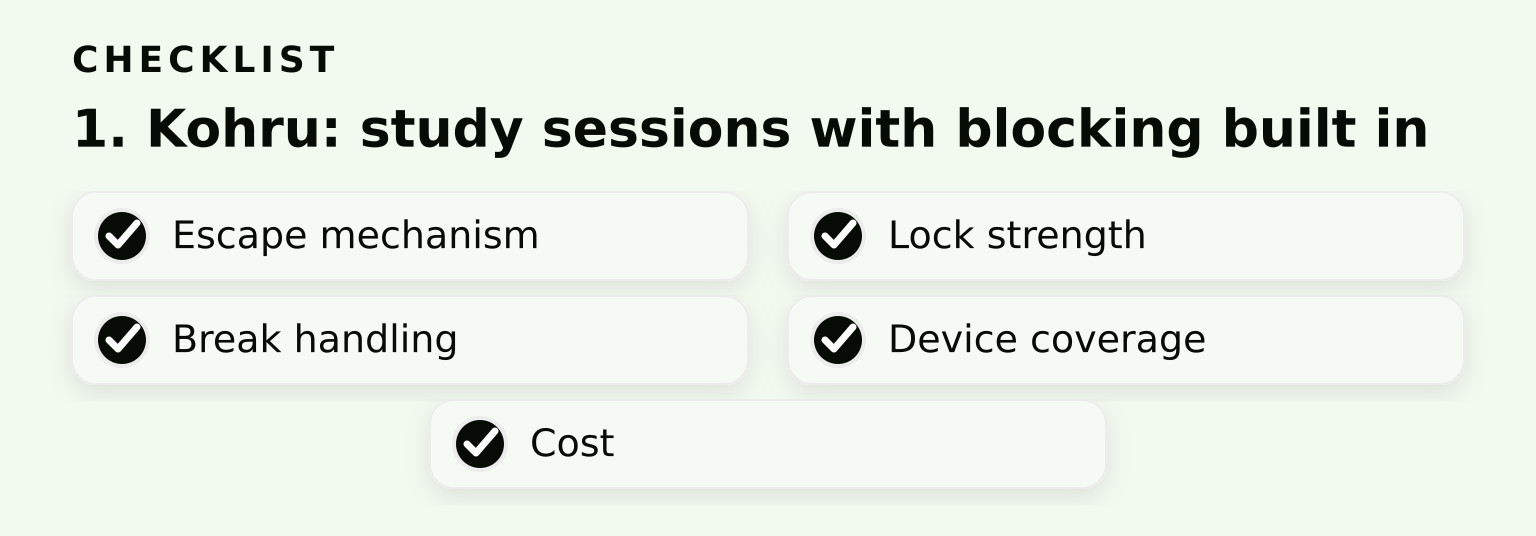
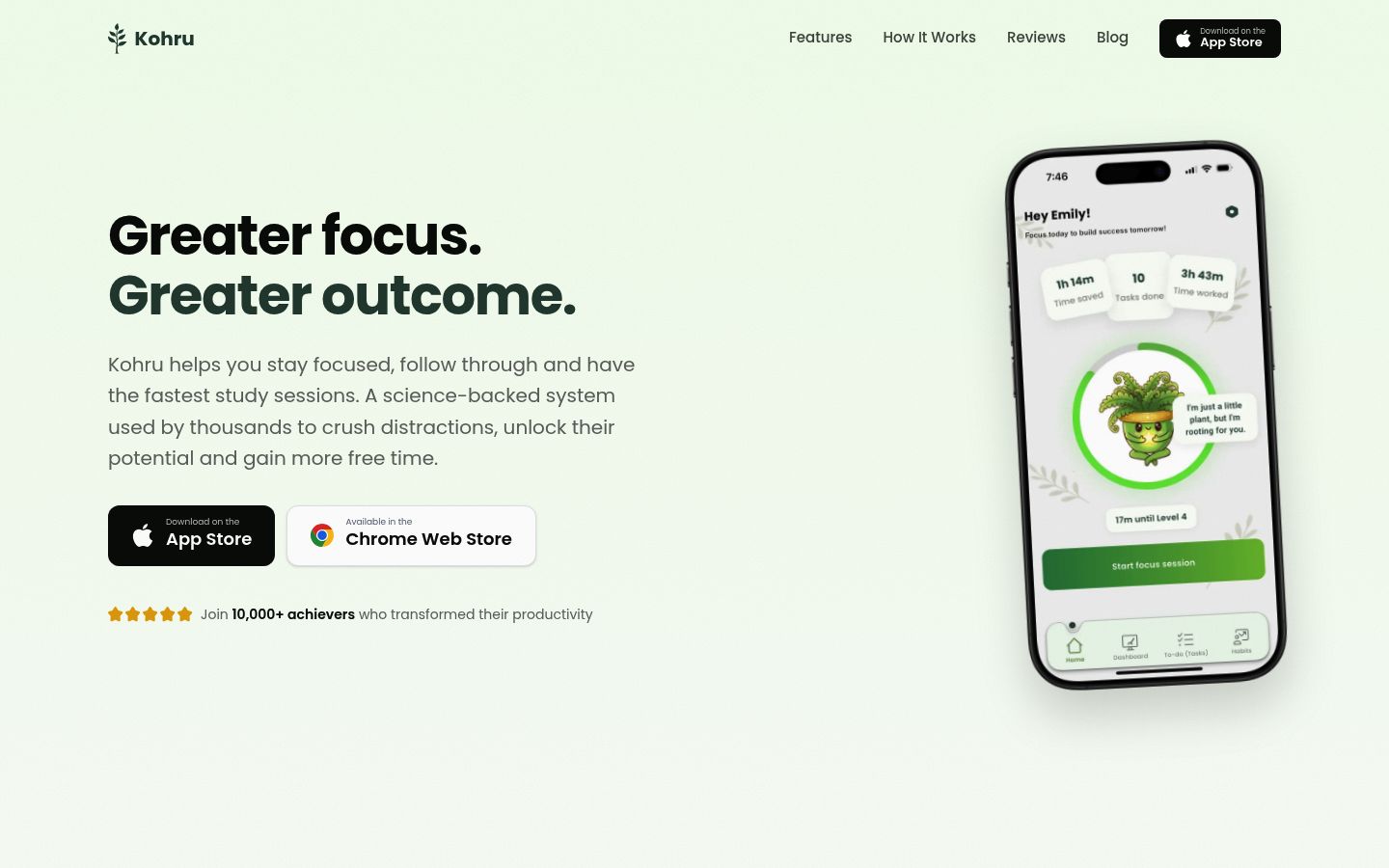
- Escape mechanism: session-end. You end the focus session, and the blocking lifts.
- Lock strength: moderate to strong for a software tool. The cross-device blocking makes casual cheating harder, because you can't hop to another screen.
- Break handling: sessions are task-based, so the natural break point is when the task you planned is done.
- Device coverage: phone, laptop, and Chrome.
- Cost: check the Kohru site for current download options.
Fits: students who want the whole loop in one place: plan the task, lock the distractions, run the session, and track progress. Tradeoff: it's a fuller system than a bare blocker, so setup takes a few minutes more than a simple timer app.
2. Forest: the gentle session timer
Forest turns focus into a game. You start a timer, a virtual tree grows, and leaving the app kills the tree. Its Deep Focus mode blocks apps during sessions, and Time Guard blocks apps on a schedule. The Forest site describes the core experience as free, with occasional ads that never run during active focus sessions, and a free trial of Forest Plus is available in-app. Plus adds a custom app allowlist, mid-session pauses of up to 5 minutes without losing the tree, and an ad-free experience. Plus pricing varies by region and platform, so check the App Store or Google Play for your local price.
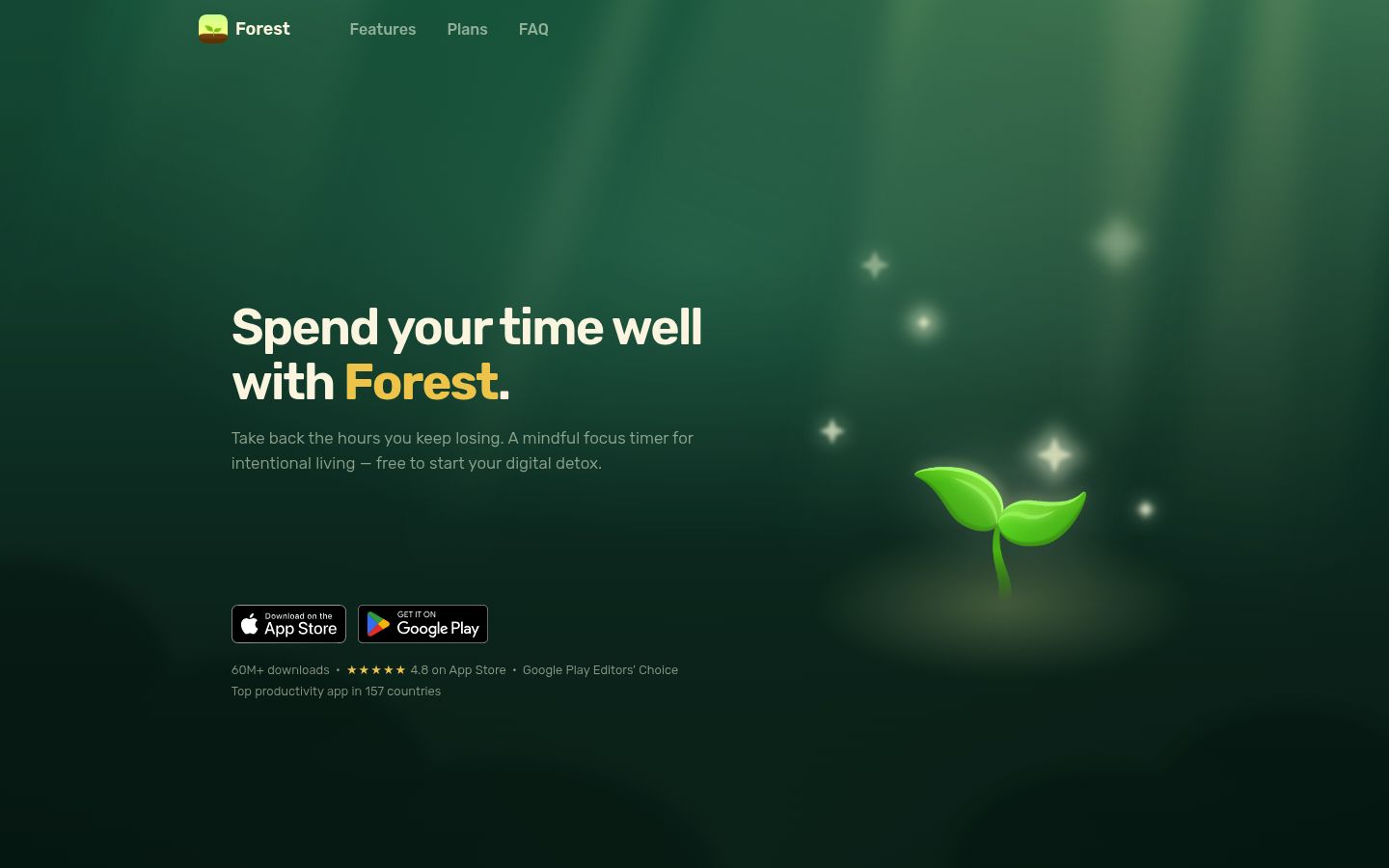
- Escape mechanism: timer-end, plus scheduled blocks through Time Guard.
- Lock strength: weak to moderate. Killing a tree stings, but nothing technically stops you from abandoning the session.
- Break handling: friendly. When the timer ends, the tree is planted and you're free. On Plus you can pause mid-session for up to 5 minutes without losing the tree.
- Device coverage: phone and tablet, with browser extensions also available.
Fits: people who procrastinate on starting but don't usually binge once they've begun. Tradeoff: if you're the type who taps 'give up' and rationalizes it later, the tree dies and life goes on.
3. Opal: the strict scheduled lock
Opal is a screen-time control app built around rules and schedules. The free version covers basic rules and timers, and Opal's pricing page lists Pro at $99.99 per year, $19.99 month to month, or $399 as a one-time lifetime purchase. What makes Opal notable here is Hard Mode, a Pro feature the Opal help center describes as blocking with 'no unblocks allowed' and disabled resets, so you can't cancel or pause your rules mid-session.
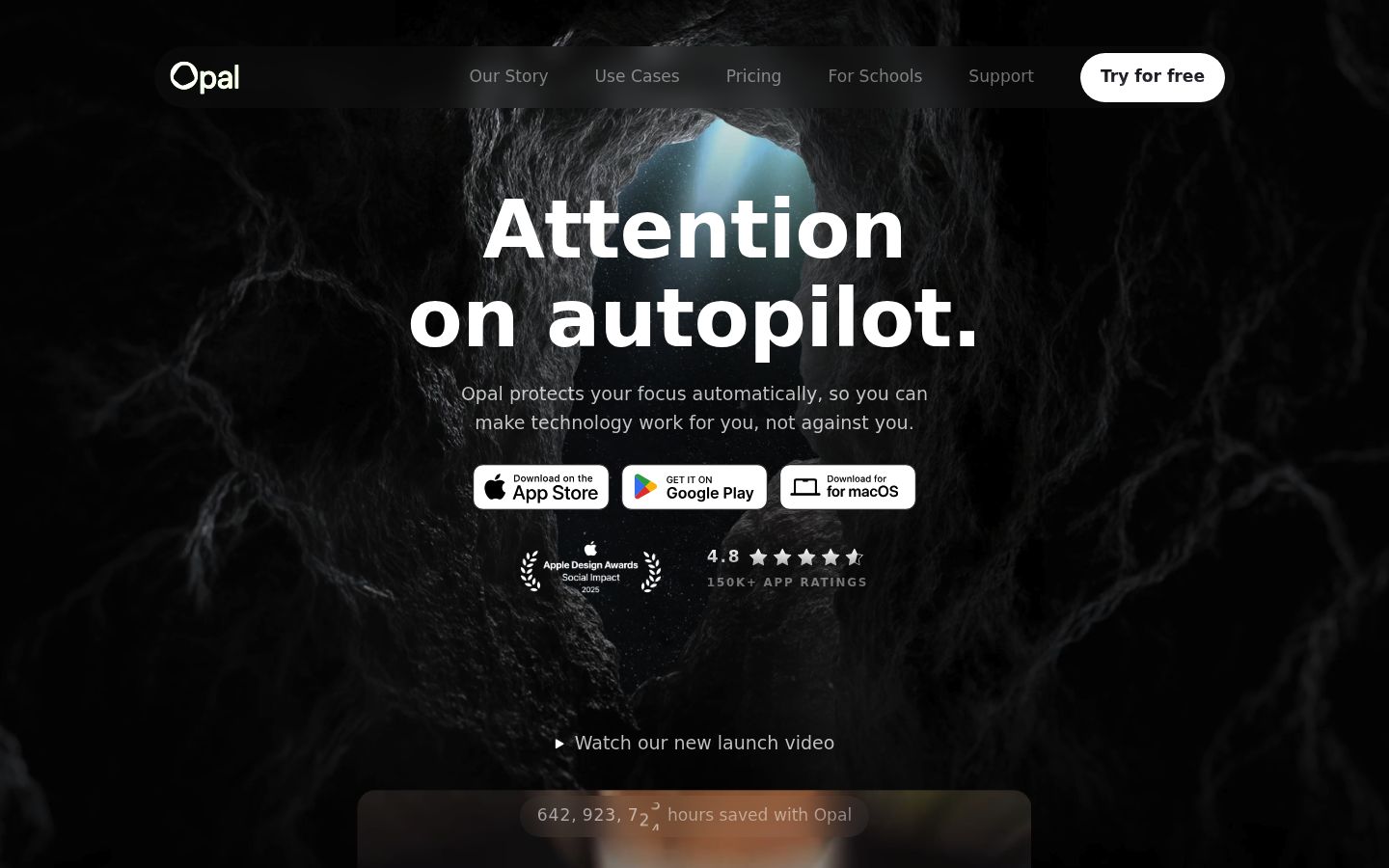
- Escape mechanism: schedule-end, with an option to make overrides impossible.
- Lock strength: the strongest software lock on this list. With Hard Mode on, there is no in-app way out until the schedule says so.
- Break handling: breaks happen when you scheduled them. That's the point.
- Device coverage: iOS and Android apps; the focus is phone blocking.
Fits: students who have already proven they'll override softer tools. Tradeoff: it's the most expensive recurring option here, and a badly planned Hard Mode schedule is genuinely miserable until it expires.