You sit down to study, open your laptop for lecture slides, pick up your phone to check one class message, and end up bouncing between tabs, notifications, music, flashcards, and three unrelated sites. That's the problem most students are trying to solve. Not “how do I run a timer,” but “what keeps breaking my study session?”
The best focus apps for studying do different jobs. Some help you start when you're procrastinating. Some block the apps and sites you always drift toward. Some turn vague revision plans into concrete sessions. Others add accountability, or create an audio environment that makes deep reading less effortful. If you pick the wrong category, even a good app feels useless.
That's also why simple phone blocking often isn't enough. Students rarely get distracted on one device only. Recent education-focused analysis points to multitasking, social media, and cognitive overload as key drivers of digital distraction in study settings, which is why stronger cross-device controls and task structure matter more than a timer alone in many workflows in this university-linked paper on digital distractions in education.
I'd judge any study-focus tool on six things: platform coverage, blocking strength, accountability, planning support, setup friction, and cost transparency. Read the list through that lens and the trade-offs become obvious fast.
Kohru is worth special attention if you want one workflow that covers sessions, task planning, cross-device blocking, and habit support together. It won't be the right pick for every student, but it fits the way a lot of people study now. Phone in hand, laptop open, task list messy, attention split. If writing is one of the things you keep interrupting, this guide to distraction-free writing with RewriteBar is a useful companion read.
Table of Contents
- 1. Kohru
- 2. Forest
- 3. Freedom
- 4. Opal
- 5. Cold Turkey Blocker
- 6. Flipd
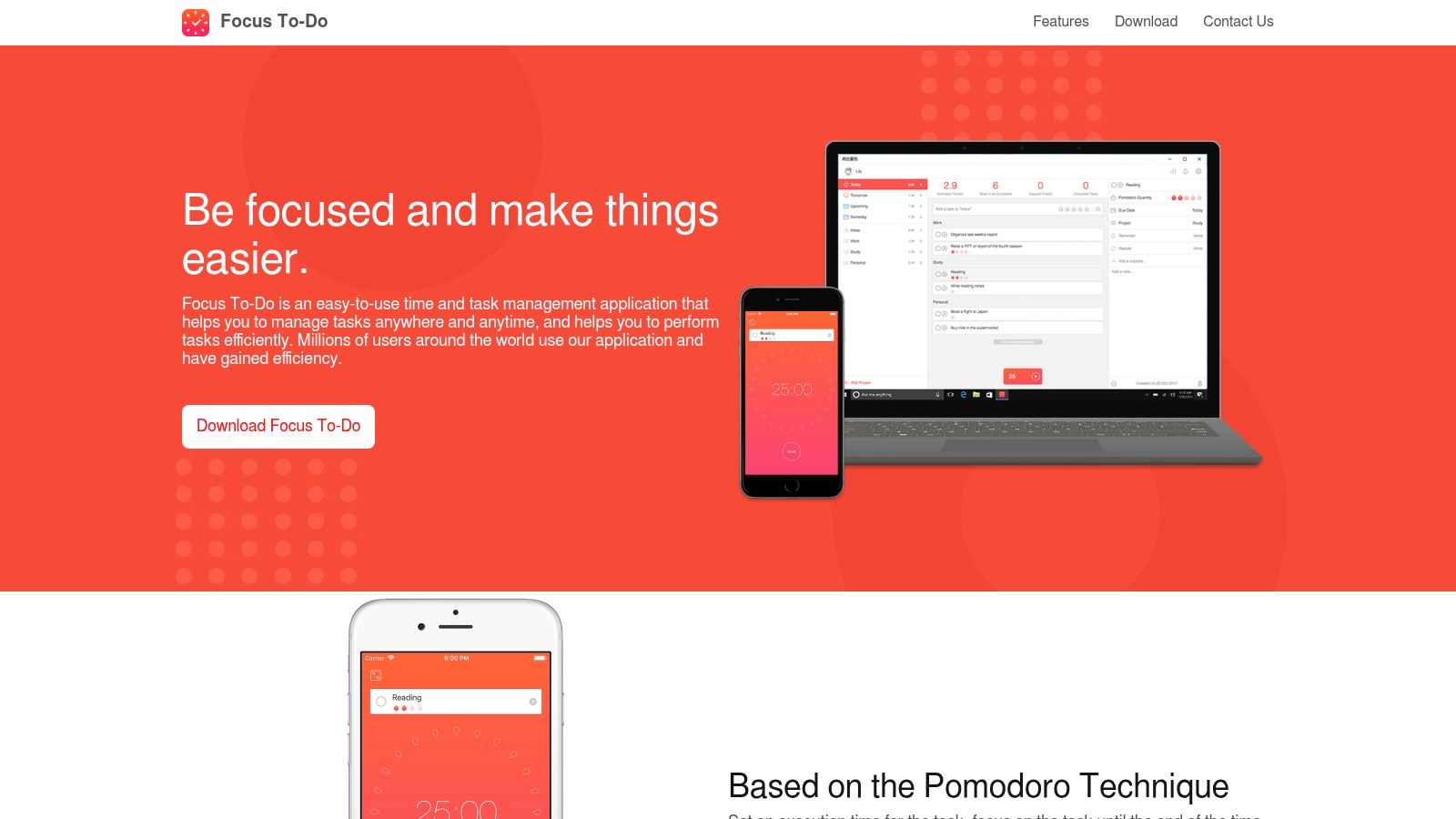
- 7. Focus To-Do
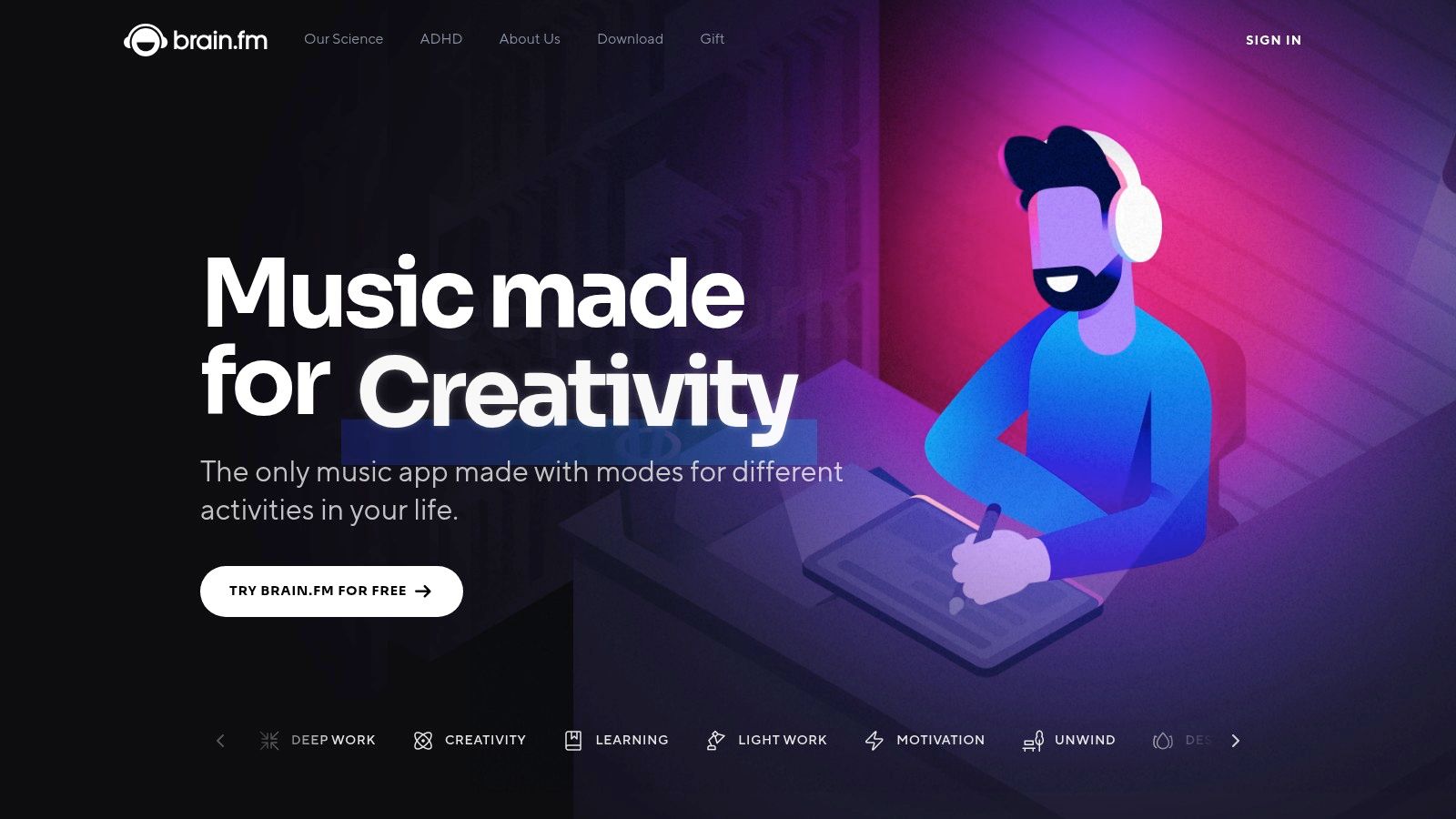
- 8. Brain.fm
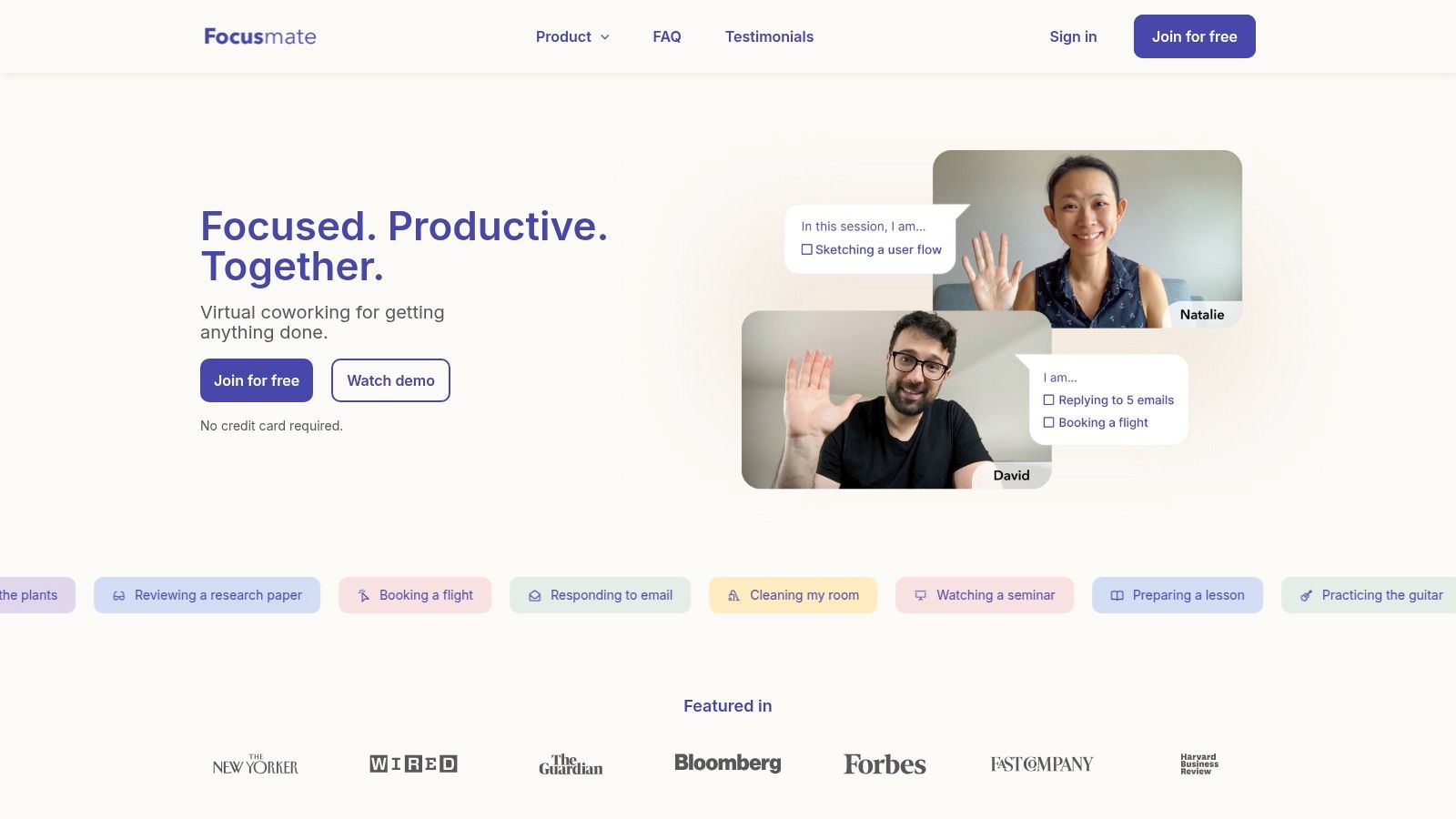
- 9. Focusmate
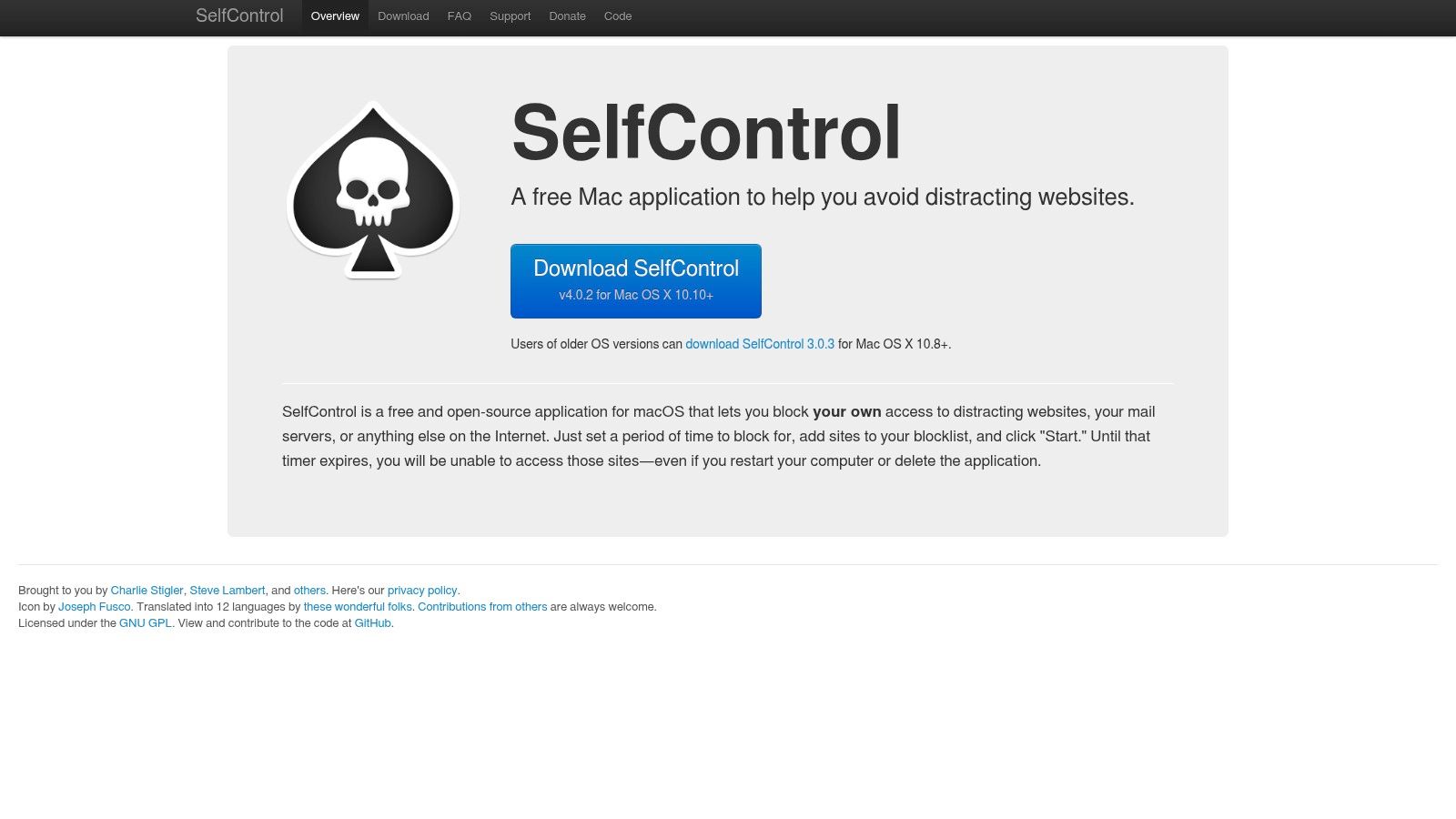
- 10. SelfControl (macOS)
- Top 10 Study Focus Apps, Feature Comparison
- Build a Focus Stack You Can Repeat
1. Kohru
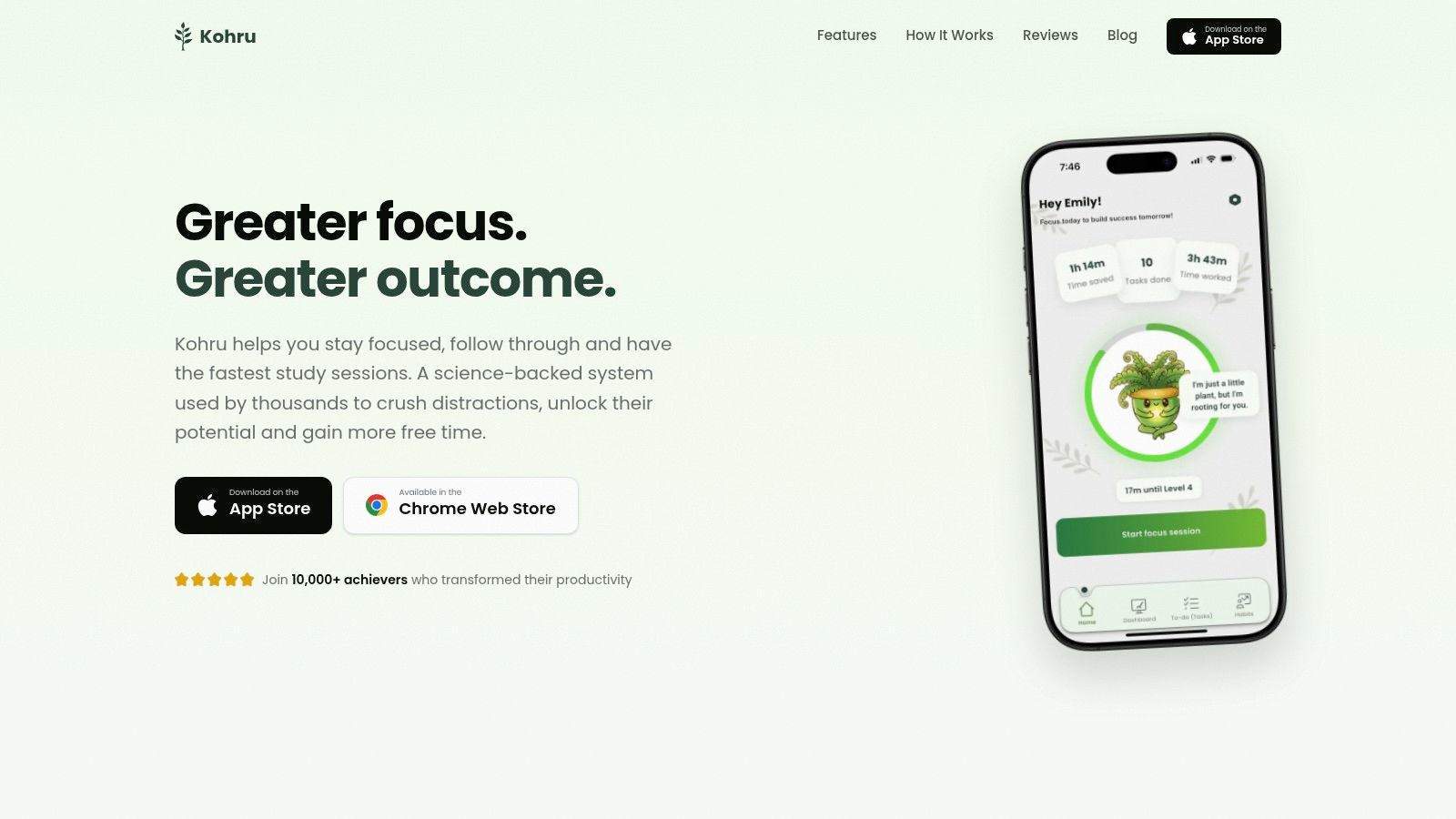
You sit down to study with a vague plan, open your laptop, check your phone once, and lose 20 minutes before work starts. Kohru is built for that failure point. Its job in a study system is broader than blocking. It handles planning, task initiation, session structure, and some accountability in one place.
That makes it a different type of tool from apps that only start a timer or only lock social apps. The earlier research on student screen time and attention supports the basic problem. Students often struggle with more than notifications alone. Kohru's pitch is simple. Pick the task, start the session, and reduce the number of chances to drift before work begins.
Where Kohru fits best
Kohru makes the most sense for students who keep breaking focus at the handoff between deciding and starting. In practice, that usually means the assignment is already known, but the work is not shaped into a session yet. Kohru closes that gap better than a pure blocker.
Its workflow covers several jobs that students often split across separate apps:
- Planning: Smart To-Do Lists separate Work and Personal tasks, which helps if school tasks keep getting buried under life admin.
- Task initiation: A task can turn directly into a focus session, so there is less setup between “I should do this” and “I'm doing it now.”
- Blocking: Focus Sessions aim to cover phone, laptop, and Chrome use, which is more realistic for students who bounce between devices.
- Accountability and habit support: Weekly targets and streak tracking push consistency without making one bad day feel like the whole system collapsed.
- Progress review: The dashboard shows focus time, completed tasks, and streak history in one view.
That combination is the main reason to consider it.
In a real workflow, Kohru works well for students who study in blocks tied to specific outputs: finish two calculus problems, annotate one reading, draft 300 words, review one lecture set. It is less compelling if you already have a task manager you like, a separate blocker you trust, and no interest in consolidating tools.
What it feels like to use
Kohru appears designed to guide behavior without making the app itself feel punishing. You get custom session lengths, difficulty settings, breaks, allowlists, auto-sync, and a one-click override. That last part matters. Strict tools can be effective, but they also fail fast when students resent them and start looking for workarounds.
I'd place Kohru in the middle on enforcement. Strong enough for routine studying. Less suited to students who need near-total lockout because they will override any soft edge the moment discomfort hits.
The trade-offs
The limits are real. Platform coverage is still narrower than the strongest blockers in this list. It is available on iOS, Android is pending, and desktop support depends on a Chrome extension rather than a full desktop app. If you study on a Mac or Windows laptop outside Chrome, that setup may feel partial.
Pricing transparency is also weaker than it should be. If cost matters, and for students it usually does, comparing Kohru against simpler single-purpose apps takes extra effort.
Still, Kohru earns its place because it combines multiple study jobs in one workflow instead of asking you to stitch them together yourself. If your weak point is getting from messy task list to actual focused work, that integration is useful. You can check the product at Kohru.
2. Forest
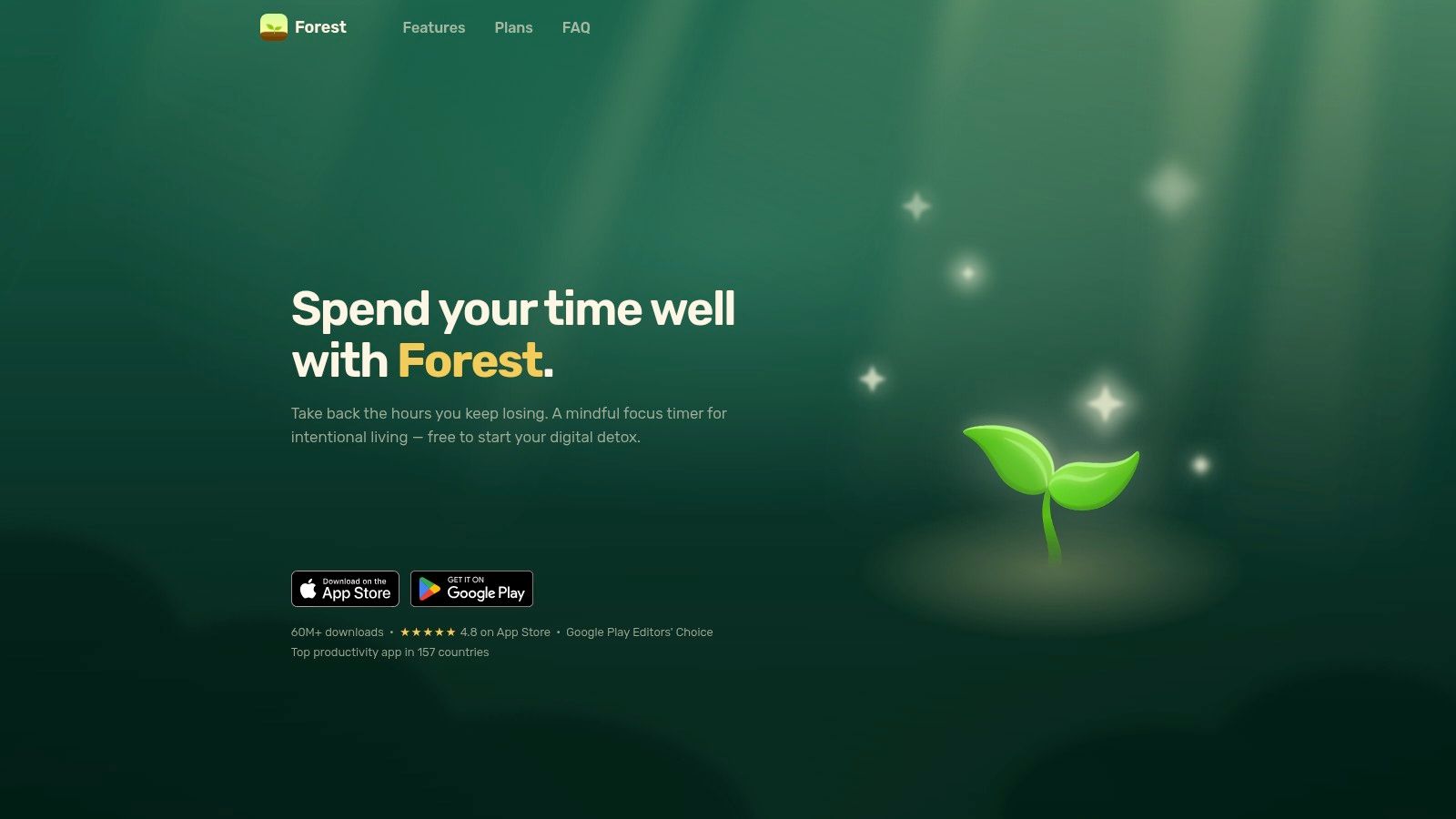
Forest is for students who respond better to gentle motivation than hard enforcement. If a harsh lockout makes you rebel against your own system, the tree-growing mechanic can work surprisingly well. You start a session, leave the phone alone, and watch the result accumulate visually.
That's why Forest tends to work best when the main problem is restlessness, not outright compulsive app switching across every device. It gives you a reason to stay in the session, but it doesn't try to become your entire study operating system.
Best use case
Forest is strongest in short and medium study blocks:
- Pomodoro-style revision: Good for reading sets, problem drills, and flashcard rounds.
- Shared motivation: Co-planting sessions help if you study with classmates remotely.
- Visible consistency: Weekly, monthly, and yearly history make it easy to see whether you're showing up.
It also has optional app allowlist and blocking features on iOS through Apple's Screen Time framework, but that still isn't the same as a heavy-duty system-wide blocker across all contexts.
Forest works when you already want to study and need a light fence around your attention. It works less well when you're in full avoidance mode and looking for ways around your own plan.
The gamification is the selling point and the limit. Some students love the sense of progress and community. Others stop caring once the novelty fades. If that sounds like you, pair Forest with a stricter blocker on your laptop, or use it only for routine daily sessions where friction needs to stay low.
For students who want motivation first and discipline second, Forest is still one of the easiest focus apps for studying to recommend.
3. Freedom
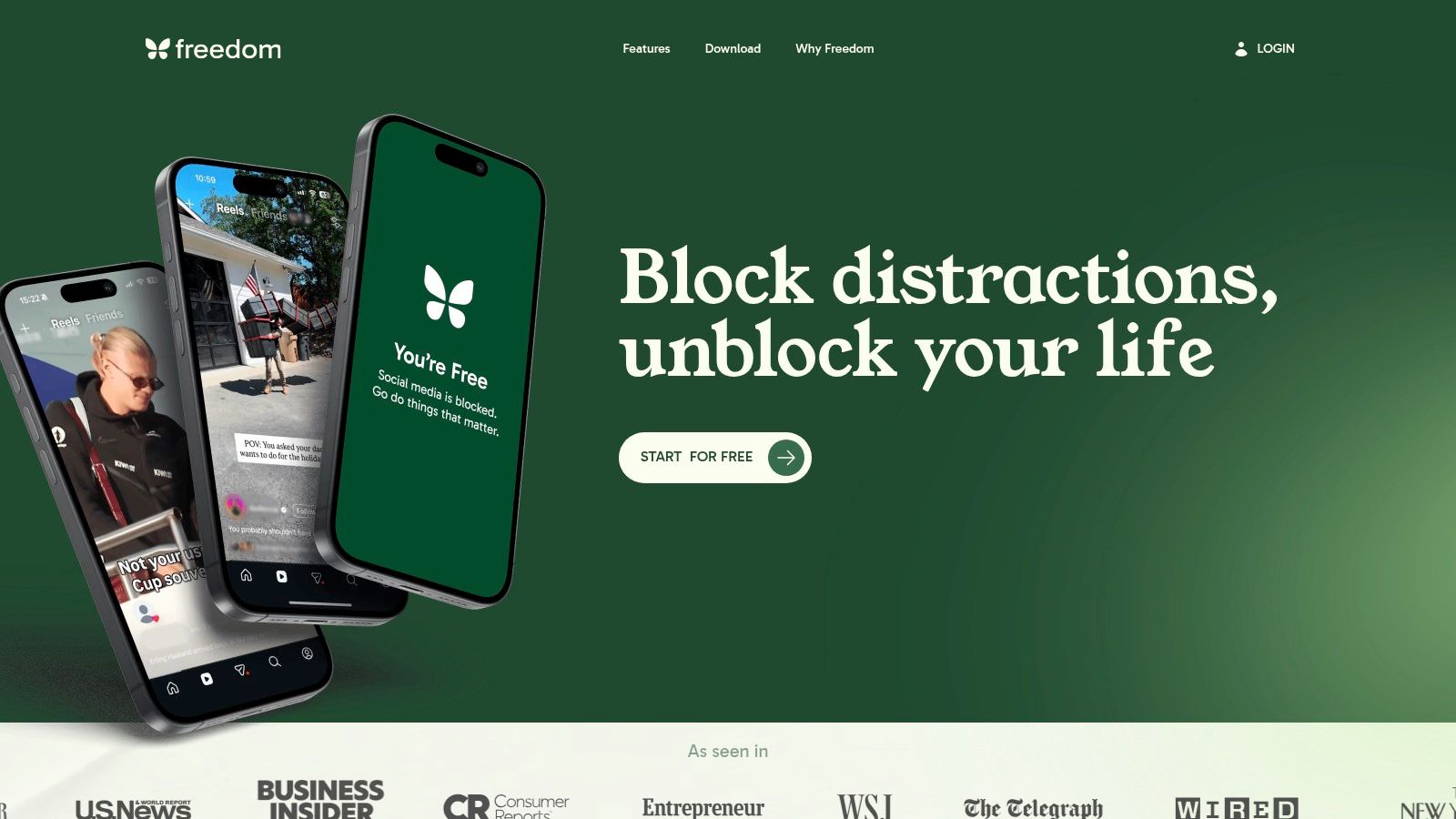
A familiar study failure looks like this: the laptop is blocked, the reading is open, and the phone becomes the backup distraction within minutes. Freedom is built for that exact weak point. Its main job in a study system is cross-device blocking, and it handles that job better than single-platform tools.
That matters more than many students expect. Studying rarely happens on one screen anymore. Notes might be on a laptop, lecture slides on a tablet, group messages on a phone, and the temptation to drift is spread across all of them. Freedom lets you run one session across that whole setup instead of trying to police each device separately.
The app makes the most sense for students who already know their study windows and want enforcement to start on schedule. Set a recurring block for your evening review hour or your Saturday exam prep block, and Freedom removes a lot of the daily negotiation that causes sessions to slip.
A practical setup often looks like this:
- Start with a short blocklist of obvious time sinks, not an exhaustive purge.
- Turn on scheduled sessions for the study periods you keep.
- Use Locked Mode if you have a habit of canceling the block as soon as the work gets difficult.
- Add the built-in audio only if you want background sound inside the same tool.
Freedom does one job well, but it does not cover the full study loop. It will block Instagram, YouTube, or specific apps across devices. It will not decide whether you should review biology notes, write the first paragraph of an essay, or finish a problem set. Students who struggle more with starting than with wandering usually need something else for task initiation or planning. That is where a paired setup makes more sense. Freedom for blocking, then a planner or a tool like Kohru for deciding what to do and getting into the session.
There are trade-offs. Setup takes longer than a timer app, especially if you study across several devices and want the blocklists to be clean. Platform differences also matter. Cross-device support is the reason to choose Freedom, but the exact controls and exceptions are not identical on every operating system.
Freedom is a strong pick if distraction leaks from one device to another and keeps breaking your study blocks. Choose it for enforcement across screens, not for motivation, planning, or accountability.
4. Opal
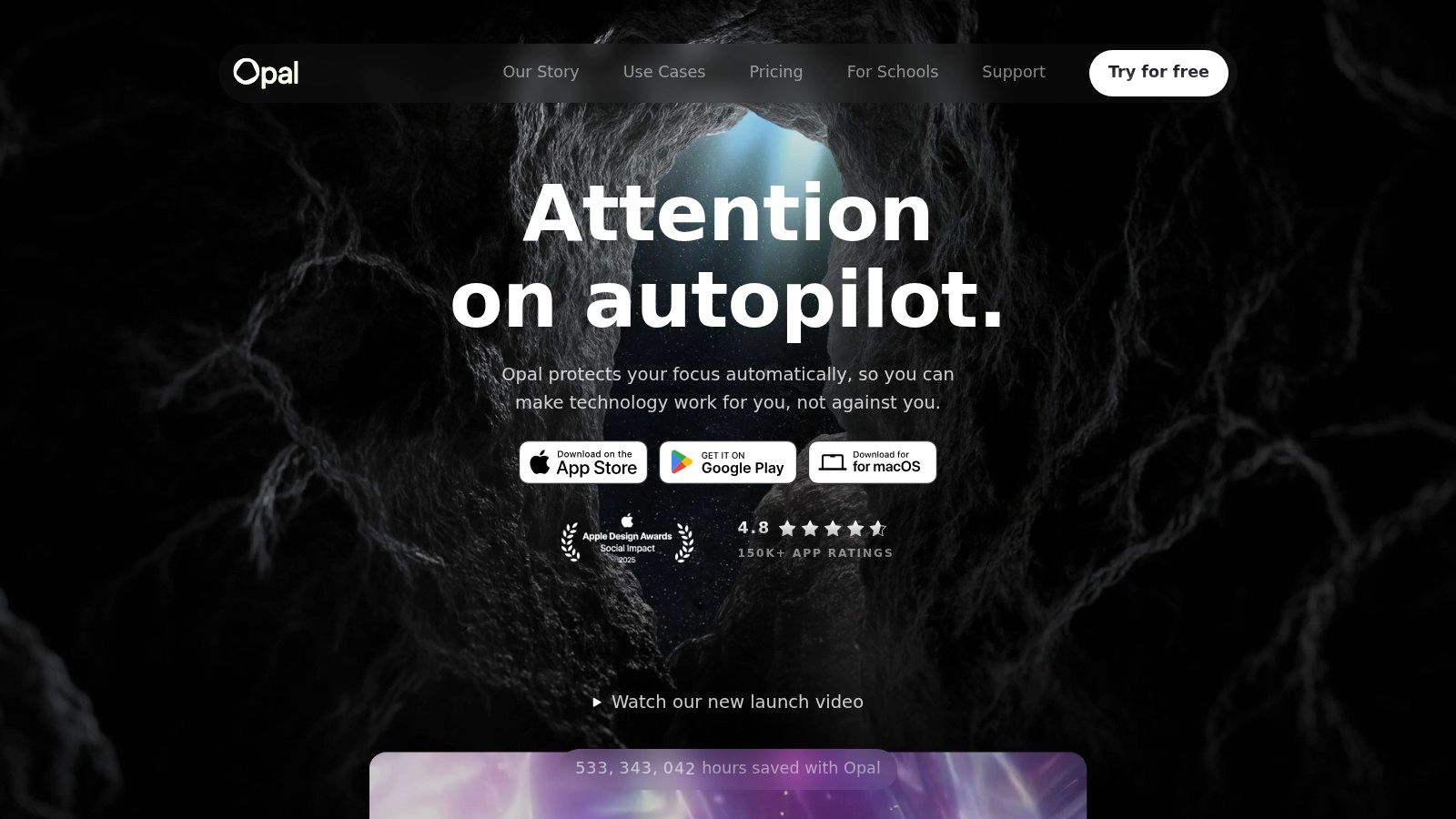
Opal is for students who know they will test the edges of any soft system. If a nudge-based app makes you laugh and tap straight through it, Opal is closer to what you need.
On iPhone, it's one of the stricter mainstream options. Hard Mode and rule-based controls make it better suited to exam periods, deadline weeks, or any stretch where your phone becomes a reliable escape hatch.
Why some students do better with Opal
Opal works best when you want preset rules instead of session-by-session decisions.
- Hard Mode: Reduces the ease of bailing out mid-session.
- Rules and schedules: Useful if your weekday class rhythm differs from your weekend study rhythm.
- Allow-only setups: Strong for students who want a short list of approved apps during revision.
- History and focus scoring: Helpful if visible feedback keeps you honest.
There's a real trade-off here. Strictness helps some people focus. It also makes the app feel oppressive if you only need a light boundary.
Some students perform better when the blocker is stricter than their mood. Others stop using the tool entirely once it feels punitive. The right level of enforcement is personal, not universal.
That's especially relevant for users who don't respond well to shame-heavy systems. If rigid lockouts make you spiral after one bad day, a more flexible app may be a better long-term fit.
For students who want hard limits on mobile distraction and don't mind paying for stronger controls, Opal is one of the better choices.
5. Cold Turkey Blocker
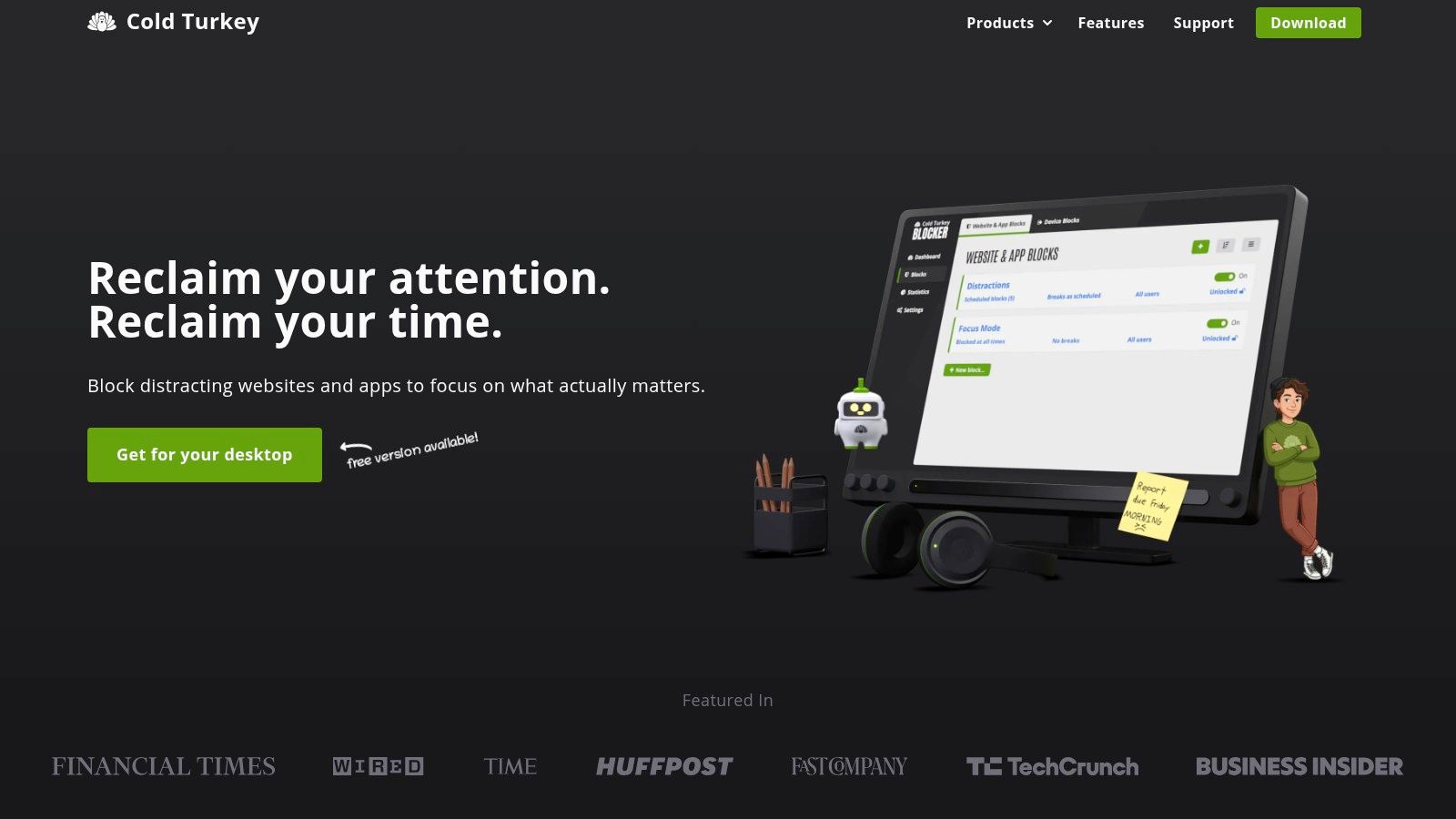
You sit down to write an essay on your laptop, open one article for research, then drift into YouTube, Reddit, Discord, and three tabs you did not mean to open. If that is the failure point in your study system, Cold Turkey Blocker deserves serious attention.
Cold Turkey does one job better than almost anything in this list: desktop blocking with real resistance. It is built for students who break weaker blockers the moment stress rises. If your pattern is "I only need one video break" and 45 minutes disappear, this is the kind of tool that changes the odds.
What stands out in practice is how well it handles computer-based study. You can block websites, desktop apps, and category-level distractions during scheduled work blocks, which matters for students whose procrastination does not stay inside the browser. Game launchers, messaging apps, and news rabbit holes are often the problem. Cold Turkey is one of the few tools here that treats that.
It also asks more of you up front. The first setup is not hard, but it is more deliberate than lighter focus apps. You need to decide what gets blocked, when blocks start, whether breaks are allowed, and how strict you want lockouts to be. Students who like to tune a system will appreciate that. Students who want a one-minute install and instant calm may not.
Cold Turkey makes the most sense in the blocking layer of a study stack:
- Use it if your main study work happens on a Windows or Mac laptop.
- Use it if you bypass softer blockers mid-session.
- Pair it with a phone blocker if your distraction shifts to mobile.
- Skip it if your bigger issue is planning, accountability, or getting started. In those cases, Kohru, Focusmate, or a Pomodoro app may solve the actual bottleneck better.
That last point matters. Cold Turkey is excellent at enforcement, but enforcement is only one job in a study system. It will not plan your revision week, help you choose the next task, or create social accountability. For some students, that is perfect. They already know what to do and just need the laptop locked down. For others, it works better as the wall around a workflow built elsewhere.
The biggest limitation is obvious: no iPhone or Android coverage. If your laptop is under control but your hand reaches for Instagram every ten minutes, Cold Turkey has done its job and your system is still incomplete.
For students whose academic work lives on a computer and whose distractions live there too, Cold Turkey Blocker is one of the strongest blocking tools in the category.
6. Flipd
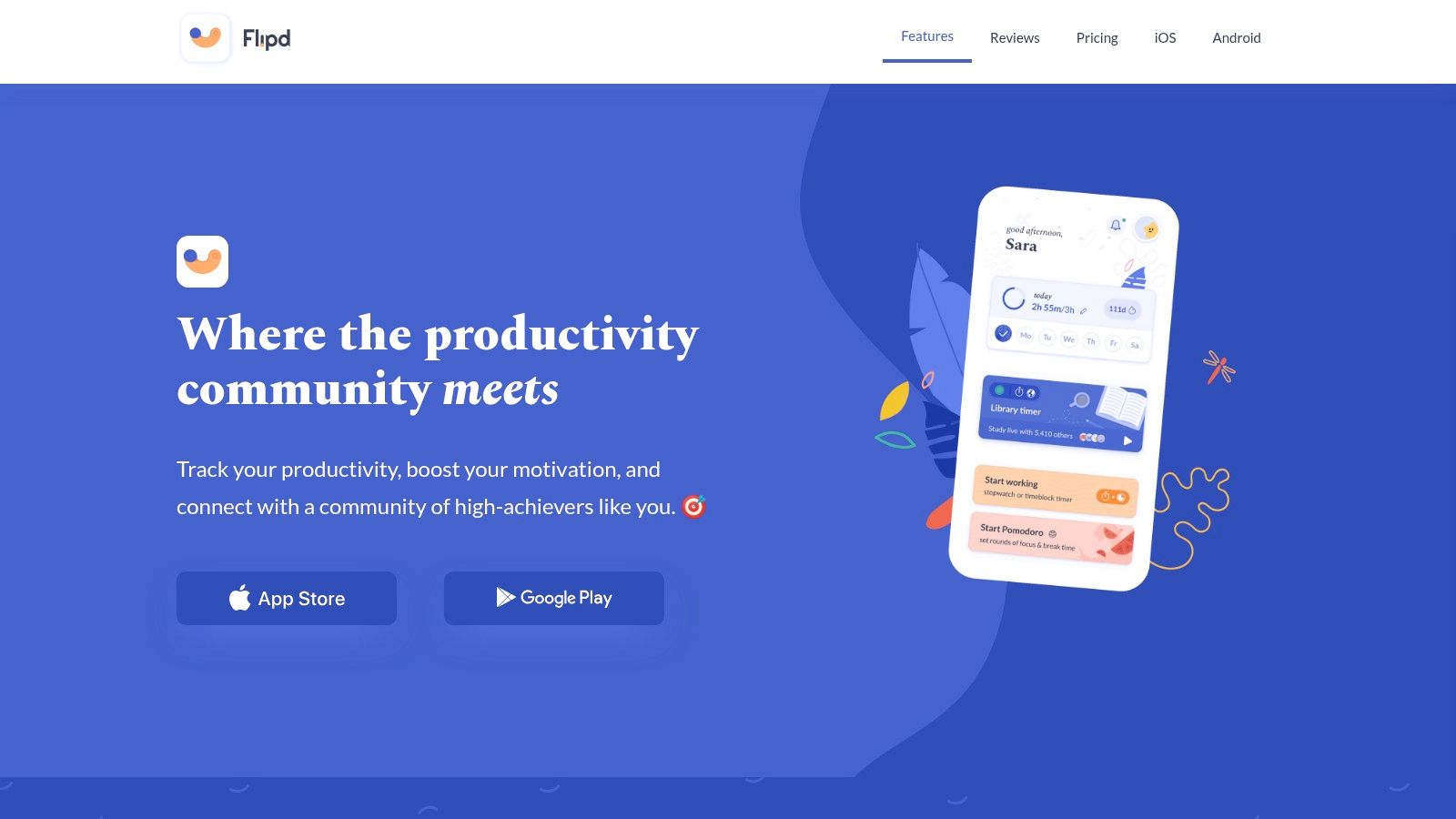
You sit down for a two-hour revision block, start a timer, and then spend half that time drifting between messages, tabs, and low-effort admin. Flipd is built for the student who needs a session container, visible effort, and some social pressure, not a hard lock on every distraction source.
That makes it a specific kind of tool in a study system. Flipd handles accountability and tracking well. It does much less for strict enforcement, and it does almost nothing for planning your week or deciding the next task. If your bottleneck is "I never start" or "I keep studying alone and quitting early," that job fit matters more than the app store category.
The app is most useful once you already know what the session is for. Open it, tag the block as reading, problem sets, or drafting, run the session, and let the history log show what happened across the week. Students who overestimate their focused hours usually benefit from that feedback. Students who need their phone physically or technically locked down usually need another layer.
What Flipd does well in practice:
- Session logging with categories, so study time is not just one undifferentiated total
- History and calendar views that expose inconsistency fast
- Group challenges, events, and leaderboard-style pressure for students who work better when other people are also showing up
- Streaks and milestones that reward repetition, which helps during long exam seasons
The trade-off is simple. Flipd can motivate you to begin and keep count. It is less reliable as the wall that stops you from bailing out of the session. If Instagram, YouTube, or group chats are the problem, Flipd on its own will feel polite.
That is why Flipd often works better in a stack than as a single answer. Pair it with Freedom, Opal, or Cold Turkey if enforcement is weak. Pair it with Kohru or a task-first app if your issue starts earlier, at the "what am I doing for the next 45 minutes?" stage. Flipd then becomes the accountability layer that keeps the system visible.
Skip it if you want aggressive blocking as the main feature. Use Flipd if consistency, study logs, and shared momentum are the missing pieces in your workflow.