92% of university students used messaging applications on their smartphones during lectures, a 2023 study published in Sustainability reported. The same students averaged 10.93 off-task technology episodes a day, and 80% said that behavior pulled them off their duties. This isn't a quirk of a few restless people. It's the default room most of us study in.
A focus app is the practical answer when the assignment and the interruption share the same screens. Kohru is an app that helps you block distractions on your phone and laptop at the same time, and it's built for students. You name one task, set a finish line, and keep a narrow door open for the reading, the login code, or the person who might need you.
Table of Contents
- What a Focus App Is and Why It Matters
- How Much Study Time Distraction Takes and What a Focus App Reclaims
- Core Features That Protect a Work Session
- Who Gets the Most from a Focus App
- A Student Session Across Phone and Laptop
- How to Judge Privacy Blocking and Fit
- Start a Cross Device Study Block
What a Focus App Is and Why It Matters
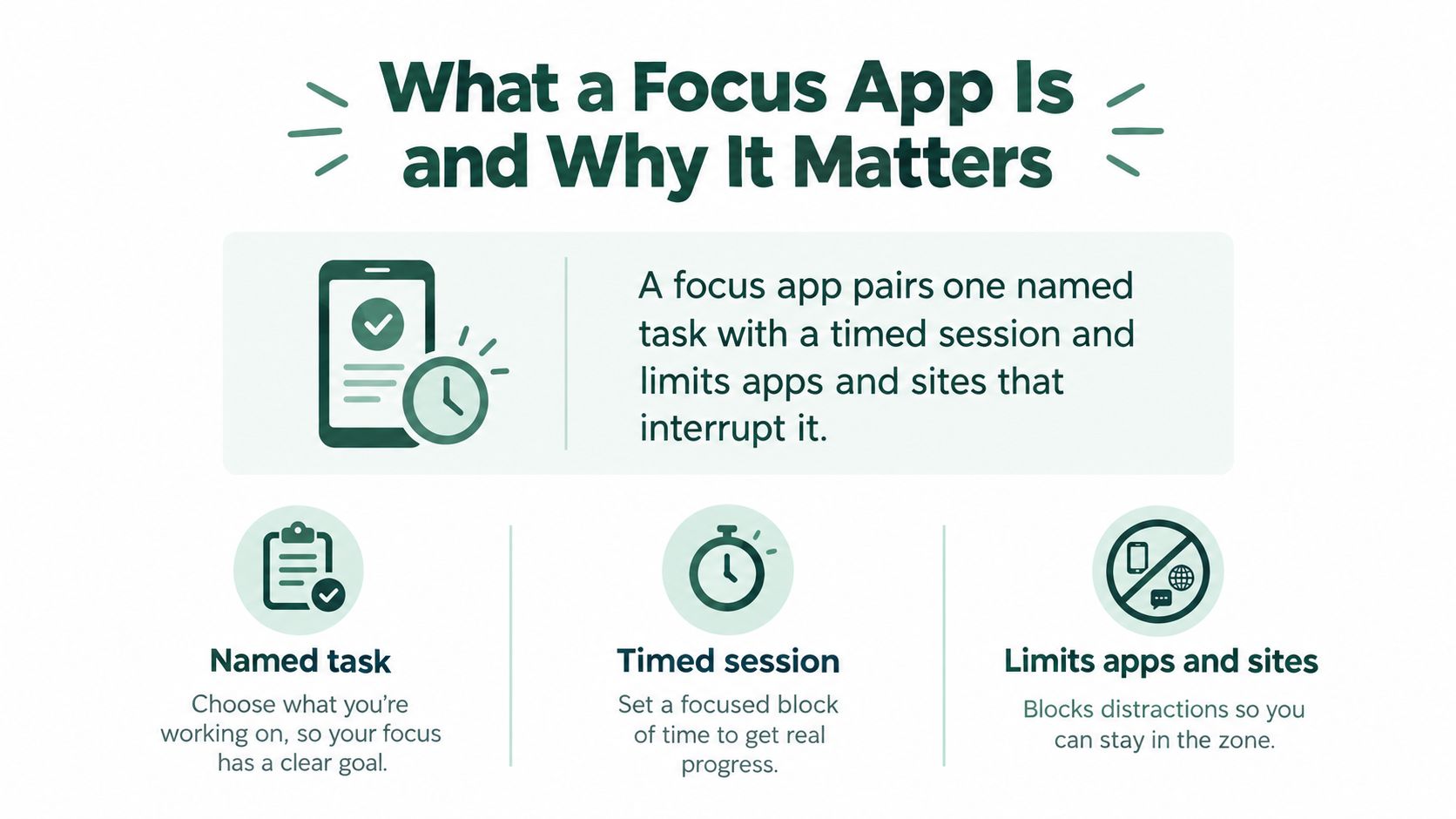
Say it's Tuesday and the quiz is on Thursday. Your notes sit on the laptop. The group chat sits on the phone. A focus app pairs one named task with a timed session and limits the apps and sites that interrupt it. It's closer to closing a noisy door than to a motivational quote.
A 2025 systematic review of 26 studies found that smartphones, laptops, tablets, and smartwatches all appeared as sources of digital distraction. Technology-related distractors accounted for 51.95% of identified causes, compared with 37.66% for personal needs and 10.39% for instructional-environment factors. Smartphone use was strongly associated with lower course engagement. Laptop use was associated with reduced engagement to a lesser extent.
Why a single-device lock leaks
Shut the phone and the laptop tab is still one click away. Shut the browser and the handset still buzzes in your pocket. We ship an iOS app and a Chrome extension that start together. When a focus session starts, the extension automatically blocks the sites that pull you off track, in the same sitting as the phone block.
That split matters more on a timed exam than on a casual reading night. If you're understanding what makes the LSAT difficult, you'll see how little spare attention a section leaves. A second screen with an open chat isn't a small leak. It's a second class running beside the one you're trying to take.
Practical rule: Fence the feeds. Leave the tool the task actually needs.
Three pieces make that fence useful:
- Named task: The session starts from "finish problem set 3," not from an empty countdown.
- Timed session: The block has an end, so you aren't bargaining with yourself all afternoon.
- Limits on apps and sites: Social feeds stay shut. The course page can stay available.
An app can't hush a roommate or fix a dull lecture. Personal needs and the room still interrupt people. What it can do is shrink the largest slice of the interruption, which is the technology in your hands.
How Much Study Time Distraction Takes and What a Focus App Reclaims
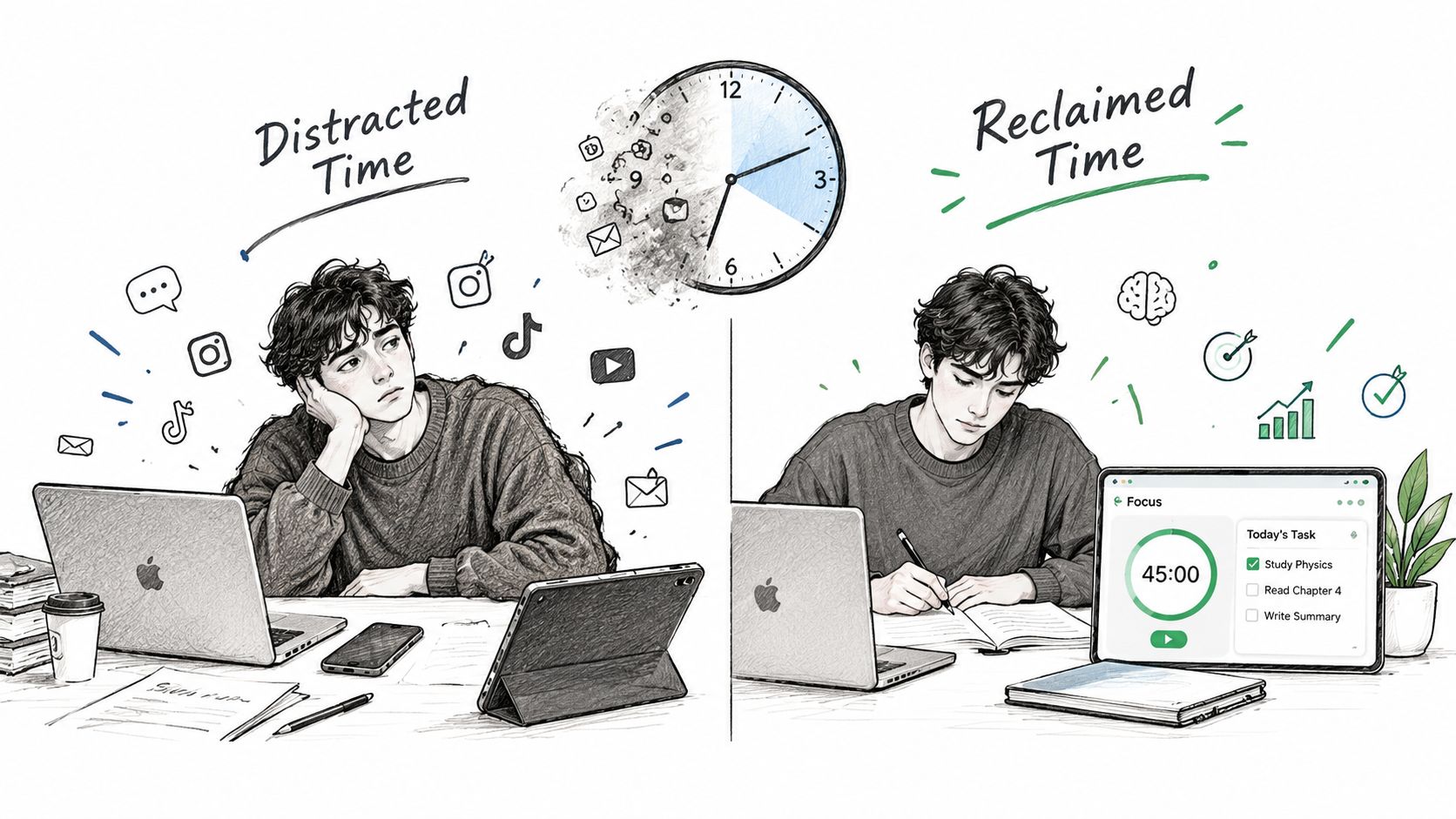
Before you promise yourself a better grade, count the minutes that never reach the notes. A 2024 study of university students found that approximately 30% of class time went to distractive multitasking. Among students who did that, smartphone use was reported by 99%, laptops by 47.9%, and tablets by 41.8%.
Frequency was ordinary, not rare. 49.6% said they multitasked off-task "sometimes," 14.3% "often," 4.4% "always," and only 4.9% reported no multitasking. More than 80% checked social media, chatted, or searched for unrelated information.
What the numbers are actually measuring
| Metric | Value |
|---|---|
| Class time spent on distractive multitasking | About 30% (2024 study) |
| Smartphone as source among multitasking students | 99% |
| Laptop as source among multitasking students | 47.9% |
| Tablet as source among multitasking students | 41.8% |
| Multitask off-task in class: sometimes / often / always / never | 49.6% / 14.3% / 4.4% / 4.9% |
| University students using messaging apps during lectures | 92% (2023 study) |
| Off-task technology episodes per day | 10.93 average |
| Computer-lab sessions with multitasking | About 99% of 3,372 sessions |
| Ringing phones named as electronic distraction | 68% |
| Spaced practice versus massed practice | g = 0.28 |
| Spaced retrieval versus massed retrieval | g = 0.74 |
On computers, the switching is even denser. Researchers who analyzed 3,372 learning sessions from 1,249 students found that approximately 99% of sessions involved multitasking, defined as at least three instances of a particular task within a 20-minute period, in that session analysis. Sessions that included Facebook held more, shorter tasks. Focused behavior, in that study, meant no more than two tasks in 20 minutes.
Phones make noise even when you don't pick them up. In research on undergraduates, ringing cell phones were the most commonly reported electronic external distraction: 68% named them, and 21% said they were extremely distracted by the noise, according to that classroom distraction study. 72% identified classmates talking as a self-produced distraction. A blocker can't stop that talk. It can stop the ring you control.
What you can honestly reclaim
Reclaiming even part of that roughly one-third of class time means more study exposure inside the same schedule. It does not guarantee a grade. Fewer switches, a protected block, and the same hours used with less chopping: that's the benefit.
Pair the block with later recall. A 2025 meta-analysis of 27 studies found a small-to-medium advantage for spaced practice over massed practice, g = 0.28. A separate meta-analysis found a larger benefit for spaced retrieval versus massed retrieval, g = 0.74, and no meaningful advantage for expanding intervals over uniform spacing (g = 0.034). After the session, ask yourself to recall the idea before you reopen the notes. Don't assume a widening gap is automatically better.
Core Features That Protect a Work Session
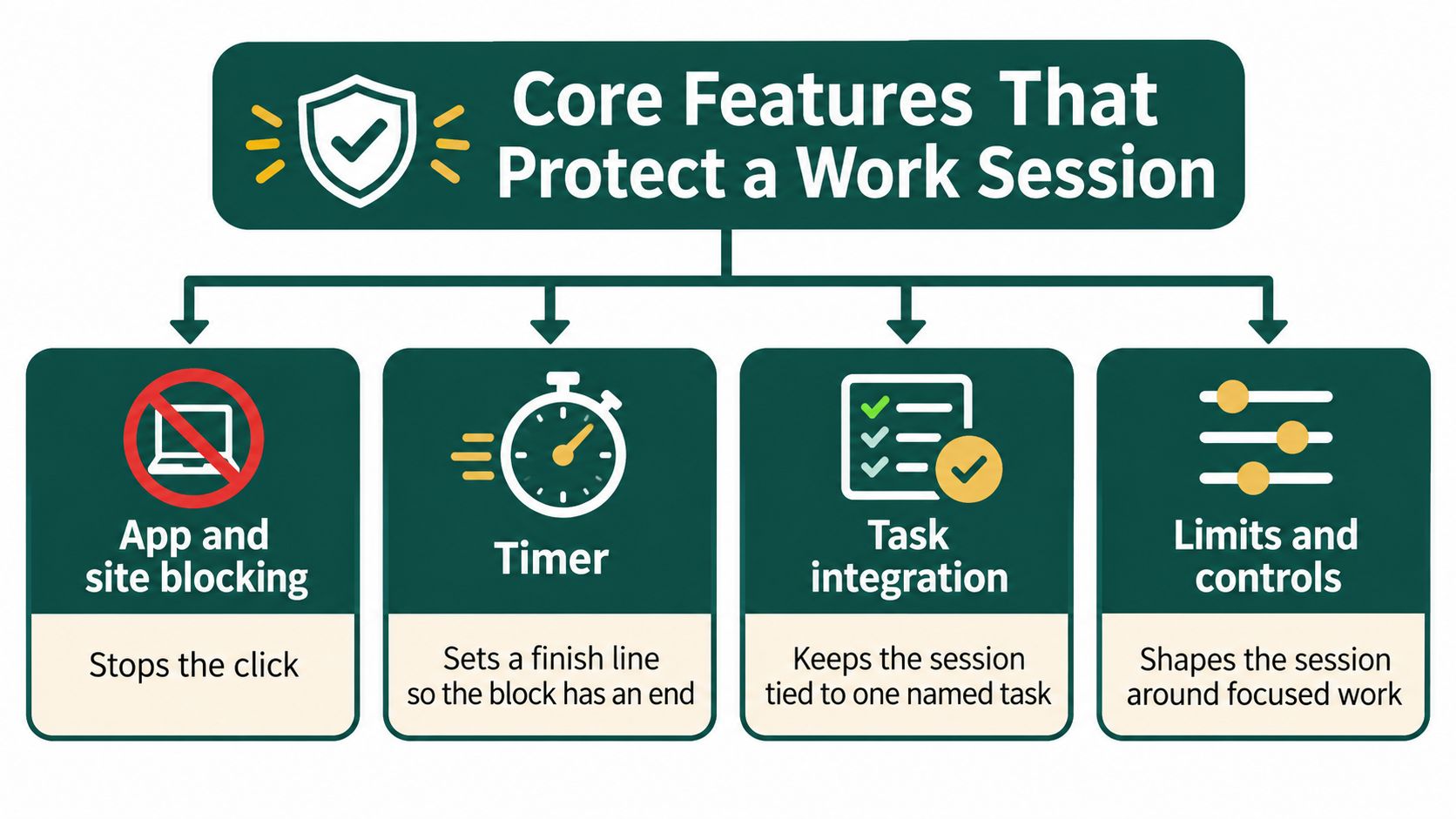
A work session is four controls, not a single "lock everything" switch. Scan them before you pick a mode.
| Control | What it limits | Best for | Skip or loosen when |
|---|---|---|---|
| App blocking | Phone apps such as social, games and chat | Lectures, problem sets, exam review | A caregiver or on-call shift needs urgent calls |
| Site blocking with an allowlist | Chosen browser sites, with study tools kept open | Essays, coding, reading a set of sources | The task is web research across unknown sites |
| Custom timer | Session length and a hard end | A class block or writing sprint with a known finish | Fatigue, medication timing or a very short admin task |
| Task-linked session | Starting from a named to-do instead of a blank timer | Work versus personal lists | The user only needs a quick website pause |
| Difficulty and breaks | How easy it is to quit, plus planned pauses | Deep work with a known next action | The session is a meeting or commuting |
Match the control to the task
Focus Sessions include a custom duration, app blocking, difficulty modes, and a break system. Smart To-Do Lists keep Work and Personal tasks apart, and every task can become a distraction-free session. The Chrome extension supports a custom block list, allowlist support, and a one-click override.
Say the task is an essay. Block social feeds and news. Allow the course reader, the library tab, and the page that sends your login code. Say the task is open-ended research. A full site ban fights the work, because you don't yet know which pages you'll need. Loosen the list, or skip site blocking and keep the phone apps shut.
Difficulty is the quit button. Raise it for a draft you keep abandoning. Lower it on a tired review night so you don't rip the whole setup out. Breaks belong in deep work with a known next step. They don't belong in a meeting or on a commute.
Why the boundary has to survive the break
Interruptions leave attention residue. Part of your attention stays on the unfinished task, and the next task gets worse, especially when you expect to return under time pressure. Evidence from four studies, reported in Organization Science, shows that a brief ready-to-resume plan reduces that residue. Before you stand up, write one line: "next action: draft paragraph 3." When you sit back down, start from that line instead of rereading the whole page.
More lock is not more learning. A full block suits drafting and problem sets. An allowlist suits research, labs, and travel.