Summary of the Article
The best procrastination app depends on how you procrastinate. Can't start? You need task initiation tools. Get pulled away halfway through? You need a blocker. Avoid the big scary task or lose track of time? You need planning or time structure. Here's the short version:
- Kohru: best all-in-one pick. Blocks distractions across phone, laptop and Chrome, and turns tasks from your Work and Personal lists into focus sessions.
- Focusmate: best for can't-start procrastination through body doubling; free for 3 sessions per week.
- Freedom: best cross-device blocker; free tier is limited, Premium adds scheduled and locked sessions.
- Cold Turkey Blocker: hardest to bypass; one-time payment, desktop only.
- Opal: best phone-first blocker with strict enforcement; student discount available.
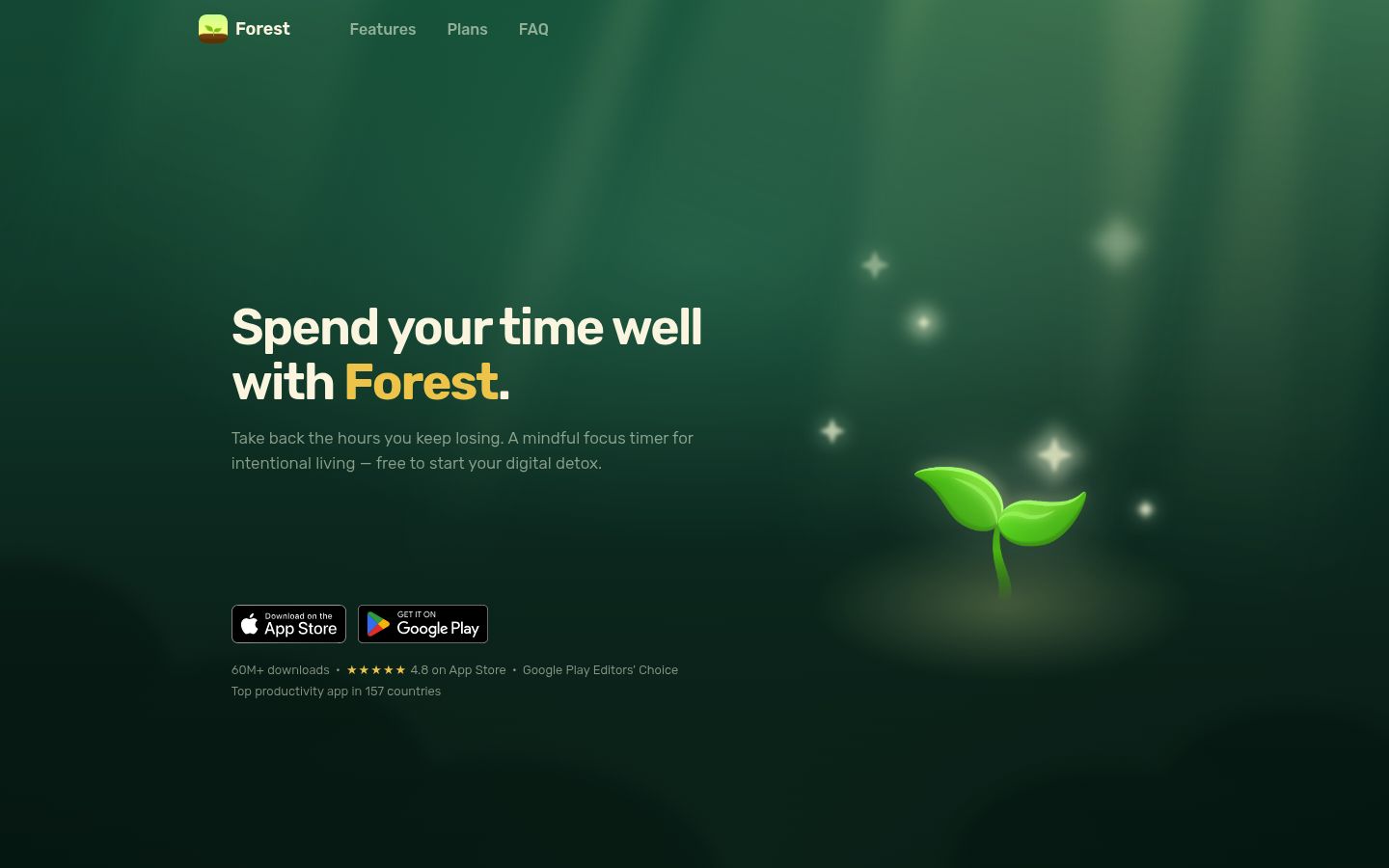
- Forest: best gamified timer; the tree dies if you leave the app.
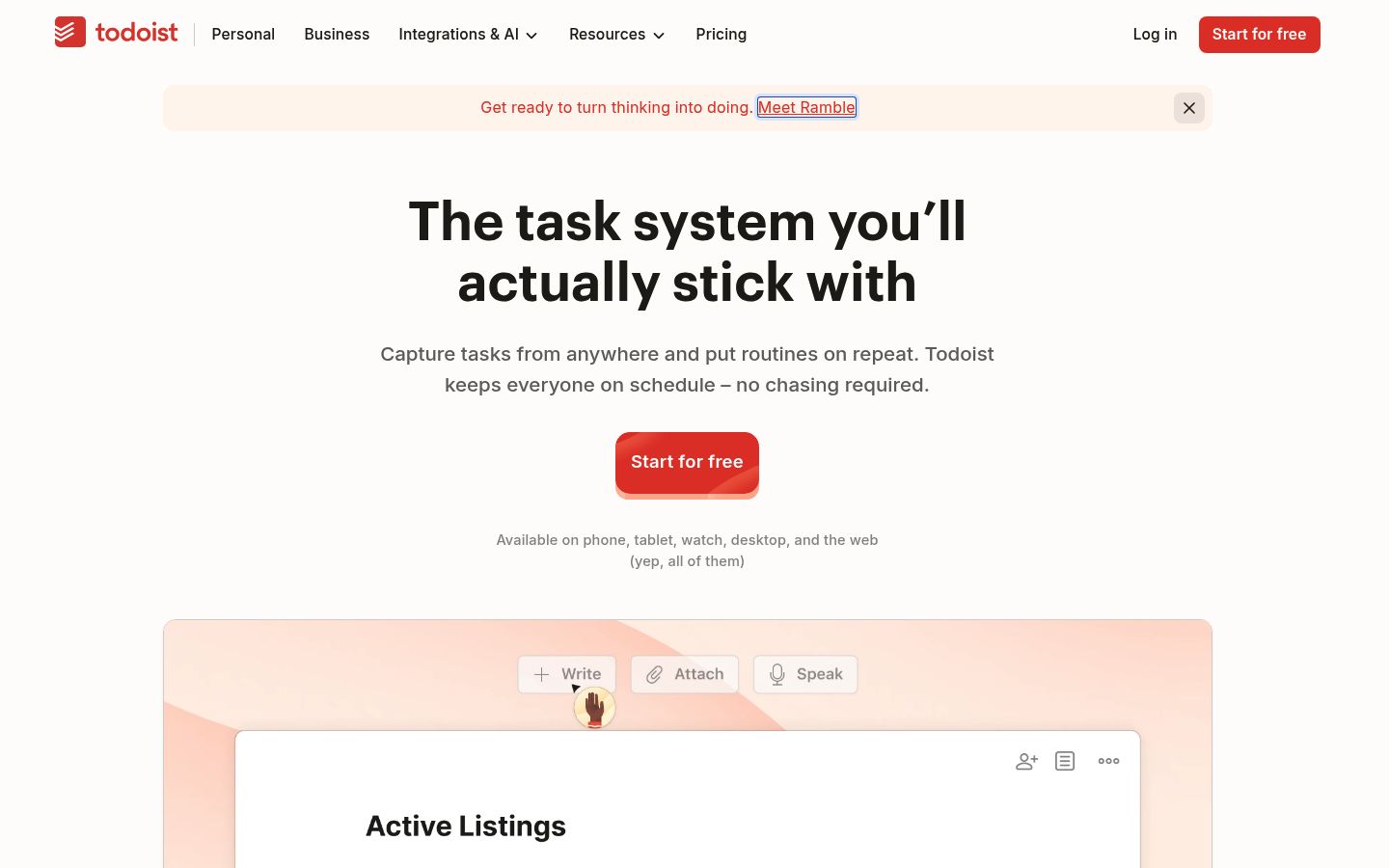
- Todoist: best for avoidance-driven overwhelm; get every task out of your head and into one list.
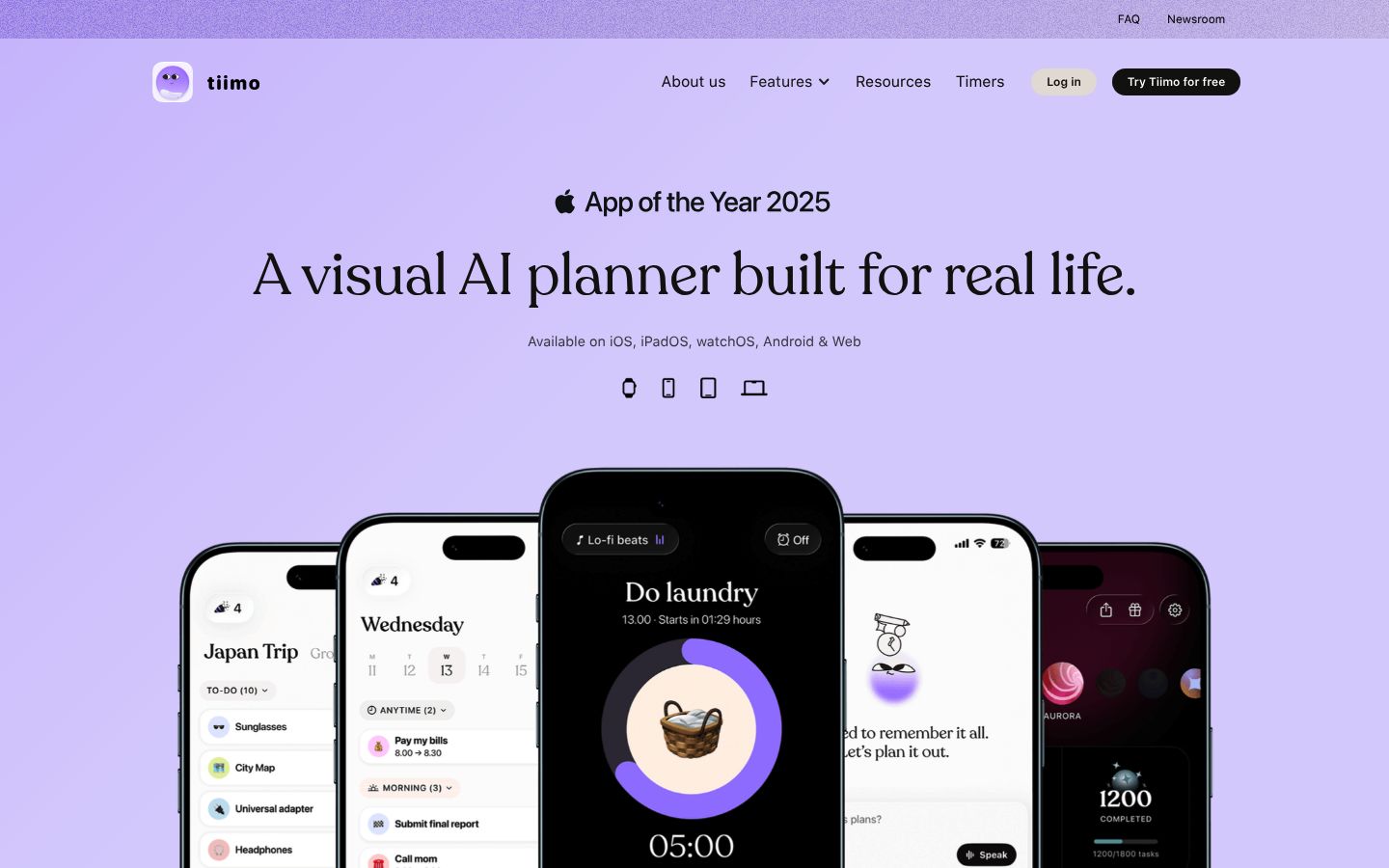
- Tiimo: best visual planner, built for ADHD and neurodivergent brains.
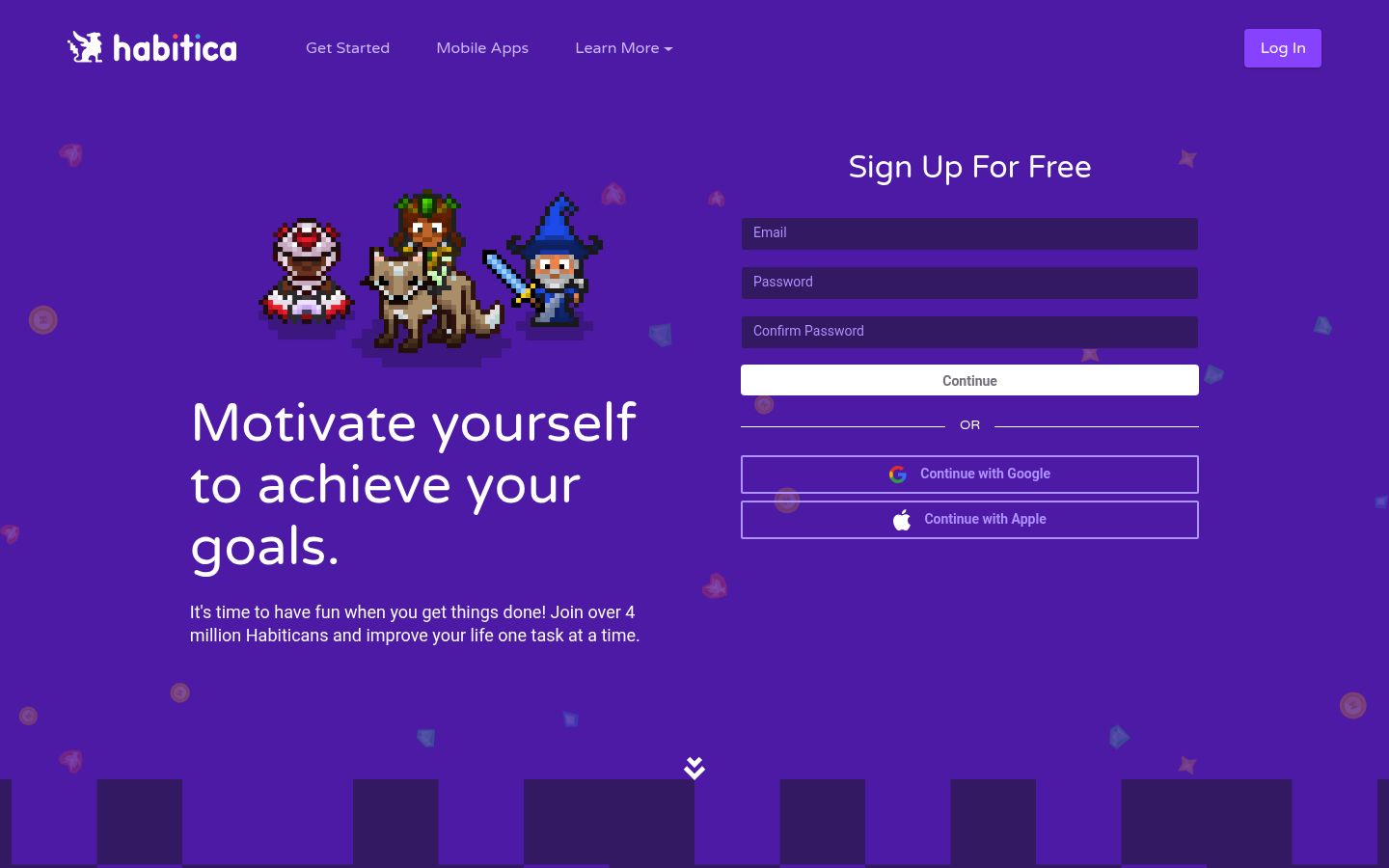
- Habitica: best habit and motivation layer; turns your tasks into a game.
A quick warning before the list: no app removes procrastination by itself. Apps change your environment and add friction to distraction. That works well when the app matches your actual trigger. That's why this list starts with a diagnosis instead of a ranking.
First, Find Your Procrastination Type
Most people lump all stalling together, but procrastination shows up in a few distinct ways. Match your pattern, then pick from the section that targets it:
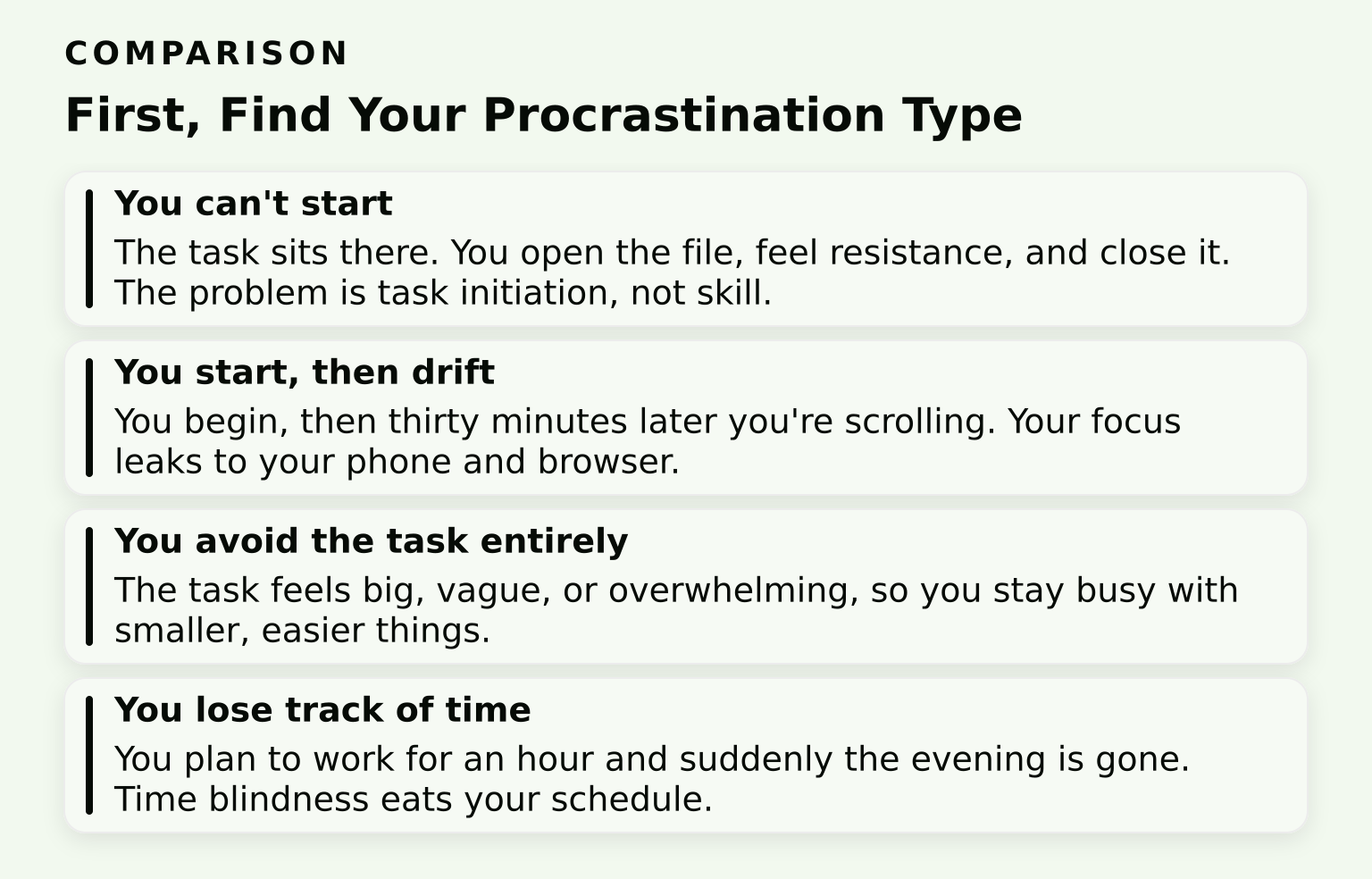
- You can't start. The task sits there. You open the file, feel resistance, and close it. The problem is task initiation, not skill.
- You start, then drift. You begin, then thirty minutes later you're scrolling. Your focus leaks to your phone and browser.
- You avoid the task entirely. The task feels big, vague, or overwhelming, so you stay busy with smaller, easier things.
- You lose track of time. You plan to work for an hour and suddenly the evening is gone. Time blindness eats your schedule.
Most people mix two of these. Pick your dominant one and start there. You can layer a second tool later. For the underlying science of why you stall, see our guide on how to reduce procrastination.
1. Kohru: One App for Initiation, Blocking and Tracking
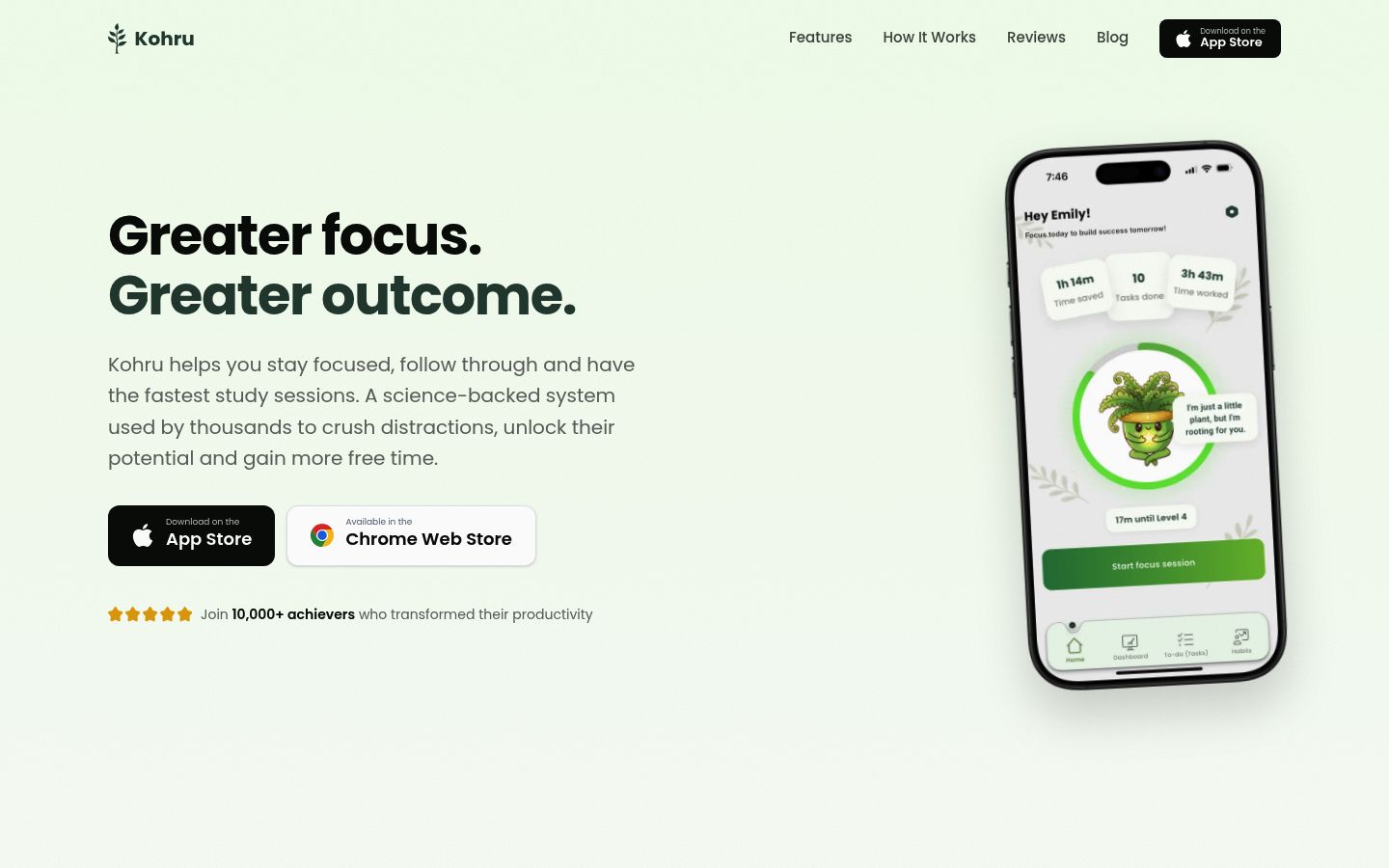
Most procrastination isn't one problem. You can't start, then you get distracted, then you lose the thread of your progress. Kohru (official site) covers all three mechanisms in a single study and productivity app, which is why it comes first here for students who don't want to stack four separate tools.
What it does, from its confirmed feature set:
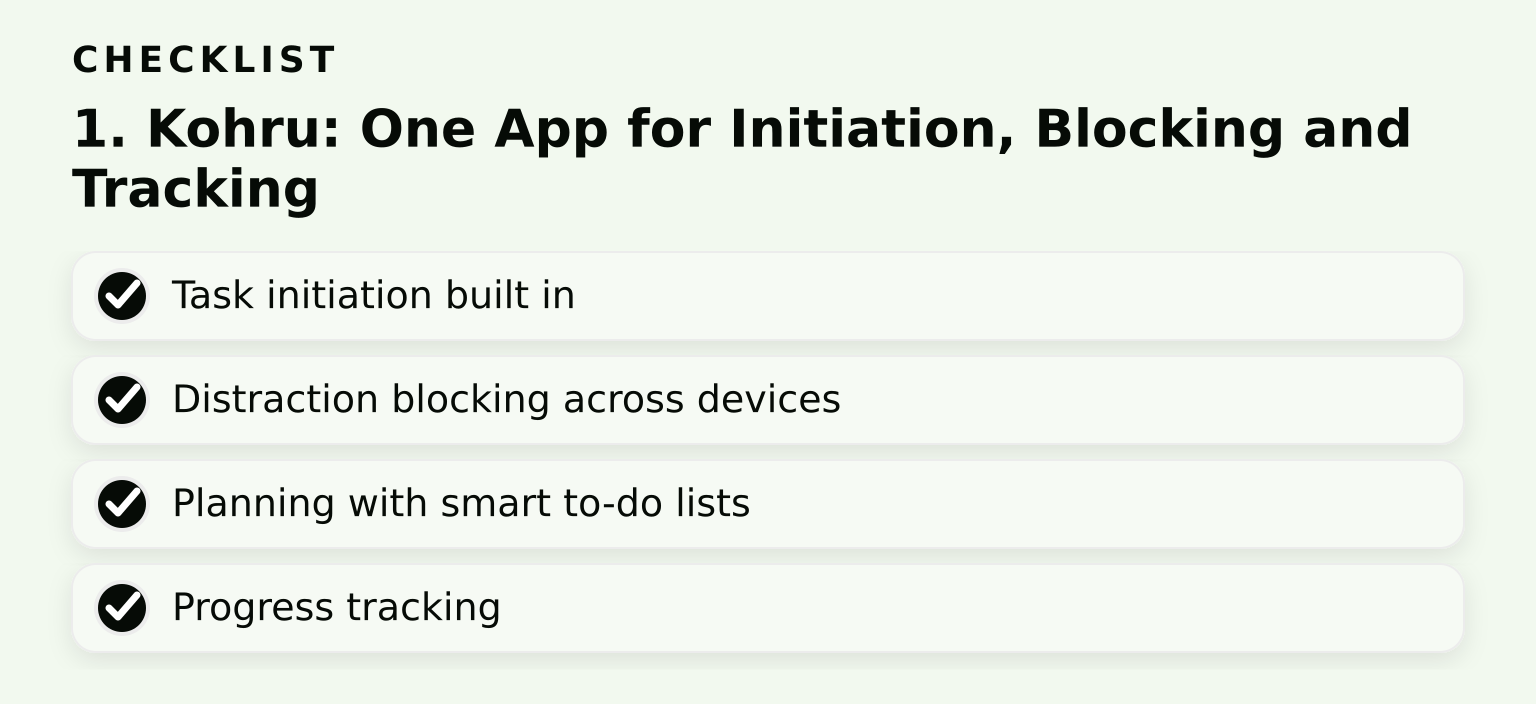
- Task initiation built in. You can turn tasks from your Work and Personal lists directly into focus sessions, so the thing you're avoiding becomes the thing you click start on.
- Distraction blocking across devices. Kohru blocks distracting apps and websites on your phone and laptop, and extends focus sessions to Chrome through a browser extension.
- Planning with smart to-do lists. Tasks get organized instead of piling up, which helps if avoidance comes from an overflowing list.
- Progress tracking. It tracks habits, focus time, completed tasks and overall progress, so you can see momentum instead of guessing.
It also supports people with ADHD and other attention-regulation challenges, which matters if your procrastination is partly a task-initiation issue. The honest tradeoff: Kohru is broader than any single-purpose app on this list, so a specialist tool may block harder or plan more deeply in its one niche. If you want one app that covers the whole loop, it's the fit. Our separate roundup of focus apps for deep work covers deeper-work tools if that's your main need.
Task Initiation: Apps That Get You Started
Focusmate: Body Doubling on a Video Call
Focusmate (official site) pairs you with a real person for a 25, 50 or 75-minute video session where you both work silently on your own tasks. This is body doubling, a strategy that came out of the ADHD community: another person's presence makes starting far easier. You book a time, share your session goal, work with cameras on, then check out at the end.
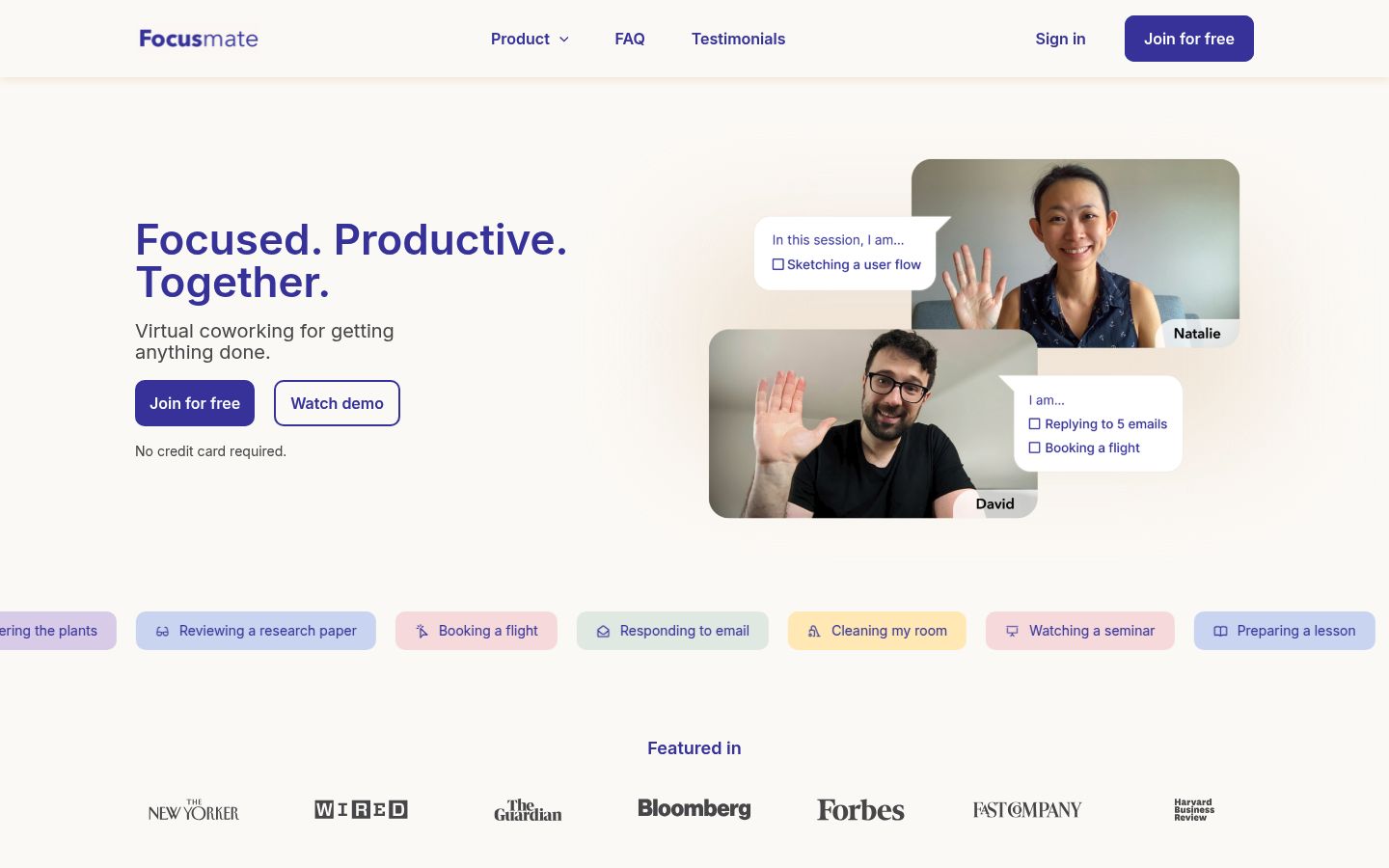
It's free for up to three sessions per week with no credit card required. Focusmate Plus is $8 per month billed yearly (or $12 monthly) for unlimited sessions. The tradeoff: it costs real scheduled time and requires being on camera, so it won't fit a spontaneous 10-minute start. It works best when your pattern is clear: you start the session, and once you're started, momentum takes over.
Distraction Blockers: Apps That Shut the Leak
Freedom: Cross-Device Blocking With Schedules
Freedom (official site) blocks apps, websites, or the entire internet, and its standout feature is syncing a blocking session across Mac, Windows, iOS, Android, Chromebook and Linux at the same time. If your distraction hops from laptop to phone, this closes the loop.
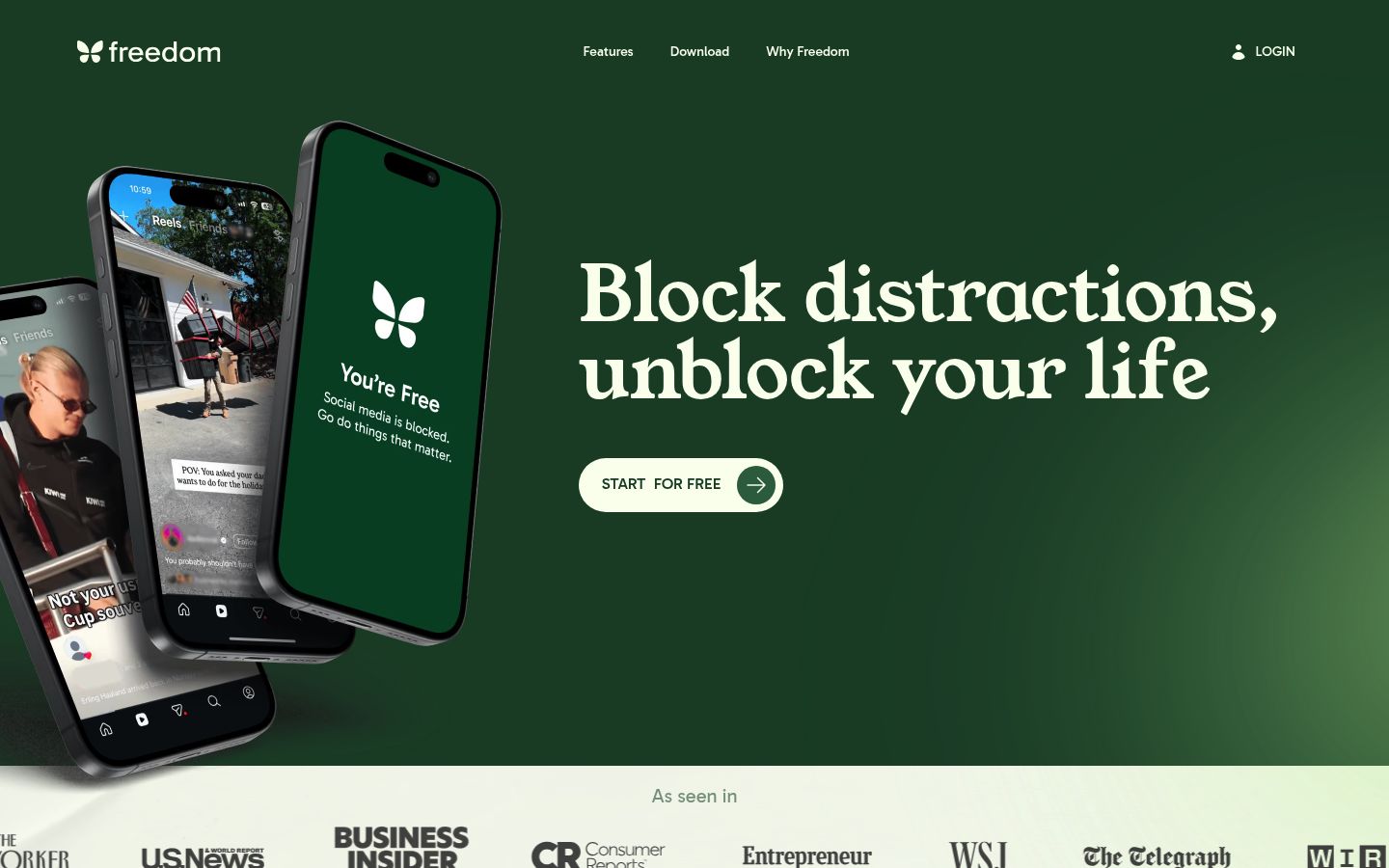
Freedom has a free tier with basic blocking on unlimited devices. Premium unlocks scheduled and recurring sessions, sessions longer than two hours, and Locked Mode, which prevents you from quitting a session mid-block. Premium runs $39.99 per year, and yearly plans include a 7-day free trial. The tradeoff: the most enforceable features sit behind Premium, and Locked Mode is only as good as your willingness to turn it on.
Cold Turkey Blocker: The Hardest to Bypass
Cold Turkey Blocker (official site) is a desktop website and app blocker for Windows and macOS with a reputation for being difficult to circumvent. Its free version covers timed website blocking; the Pro upgrade, a one-time payment rather than a subscription, adds app blocking, scheduled blocks, and locking features. Students can request a 20% discount through the support page.
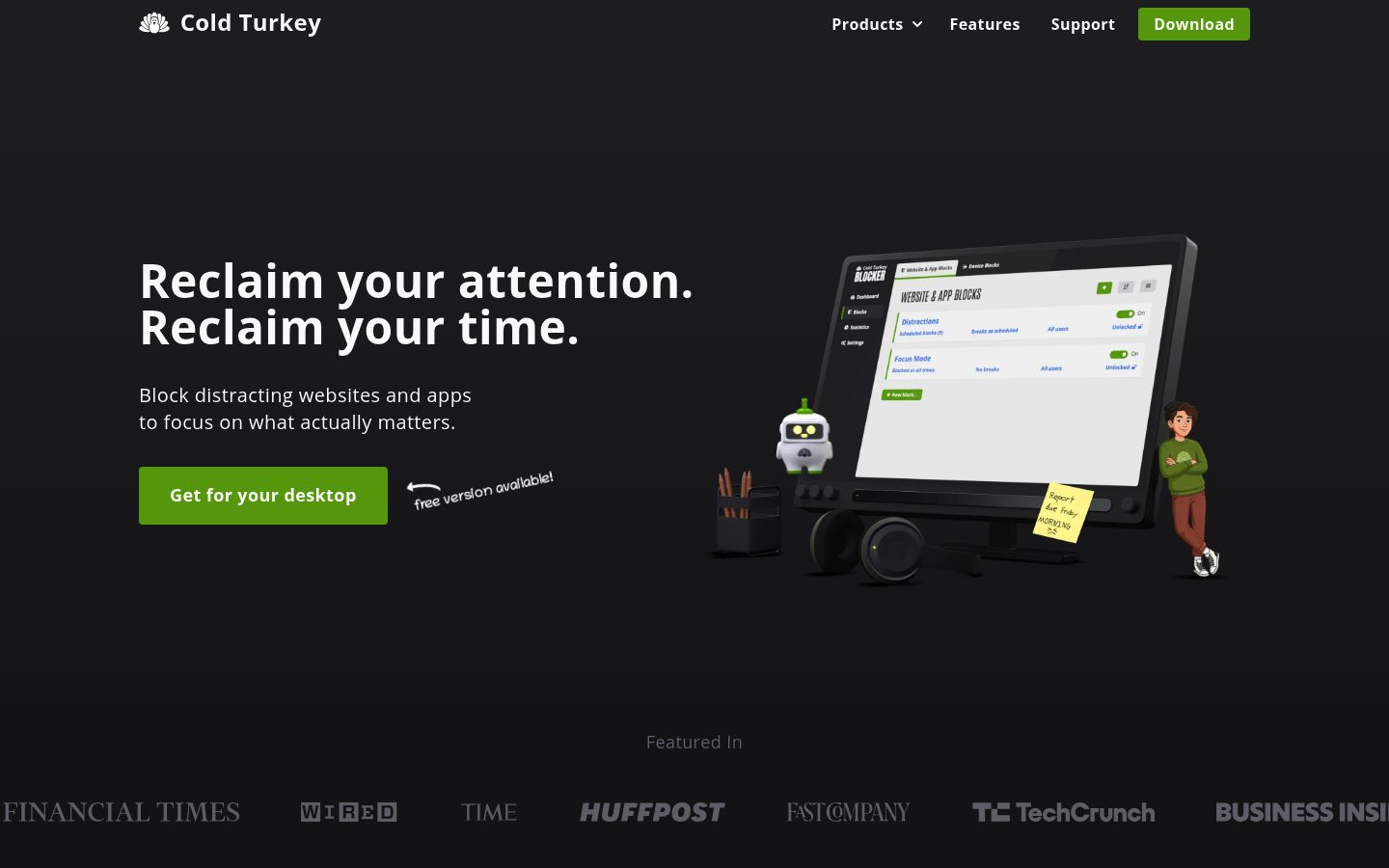
The tradeoffs are real: it's desktop only, with no mobile support, and one purchase covers only the computers you personally use. If phone scrolling is your main leak, pair it with a phone-side tool. If laptop distraction is the problem and you're tired of subscription fees, this is the strongest option on the list.
Opal: Phone-First Blocking With Hard Modes
Opal (official site) is a screen time and app blocking app available on iPhone, Mac and Android. Its free tier includes one Focus Rule, basic timers, and app blocking; Opal Pro adds harder blocking difficulty, a "no unblocks" mode where you can't cancel or bypass, and unlimited rules. Pro costs $99.99 billed annually on the yearly plan, and Opal offers students up to 50% off.
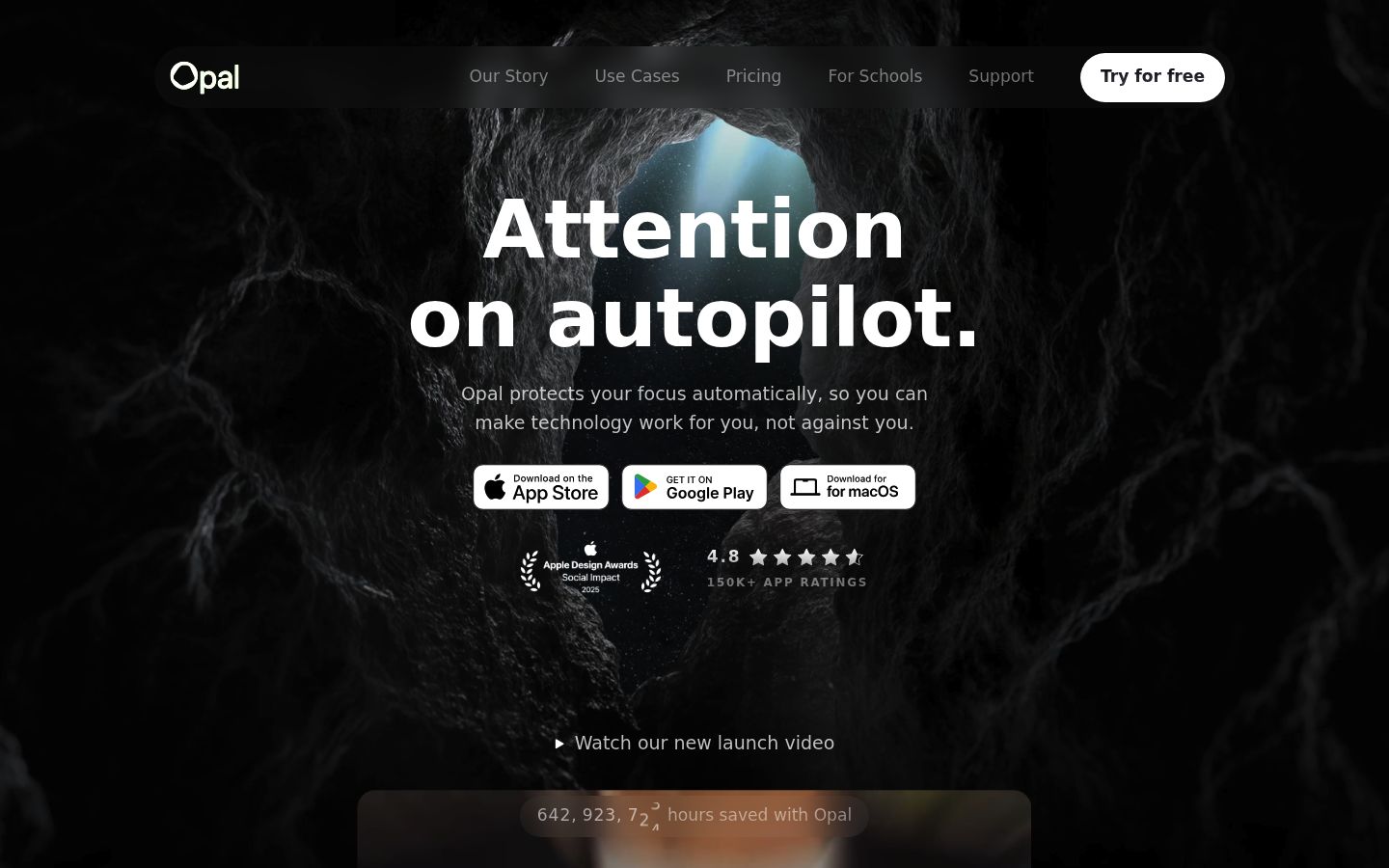
Opal fits when your phone is the main escape hatch and willpower alone keeps failing. The tradeoff: it's phone-and-desktop focused, so it doesn't cover a Windows laptop the way Freedom or Cold Turkey do, and its strengths live in the Pro tier.