Best Apps for Focus and Concentration in 2026: Match the App to Your Problem

Compare 8 focus apps by how they handle blocking, timers, gamified motivation, calendar defense, and audio, with honest tradeoffs and a picker for your specific focus problem.

8 min read

Summary of the Article

There is no single best focus app. The right pick depends on what actually breaks your concentration: a phone you keep checking, work you can't start, a schedule that eats your deep work, or a noisy environment.

  • Kohru: focus sessions that block phone and laptop distractions, with to-do lists turned into sessions and a Chrome extension; built for students and everyday deep work.
  • Freedom: cross-device app, website, and internet blocking with a hard Locked Mode; paid plans beyond a free tier.
  • Forest: a gamified timer where leaving the app kills your tree; best for phone addiction.
  • Opal: iPhone-first screen-time control with friction that makes unblocking annoying.
  • Flocus: an aesthetic browser dashboard with a pomodoro timer; fits habit-driven people who want focus to feel good.
  • Reclaim.ai: AI that schedules and defends focus time on your calendar; best when meetings are the problem.
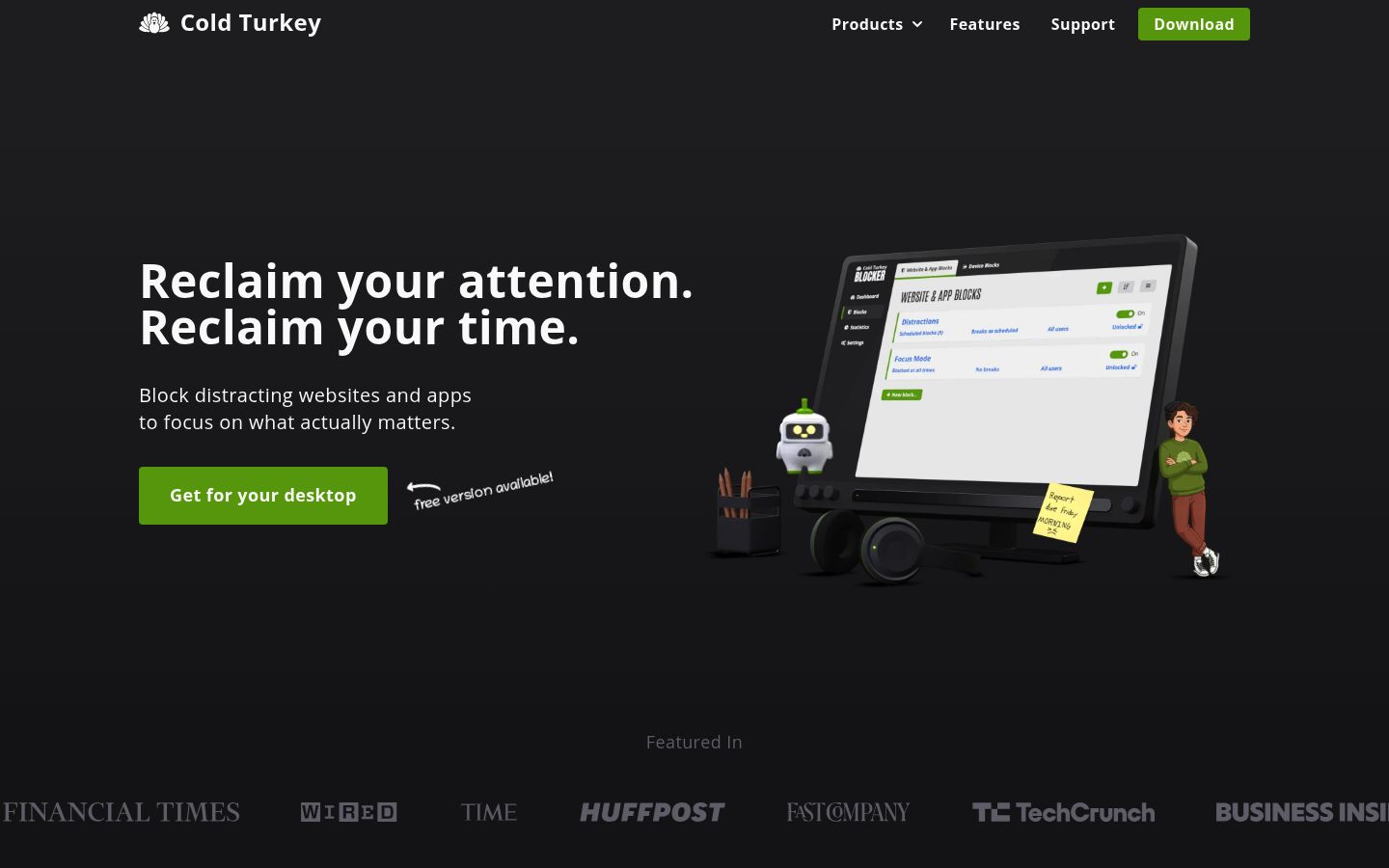
  • Cold Turkey: strict desktop website and app blocking with a one-time purchase; no mobile support.
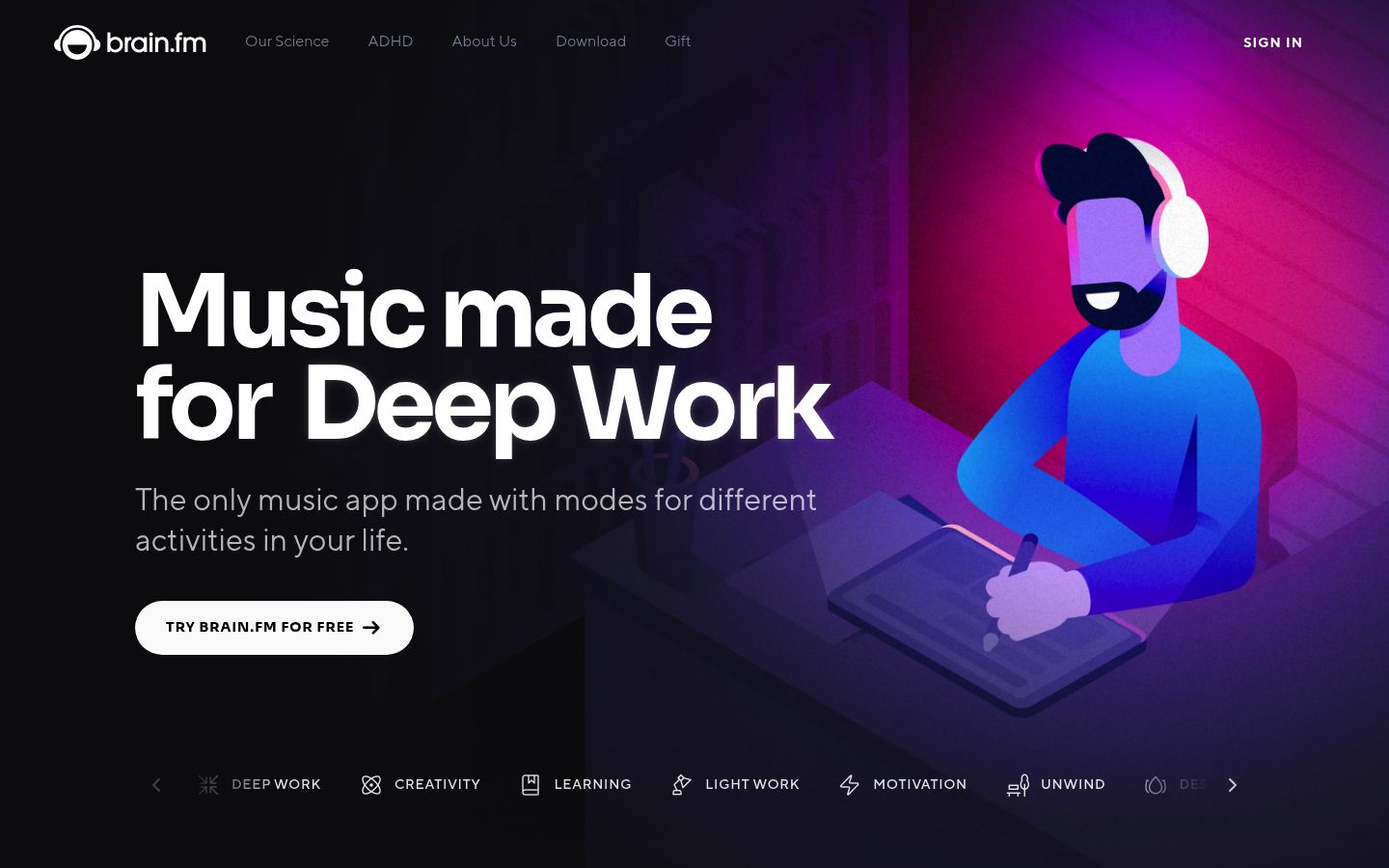
  • Brain.fm: science-backed focus music for readers whose distraction is sound, not apps.

A 2025 randomized trial in PNAS Nexus found that blocking mobile internet on smartphones for two weeks improved sustained attention, mental health, and well-being, with 91% of participants improving on at least one outcome. Blocking works. The question is which tool matches your failure mode.

How Focus Apps Actually Work

Most focus apps fall into one of five categories, and knowing your category matters more than any ranking:
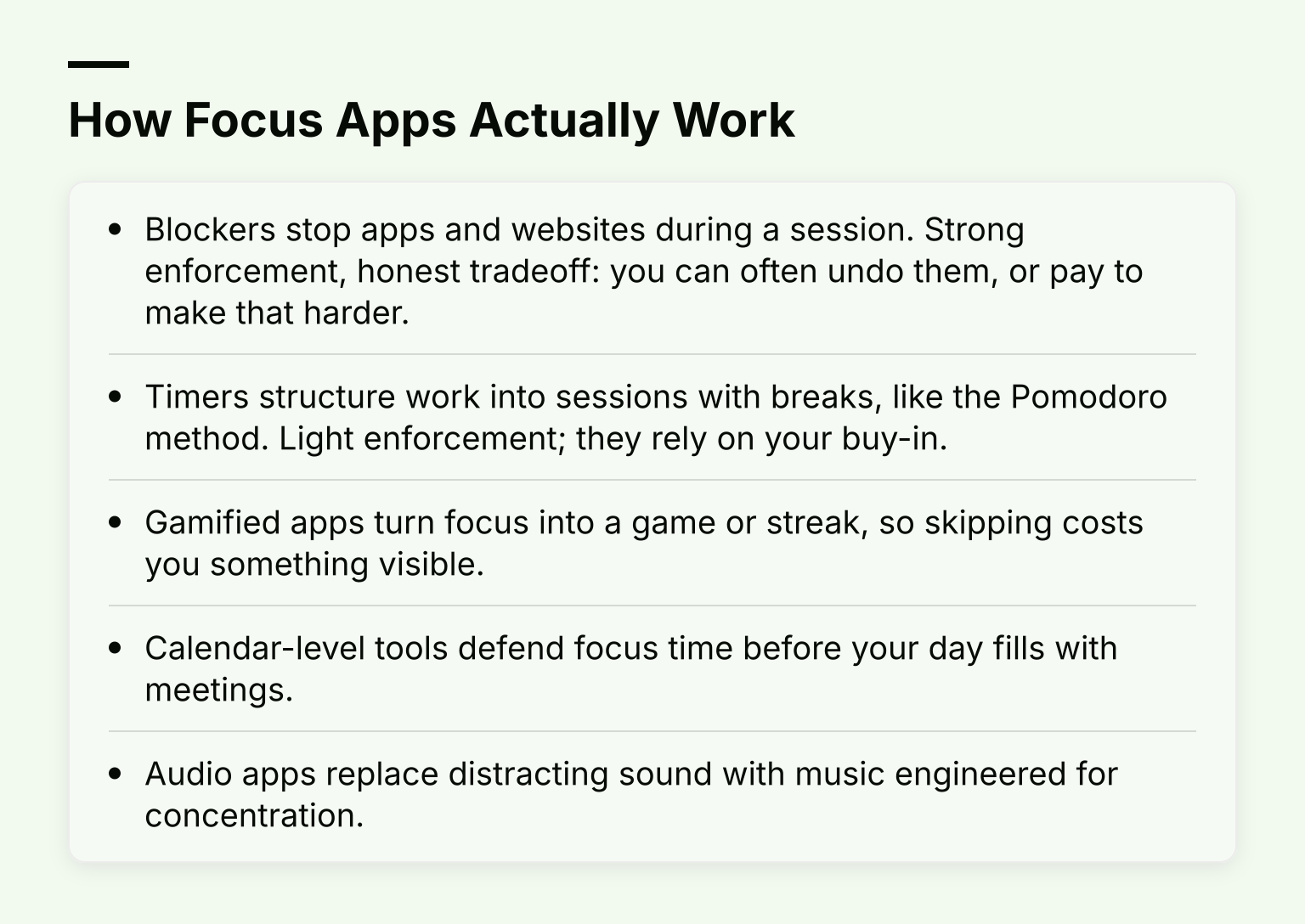
How Focus Apps Actually Work: Blockers stop apps and websites during a session; Timers structure work into sessions with breaks, like the Pomodoro method and 3 more

  • Blockers stop apps and websites during a session. Strong enforcement, honest tradeoff: you can often undo them, or pay to make that harder.
  • Timers structure work into sessions with breaks, like the Pomodoro method. Light enforcement; they rely on your buy-in.
  • Gamified apps turn focus into a game or streak, so skipping costs you something visible.
  • Calendar-level tools defend focus time before your day fills with meetings.
  • Audio apps replace distracting sound with music engineered for concentration.

If your focus breaks on your phone, you need a blocker. If it breaks before you start, you need structure or a task-to-session workflow. If meetings own your calendar, you need scheduling defense. The rest of this list is organized that way.

Kohru: Focus Sessions That Block Phone and Laptop Together

Kohru is a study and productivity app built around a simple loop: pick a task, start a focus session, and let the app block distracting apps and websites on your phone and laptop while you work.
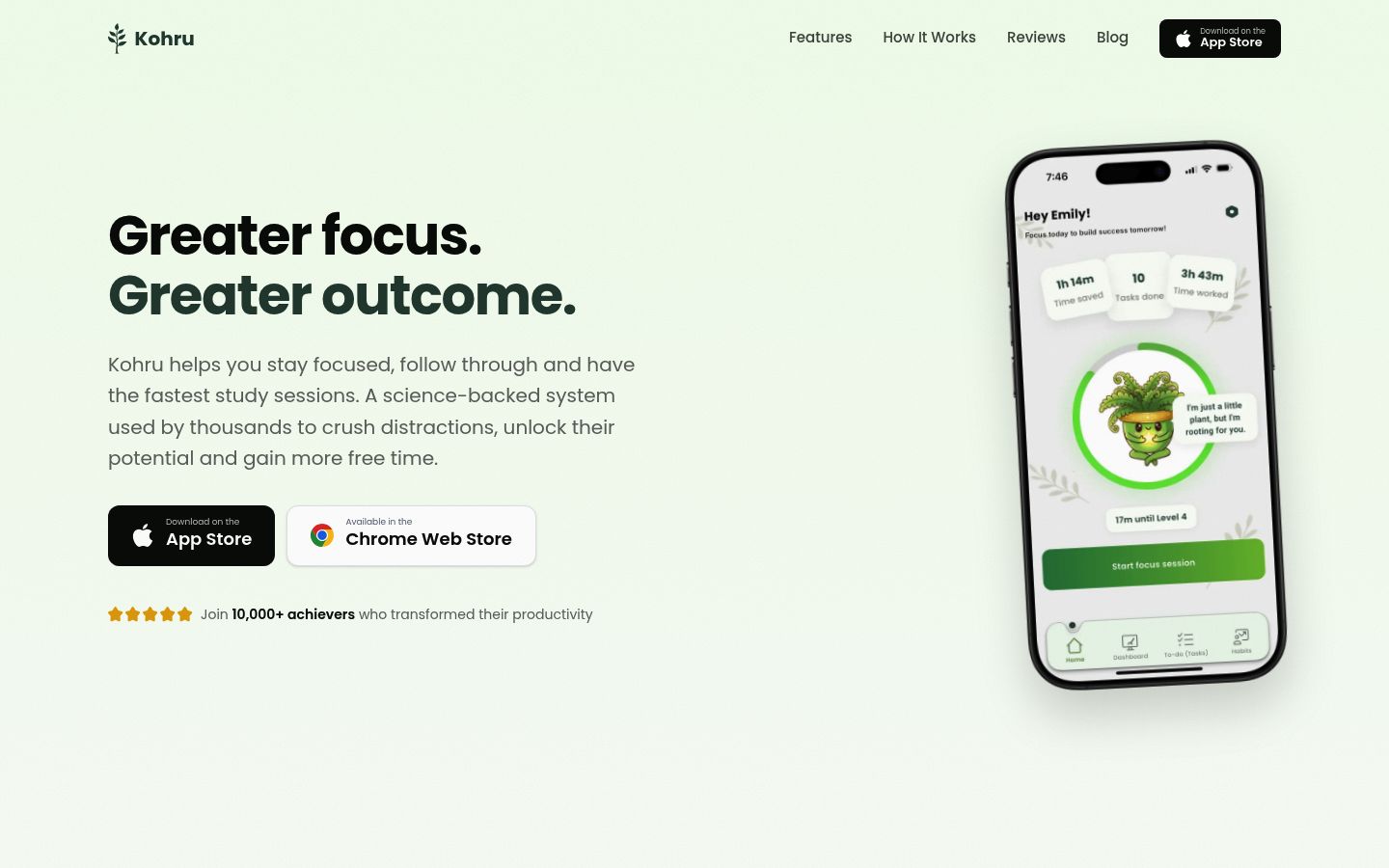
Screenshot of the homepage of Kohru

Kohru: Focus Sessions That Block Phone and Laptop Together: Session blocking across devices; Tasks become sessions; Habit and progress tracking; Built for the audience it serves

What it covers:

  • Session blocking across devices. Kohru blocks distracting apps and websites during focus sessions, and a Chrome extension extends those sessions to your browser, so the block follows you from phone to laptop.
  • Tasks become sessions. Items from your Work and Personal lists turn directly into focus sessions, which helps most when your real problem is starting. Smart to-do lists handle planning and organizing.
  • Habit and progress tracking. Kohru tracks habits, focus time, completed tasks, and progress, so a week of sessions shows up as visible proof rather than a vague feeling.
  • Built for the audience it serves. Kohru supports people with ADHD and other attention-regulation and task-initiation challenges, alongside students and young professionals.

Best fit: students and working students who get pulled off task by their phone and laptop at the same time. Tradeoff to know: Kohru is an all-in-one app, so if you already love a separate calendar tool or desktop-only blocker, you'll be running two systems. Check the current options and downloads on the Kohru site.

Freedom: Cross-Device Blocking With a Hard Lock

Freedom syncs one blocking session across Mac, Windows, iOS, Android, and Chromebook, so the block follows you when you switch screens. On its premium page, the free tier covers blocking, custom blocklists, and unlimited devices; sessions longer than two hours, scheduled and recurring sessions, and Locked Mode require Premium, which runs $8.99/month or $39.99/year, with a $199 lifetime option.
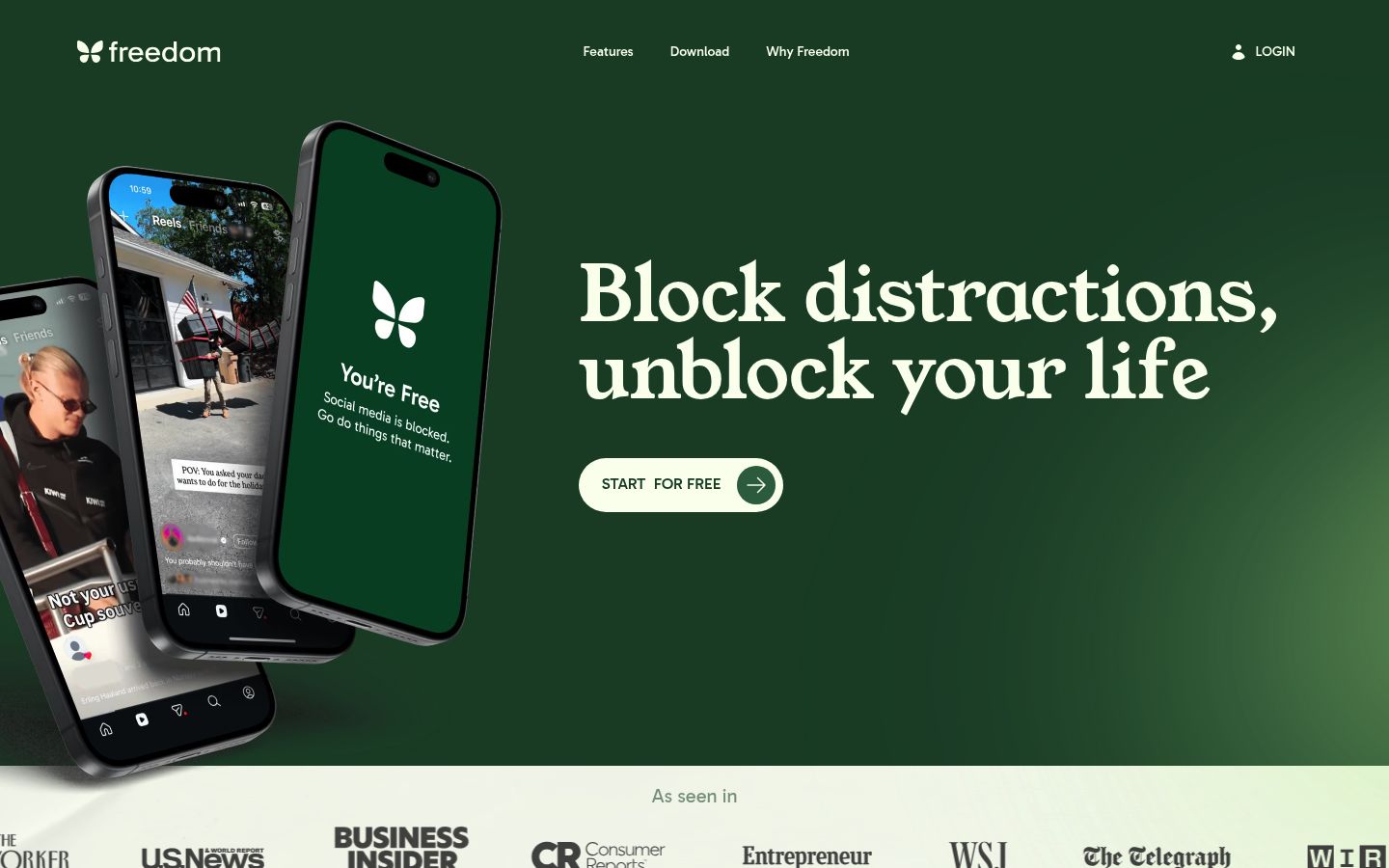
Screenshot of the homepage of Freedom

Locked Mode is the reason people pick Freedom: it prevents you from quitting a session mid-block. That's the honest answer to "I just turn the blocker off." Best fit: multi-device users who want strict, scheduled enforcement. Tradeoff: it blocks, it doesn't plan; there's no task list turning into sessions.

Forest: Gamified Focus for Phone Addiction

Forest is a pomodoro timer with stakes: pick a session length, and a virtual tree grows while you focus. Leave the app and the tree dies. Completed trees build a visible forest, and the paid tier can plant real trees.
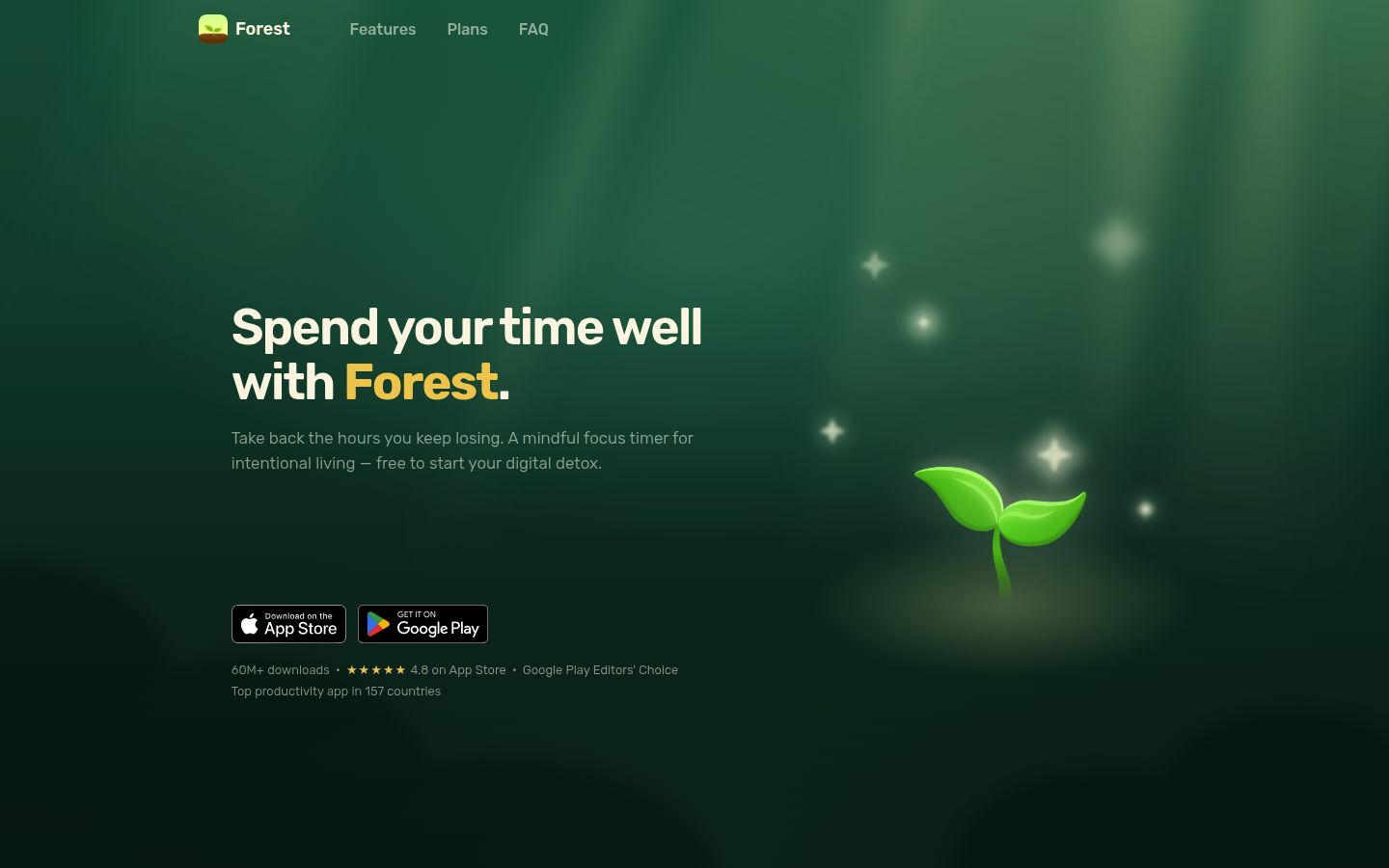
Screenshot of the homepage of Forest

The core experience is free, including the timer, app blocking via Deep Focus mode, and group focus rooms; an optional Plus subscription unlocks features like custom allowlists and full analytics, with pricing that varies by region. Best fit: people whose phone is the specific problem and who respond better to loss aversion than to a plain timer. Tradeoff: willpower-based rather than hard blocking, so a determined quitter can still walk away.

Opal: iPhone Screen Time Control With Friction

Opal is an iPhone-first screen time app (it also runs on Mac and Android) that blocks apps through sessions, schedules, and time limits. Its signature trick is friction: making it deliberately annoying to unblock yourself, with paid "Hard Mode" options that remove unblocks entirely.
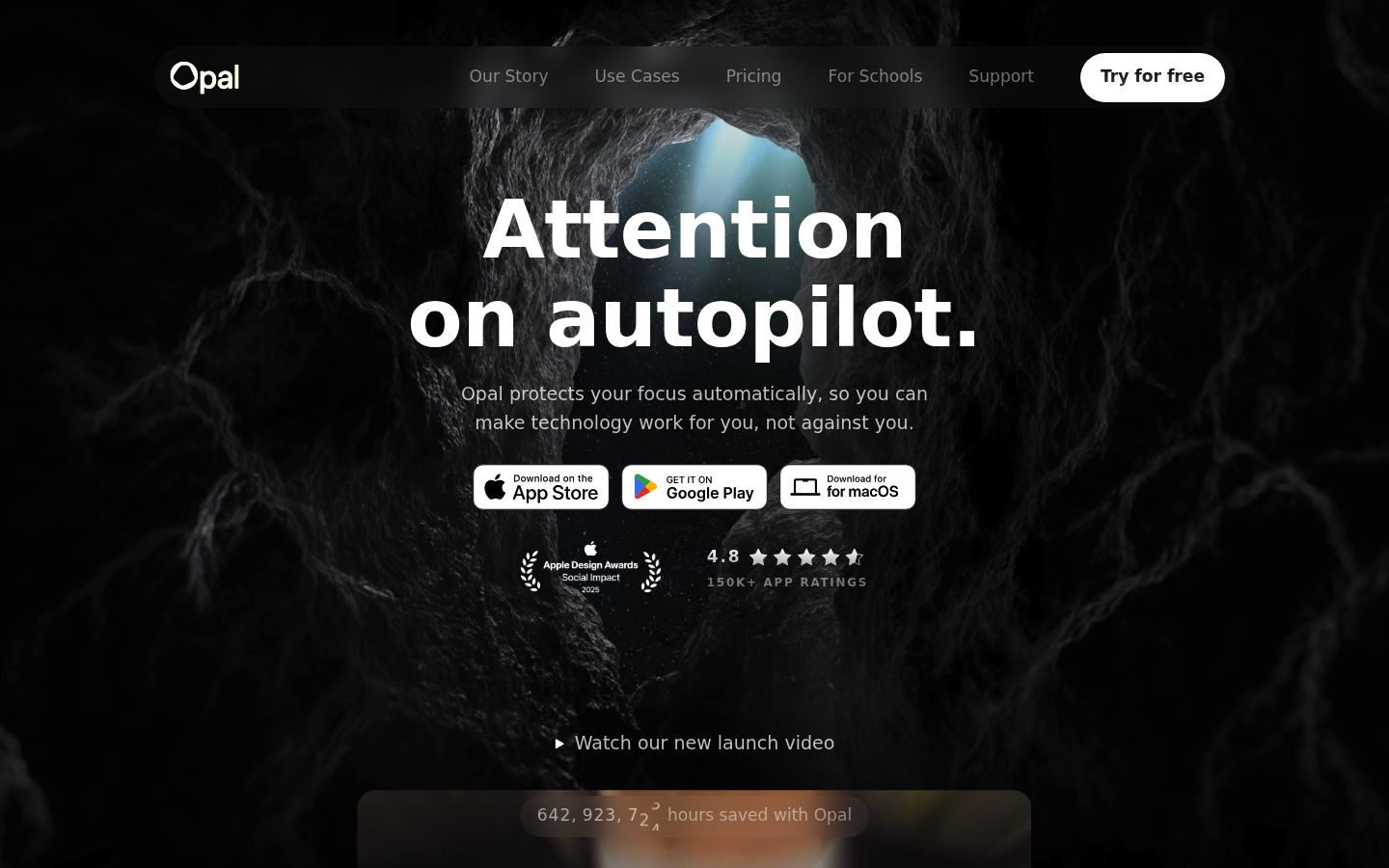
Screenshot of the homepage of Opal

Per Opal's pricing page, there's a free tier with one rule, and Pro from $8.29/month billed annually, with monthly and lifetime options; students can get up to 50% off. Best fit: iPhone users who want screen-time control with real teeth and a weekly focus report. Tradeoff: iPhone-centric, so it's weaker as a laptop-focused deep work tool.
Flocus: An Aesthetic Browser Dashboard for Habit-Driven Focus

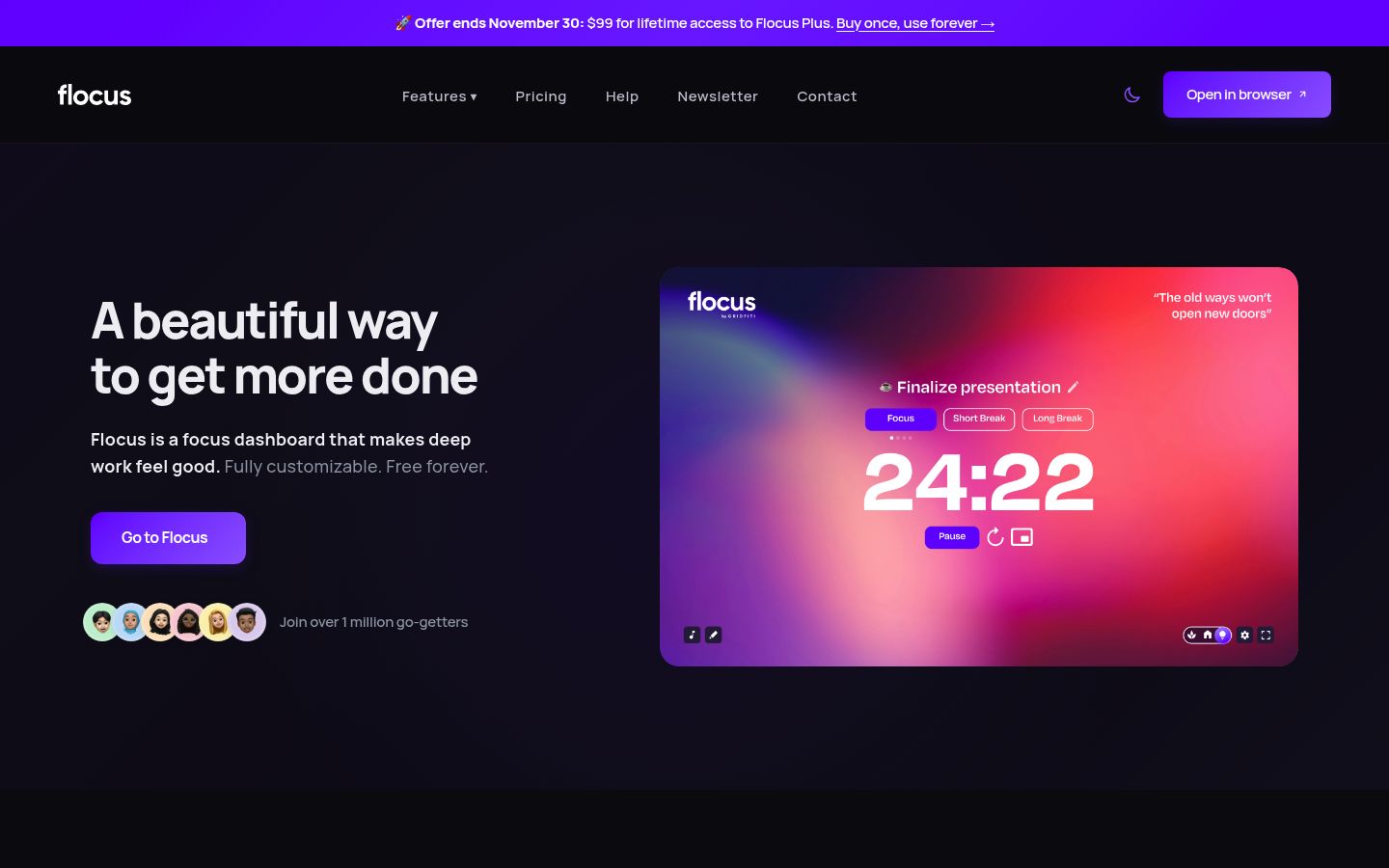
Flocus takes a different angle: it's a customizable browser dashboard with a pomodoro timer, priority-based to-dos, focus stats and streaks, themes, and ambient sound. It's less about blocking and more about making the focus environment something you want to sit inside.

Screenshot of the homepage of Flocus

A free plan covers the timer and basics; Flocus Plus adds full stats, all themes, and custom playlists at $5/month billed annually, with a lifetime option. Best fit: students who study in the browser and stay consistent through streaks and a pleasant workspace. Tradeoff: no app or website blocking, so it protects motivation, not attention.

Reclaim.ai: AI That Defends Focus Time on Your Calendar

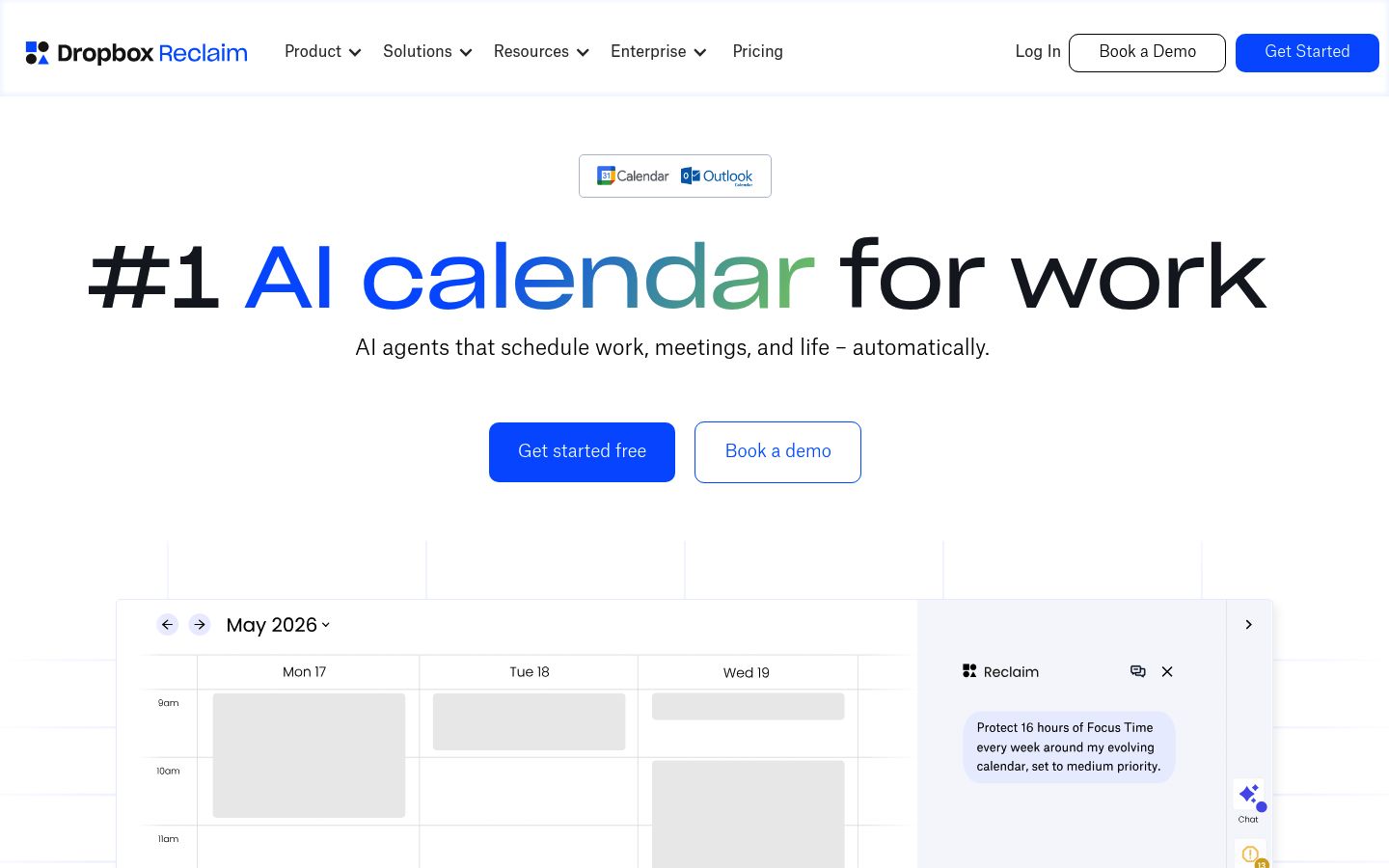
Reclaim.ai works at the calendar level. You set a weekly focus-time goal, and its AI finds slots around your meetings, books focus blocks, and moves them when conflicts appear. It can even auto-decline meeting invites that collide with focus time.

Screenshot of the homepage of Reclaim.ai

There's a free Lite plan, with paid plans from $10 per seat/month on annual billing; students get 50% off for 12 months. Best fit: professionals and remote workers whose focus dies from meeting sprawl rather than social media. Tradeoff: it schedules time but doesn't block anything, so pair it with a blocker if your distraction lives in your phone.

Cold Turkey: Strict Desktop Blocking, Paid Once

Cold Turkey Blocker is a no-nonsense desktop blocker for Windows and Mac. The free version blocks websites with timed blocks and exceptions; Pro adds app blocking, scheduled blocks, password protection, and full locking features, sold as a one-time purchase with a 30-day refund policy rather than a subscription.

Screenshot of the homepage of Cold Turkey

Best fit: writers, developers, and students who work mainly on a desktop and want the strictest block on that machine. Tradeoff: no iOS, Android, or Chromebook support, and your phone stays wide open.

Brain.fm: Focus Audio for When the Distraction Is Sound

Brain.fm isn't a blocker at all. It streams music engineered to support focus, with modes for deep work, learning, creativity, and an ADHD-specific stimulation option, plus built-in pomodoro and interval timers. The company points to peer-reviewed research on its patented audio technology.

Screenshot of the homepage of Brain.fm

It's subscription-based with a free trial; check current pricing, and note the 20% student discount. Best fit: open offices, noisy dorms, or anyone whose focus breaks on sound rather than apps. Tradeoff: audio can't stop a notification; combine it with a blocker like Kohru or Freedom.

Quick Comparison

App Problem it solves Enforcement Platforms Free tier
Kohru Phone + laptop distraction, hard-to-start tasks Session blocking, active enforcement Phone, laptop, Chrome Check current options on the site
Freedom Distraction across every device Strong, incl. Locked Mode Mac, Windows, iOS, Android, Chromebook, Linux Yes, limited sessions
Forest Phone addiction Gamified, willpower-based iOS, Android, browser extension Yes, core free
Opal Screen time on iPhone Friction + Hard Mode iPhone-first, Mac, Android Yes, 1 rule
Flocus Motivation and consistency None; streak-based Browser Yes
Reclaim.ai Meetings eating focus time Calendar defense Calendar-based Yes, Lite plan
Cold Turkey Desktop distraction Strong on desktop Windows, Mac Yes, website blocking
Brain.fm Noisy environments None; audio-based Web, iOS, Android, desktop Free trial

How to Choose (and the Pitfall That Undoes Most People)

Pick by your failure mode:

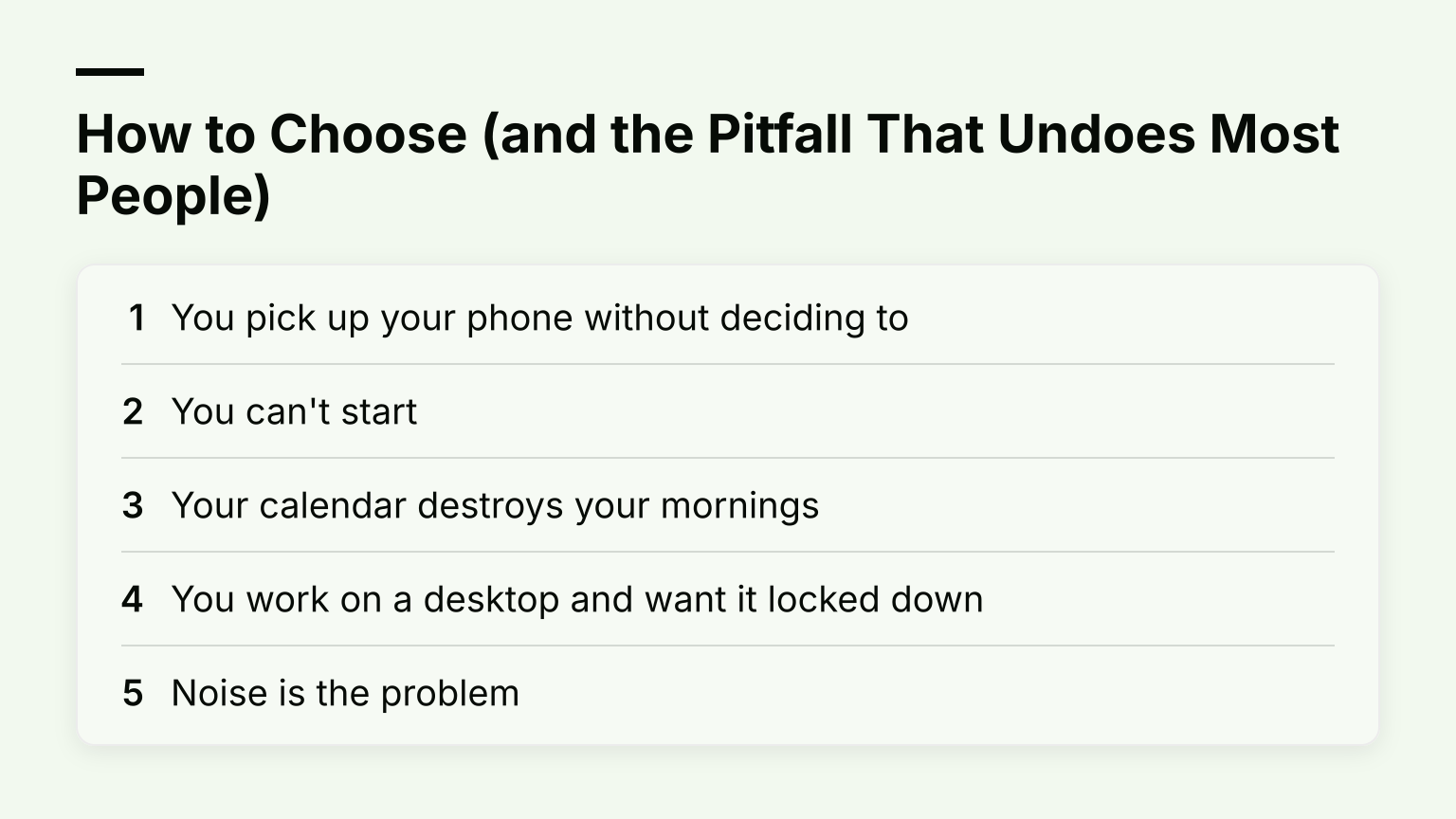
How to Choose (and the Pitfall That Undoes Most People): You pick up your phone without deciding to; You can't start; Your calendar destroys your mornings and 2 more

  1. You pick up your phone without deciding to. A blocker with real enforcement: Kohru, Freedom, or Opal.
  2. You can't start. Structure that turns tasks into sessions: Kohru's task-to-session workflow, or Flocus's planned blocks.
  3. Your calendar destroys your mornings. Reclaim.ai.
  4. You work on a desktop and want it locked down. Cold Turkey or Freedom's Locked Mode.
  5. Noise is the problem. Brain.fm, layered on top of any blocker.

One honest warning from the research: in that PNAS Nexus trial, only about a quarter of committed participants kept the block active on at least 10 of 14 days. The pitfall isn't choosing the wrong app. It's blocking Instagram, then drifting to YouTube. Choose a tool that covers all your distraction channels, or run two that complement each other.

For related deep dives, see our roundup of 7 Best Focus Apps for Deep Work in 2026, our guide to the best focus website blockers, what deep work actually means, picks for apps for procrastinators if starting is your bottleneck, and how to stay focused at work once you've chosen a tool.

Try a Blocked Focus Session Today

If phone-and-laptop distraction is your pattern, start with one real session: pick a task, start a blocked focus session, and see how the first 25 minutes feel. Download Kohru on the App Store, or add the Chrome extension to keep the block running in your browser.