7 Best Opal Alternatives for Focus and Screen Time Blocking (2026)

Seven honest Opal alternatives grouped by what you want instead: free blocking, cheaper schedules, harder-to-bypass locks, or study-first focus sessions with tasks.

8 min read

Summary of the Article

Opal works well if you want polished sessions and schedules on your phone, but its free tier allows only one rule and its strictest settings live behind Pro pricing. The best alternative depends on what you want instead of Opal: a truly free blocker, a cheaper schedule tool, a pause instead of a lock, hardware, or focus sessions tied to tasks.

  • Kohru: study-first option that turns tasks into focus sessions and blocks distractions across phone, laptop and Chrome.
  • ScreenZen: completely free app and website blocker with delays, mindful prompts and an optional strict block.
  • Jomo: cheaper scheduled blocking for iPhone, iPad and Mac, with a one-time purchase option.
  • One Sec: adds a breathing pause before distracting apps open; free for one app.
  • Brick: a $59 NFC device that blocks apps until you physically tap back in; no subscription.
  • Habit Doom: locks apps until you complete daily habits, with photo verification.
  • iOS Screen Time: free and built in, but a one-tap bypass makes it easy to defeat.

Opal is not a bad app. For many people it is the right one. But if you searched for an Opal alternative, something about it is not working for you. This guide groups the real options by the reason people leave, so you can jump straight to your situation.

When Opal Is Actually the Right Tool

Opal suits you if you want a polished, all-in-one screen time app on iOS, Android and Mac, with sessions, schedules, limits and a focus score. Its pricing page shows a free tier with one rule (one schedule, time limit or open limit) plus app blocking, and Opal Pro at $19.99/month, $99.99/year or $399 for life. Students can get up to 50% off Pro.
When Opal Is Actually the Right Tool: The free tier is tight; The strictest enforcement costs money; Desktop coverage is limited

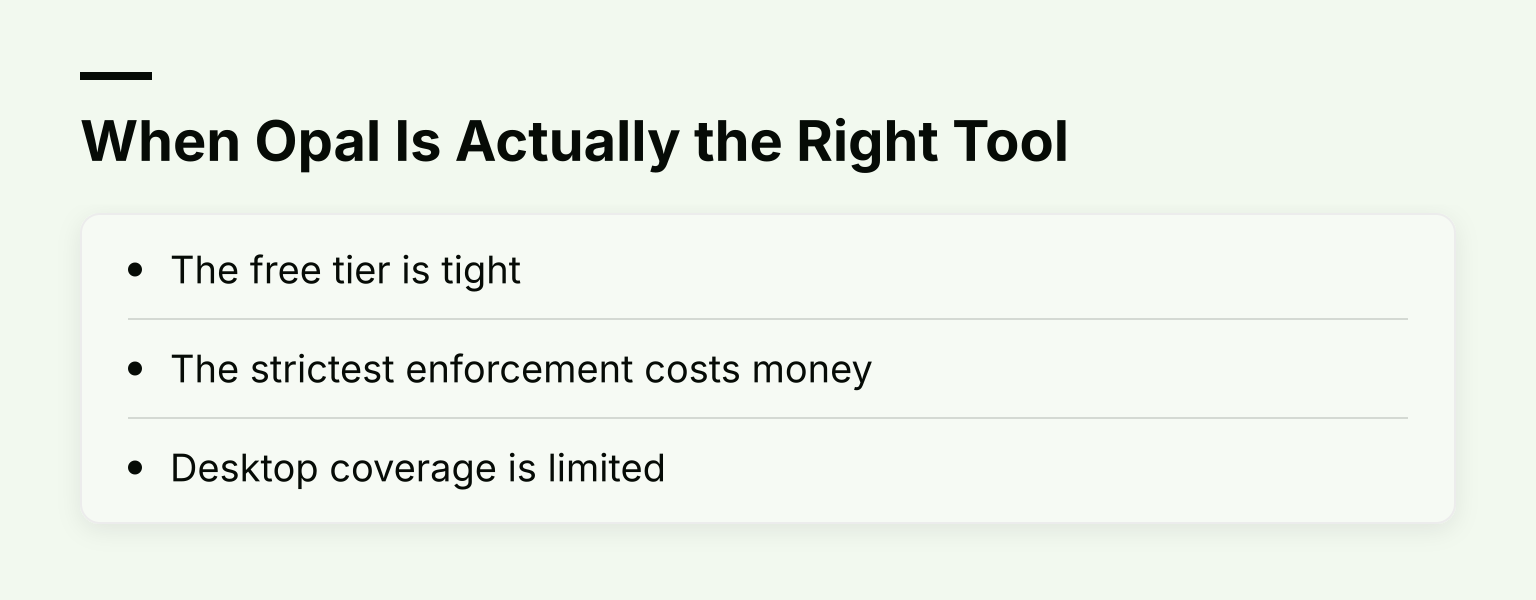
People usually look elsewhere for three reasons:

  • The free tier is tight. One rule means one block. If Instagram is your morning problem and YouTube your evening one, the free plan makes you choose.
  • The strictest enforcement costs money. Hard Mode, which stops you canceling or bypassing a rule, is a Pro feature.
  • Desktop coverage is limited. Opal covers phone and Mac, but there is no Windows app and no Chrome-browser-level blocking.

If none of those bother you, stay with Opal. If one does, read on.

First, Understand How These Tools Differ

Every blocker on this list uses one of five mechanisms, and the mechanism matters more than the feature list:
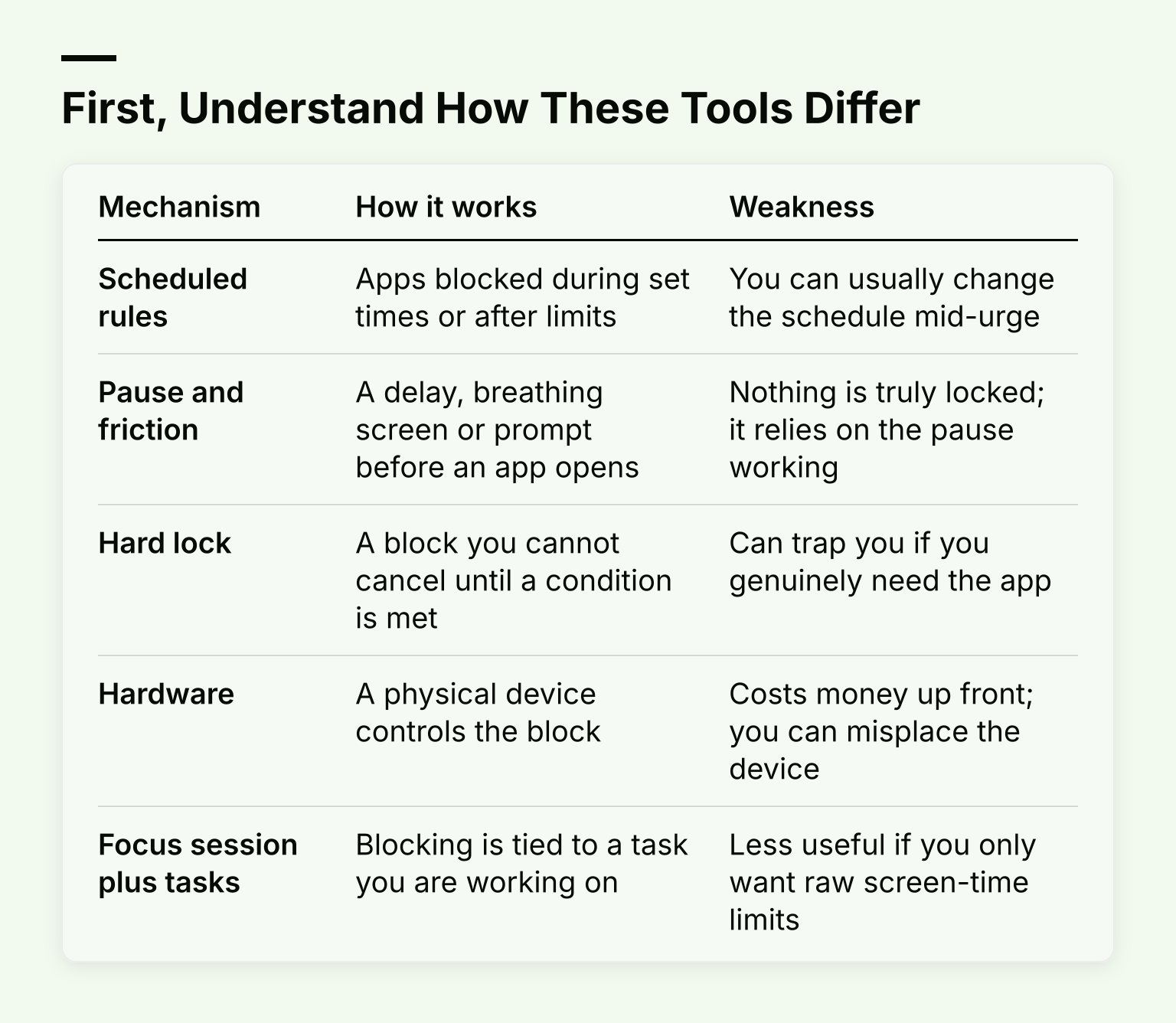
First, Understand How These Tools Differ. Table with columns Mechanism, How it works, Weakness; rows Scheduled rules, Pause and friction, Hard lock, Hardware, Focus session plus tasks

Mechanism How it works Weakness
Scheduled rules Apps blocked during set times or after limits You can usually change the schedule mid-urge
Pause and friction A delay, breathing screen or prompt before an app opens Nothing is truly locked; it relies on the pause working
Hard lock A block you cannot cancel until a condition is met Can trap you if you genuinely need the app
Hardware A physical device controls the block Costs money up front; you can misplace the device
Focus session plus tasks Blocking is tied to a task you are working on Less useful if you only want raw screen-time limits

Ask yourself honestly: do you need apps gone, or do you need a moment to decide? The first group of options is for the first answer, the second for the second.

Kohru: Focus Sessions Built From Your Tasks

Pure blockers answer the question "how do I use my phone less?". If your actual question is "how do I get this essay written?", a different design fits better, and that is where Kohru starts.
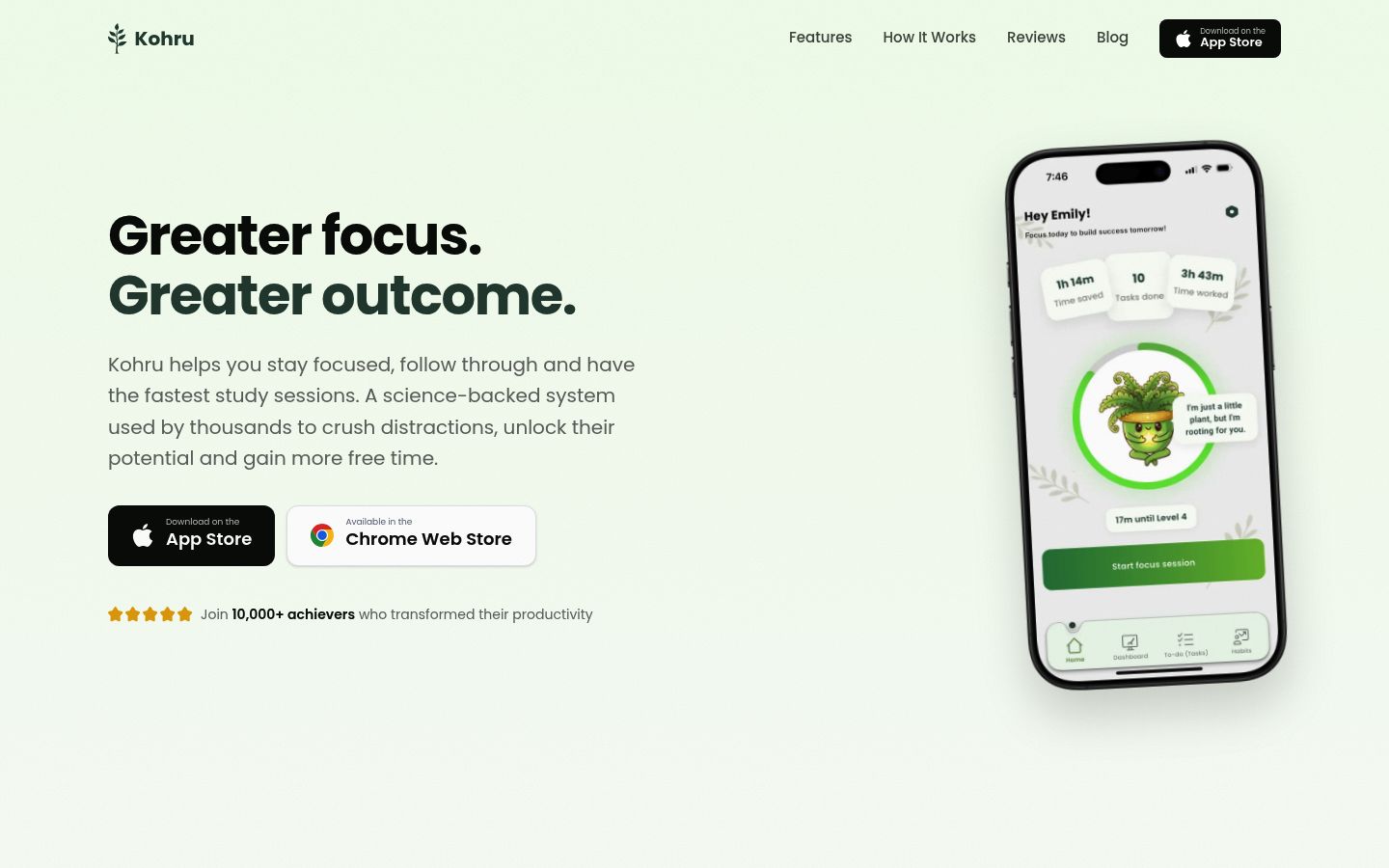
Screenshot of the homepage of Kohru

Instead of blocking on a clock, you turn a task into a focus session: pick something from your Work or Personal list, start the session, and Kohru blocks distracting apps and websites on your phone and laptop for as long as you work. A Chrome extension extends the same blocking into your browser.

Around the sessions, Kohru keeps smart to-do lists for planning, and tracks habits, focus time and completed tasks so you can see progress over the week. It is aimed at students and working students, and it is designed to support people with ADHD or other attention-regulation challenges, where starting the task is often the hard part, not just avoiding the phone.

Tradeoff: Kohru is not a pure screen-time dashboard. If your goal is strictly reducing overall phone usage with scores and reports, Opal or Jomo match that better. If your goal is finishing study sessions, the task-first mechanism fits.

Free Alternatives to Opal

These are the free alternatives to Opal that actually hold up, with an honest note on what "free" enforces and what it merely adds friction to.

ScreenZen

ScreenZen is completely free and donation-supported, with no subscription. Its website states it is available for iOS, macOS, Windows and Android, which is unusually broad coverage for a free blocker.
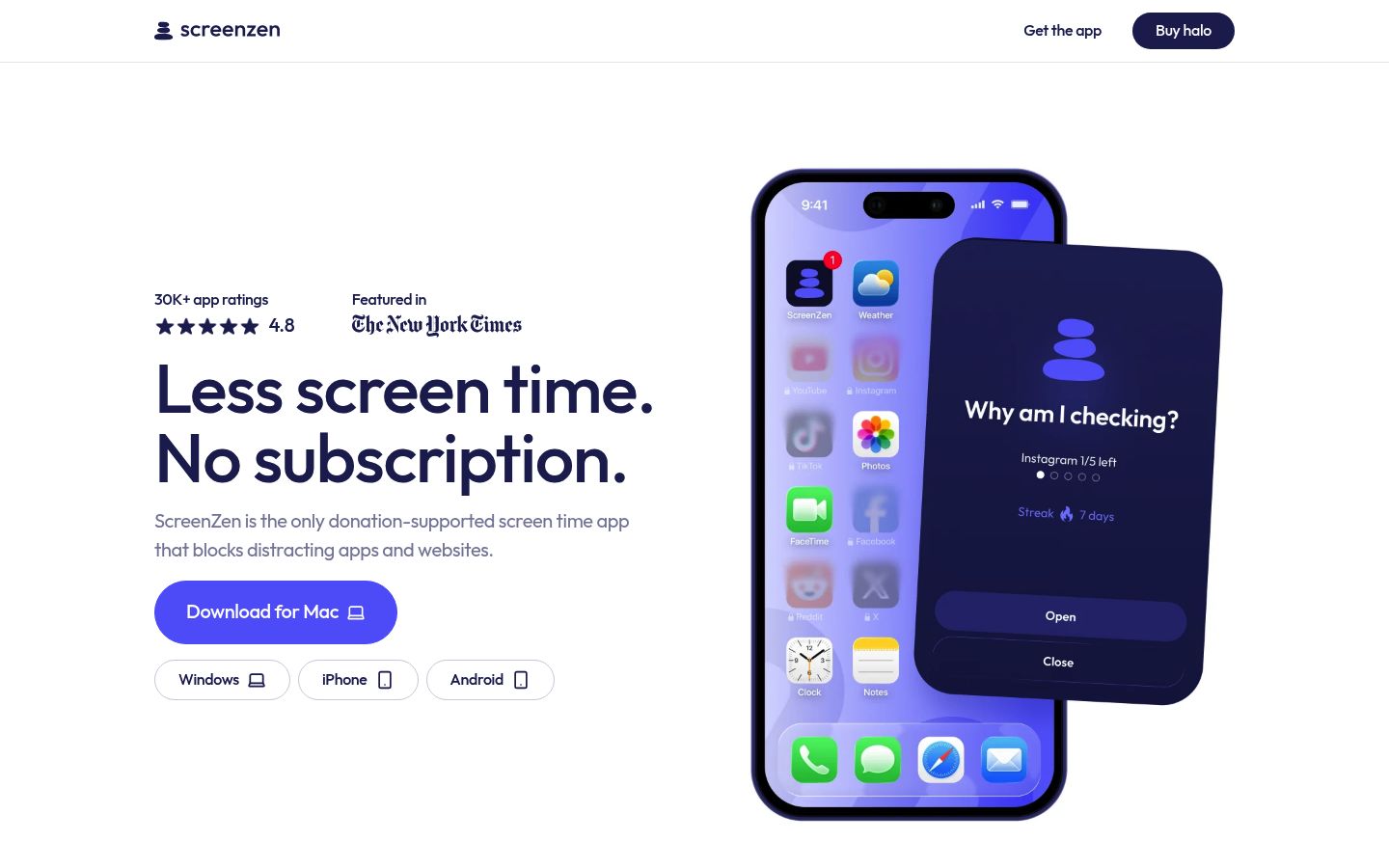
Screenshot of the homepage of ScreenZen

It mixes friction with real blocking. You can add a delay before a distracting app opens, show yourself a message like "Is this important?", set daily limits, and schedule blocks. Crucially, it also has a strict block mode for time ranges or after a number of opens, and locks on settings to stop you from loosening your own rules mid-urge.

Tradeoff: the friction tools only work if the pause genuinely changes your mind. If you tap through breathing screens on autopilot, use the strict block mode instead.

iOS Screen Time (built in)

Your iPhone already ships with a blocker: Screen Time, with app schedules, time allowances and content restrictions built into Settings. It costs nothing and needs no extra app.

The honest problem is bypass resistance. Loosening a Screen Time limit is a few taps away, so it works well when a parent sets the passcode, and poorly when you set it yourself. Use it as a baseline, not as your only defense.

If you want a fuller comparison of free tools and which ones hold, our guide to free screen time apps covers the enforcement-versus-friction question in more depth.
Cheaper Scheduled Blockers

If you like Opal's model (schedules, limits, sessions) but not the $99.99/year price, these two cover it for less.

Jomo

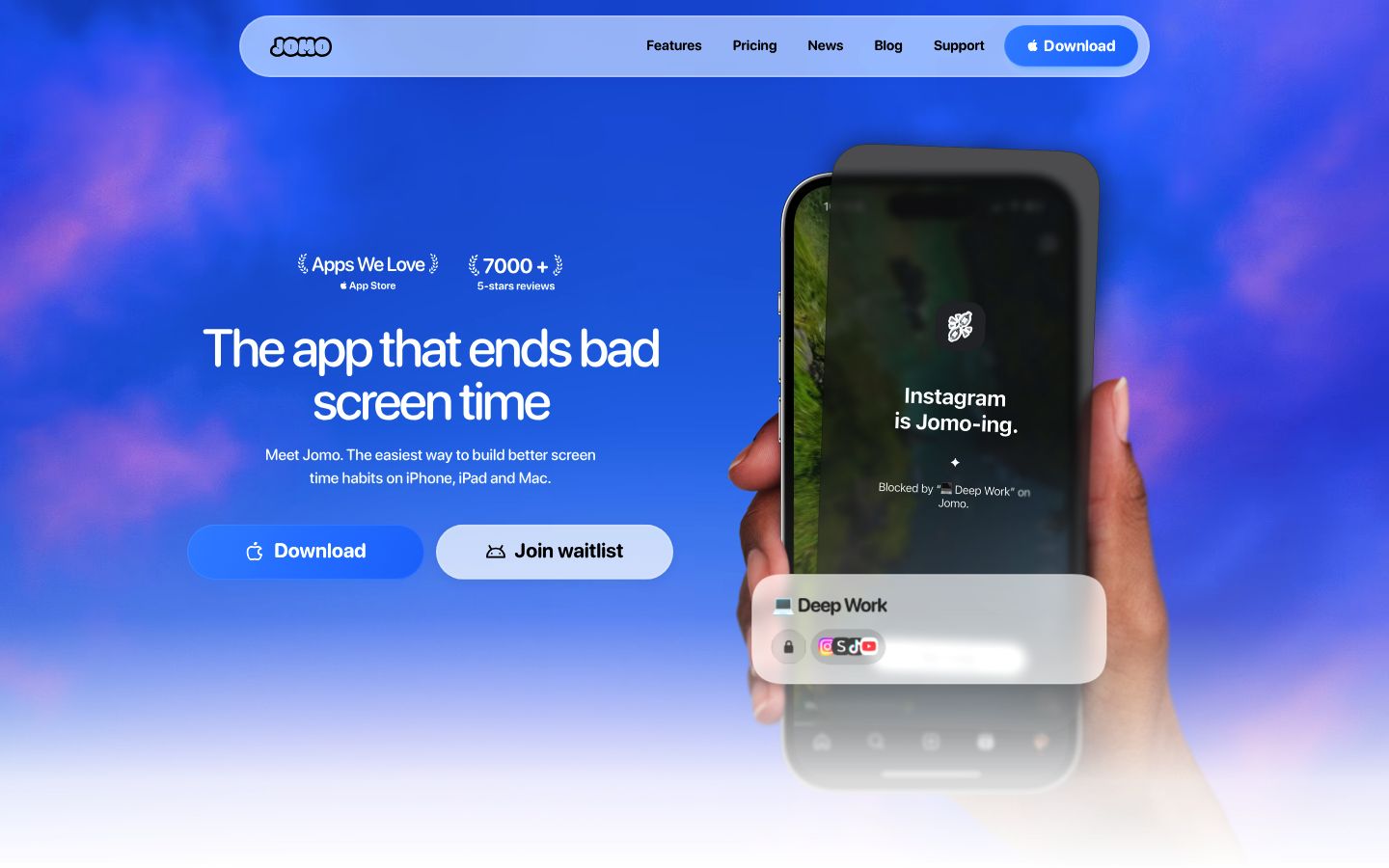
Jomo is a scheduled blocker for iPhone, iPad and Mac. Its free plan includes one session, one action or limit and one screen time budget, similar in feel to Opal's free tier. Jomo Plus costs $29.99/year, or a one-time $99.99 purchase, and a student plan runs $14.99/year, all per its pricing page.

Screenshot of the homepage of Jomo

Plus adds up to 10 sessions, Strict Mode that makes rules unbreakable, and unlocks that make you wait, type a reason, or enter a password before apps open. On Mac it blocks apps and websites in all browsers without an extension.

Tradeoff: it is Apple-only. If you need Windows or Android, look at ScreenZen or Brick.

One Sec

One Sec takes a different angle: instead of locking apps, it inserts a pause (usually a breathing exercise) before a distracting app or website opens, on the idea that most scrolling is autopilot. Its free tier covers one app or website; Pro costs roughly €3.99/month, €14.99/year or €99.99 lifetime per its FAQ.

Screenshot of the homepage of One Sec

It cites a peer-reviewed study with the Max Planck Institute reporting 57% fewer app openings on average, and it works on phones plus a desktop browser extension for websites. It also does full scheduled blocking if you want it.

Tradeoff: a pause is not a lock. If you want apps actually unavailable during study time, pick a scheduled or hardware blocker instead.

Strictest Enforcement: Hardware and Hard Locks

If you have tried friction tools and tapped through them anyway, you need something harder to bypass.

Brick

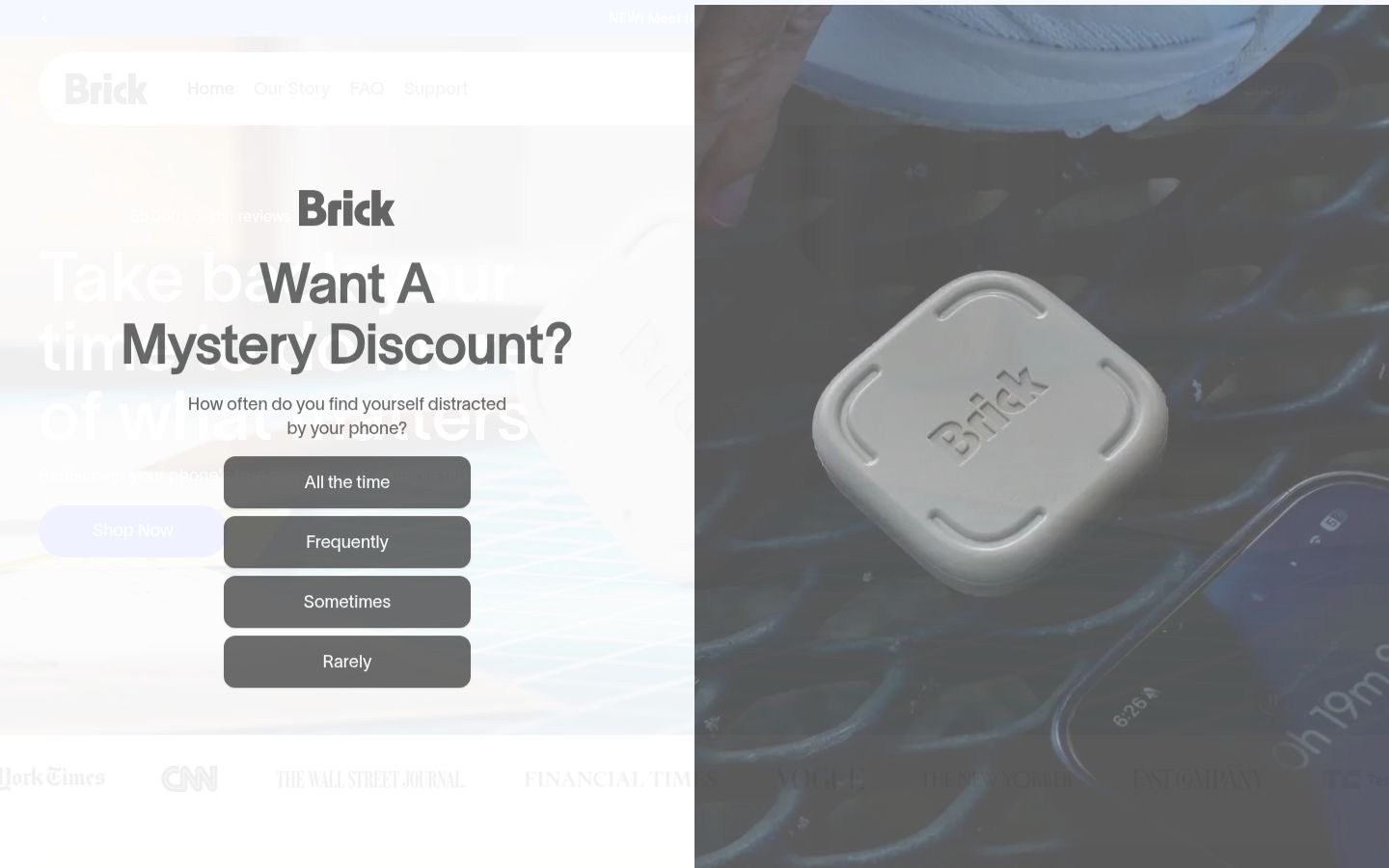
Brick is a small NFC device: tap your phone against it and your chosen apps block until you tap it again. It costs $59 once with lifetime app access and no subscription, per its product page. It works on iPhone and Android, supports scheduled modes like Work or Study, and includes Strict Mode plus five emergency unblocks.

Screenshot of the homepage of Brick

Tradeoff: real-world friction cuts both ways. If the brick is in another room, unblocking means getting up and getting it. That is the point, but it also means you can misplace your focus tool.

For more options in this style, see our guide to Brick alternatives.

Habit Doom

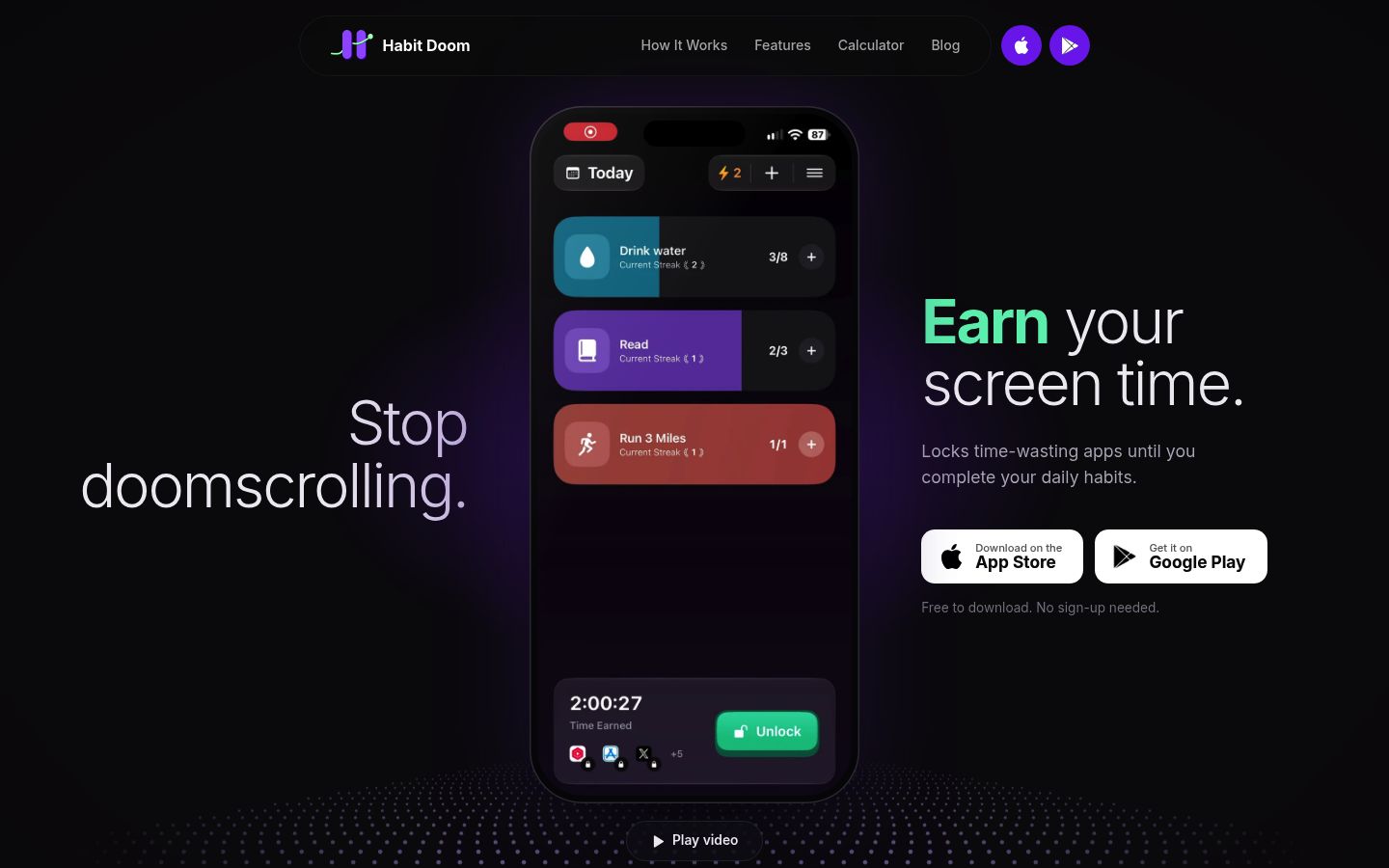
Habit Doom locks your chosen apps until you complete the daily habits on your list: work out, read, study, whatever you define. Its free tier includes up to 3 habits, app blocking, streaks and photo anti-cheat; premium runs $4.99/month, $19.99/year or $29.99 lifetime per its own site. It works on iPhone and Android, and in normal mode you can turn blocking off; Hard Mode removes that option until your habits are done.

Screenshot of the homepage of Habit Doom

Tradeoff: it enforces habits, not schedules. If your habit list is done by noon, your apps unlock by noon.

At-a-Glance Comparison

Tool Main mechanism Platforms Pricing Best fit
Kohru Focus sessions built from tasks, plus blocking Phone, laptop, Chrome Free to download Students who need to start and finish study work
Opal Sessions, schedules, limits iOS, Android, Mac Free (1 rule); Pro from $8.29/mo billed yearly Polished all-in-one screen time coaching
ScreenZen Delays, prompts, strict block iOS, macOS, Windows, Android Free Anyone who wants real blocking without paying
Jomo Scheduled rules and sessions iPhone, iPad, Mac Free tier; Plus $29.99/yr or $99.99 once Opal-like workflows on Apple devices for less
One Sec Breathing pause before apps open iOS, Android, browser extension Free (1 app); Pro from ~€14.99/yr Heavy scrollers who respond to a pause
Brick Physical NFC tap to block and unblock iPhone, Android $59 once, no subscription Maximum bypass resistance
Habit Doom Apps locked until habits are done iPhone, Android Free tier; premium from $4.99/mo Building habits as the price of screen time
iOS Screen Time Built-in app schedules and time allowances iPhone, iPad, Mac Free Baseline blocking with a parent-set passcode

Which One Should You Pick?

Which One Should You Pick? Student with study deadlines; Working professional; Heavy scroller who taps through everything; ADHD reader; Want to compare one more blocker family

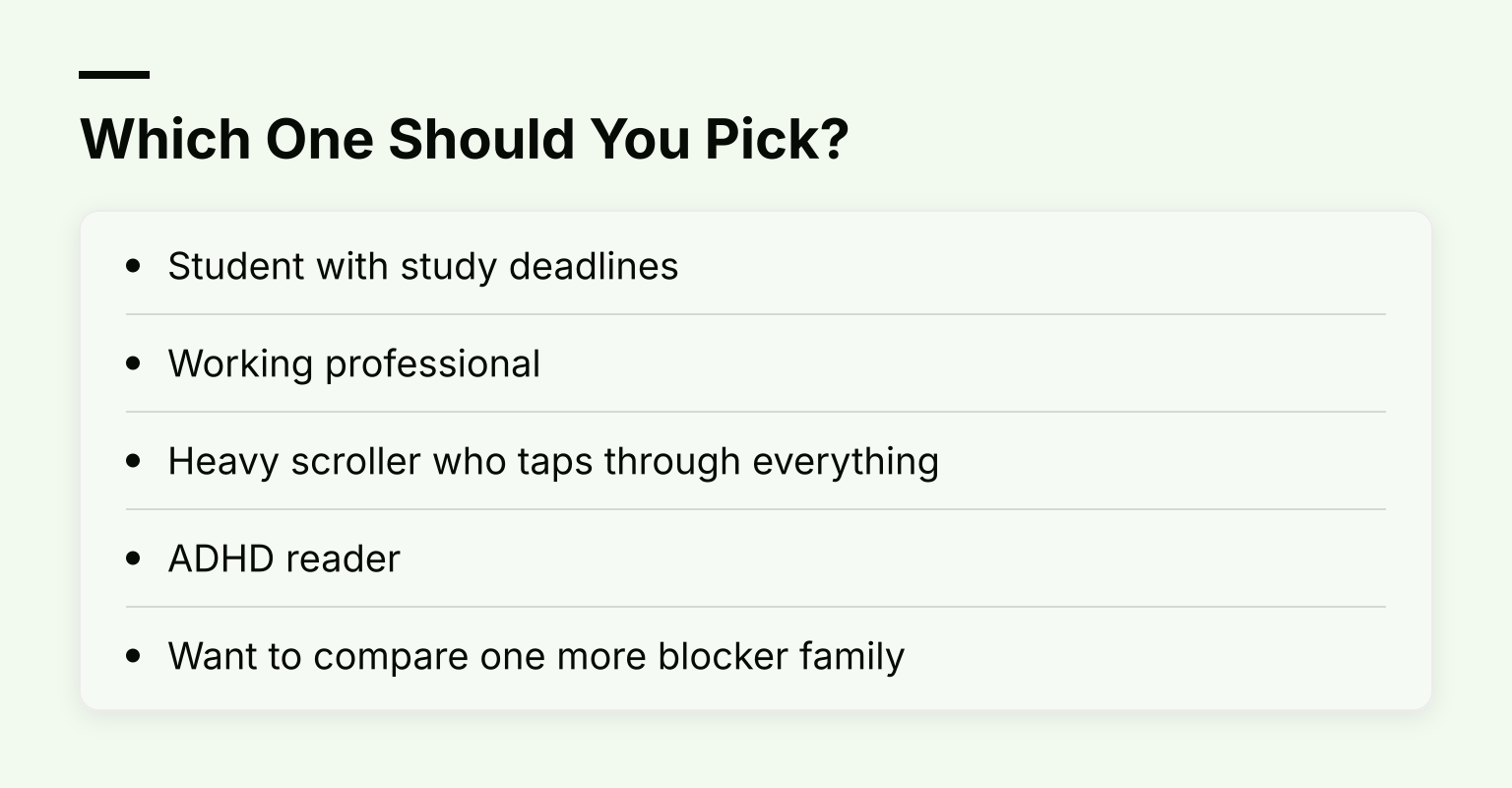
  • Student with study deadlines: start with Kohru if tasks and focus sessions are your bottleneck; add ScreenZen if you want free blocking everywhere else. Pair the tool with a proper distraction-free study environment.
  • Working professional: Jomo's schedules on iPhone and Mac, or Opal if you want its coaching layer and will use Pro features.
  • Heavy scroller who taps through everything: Brick or Habit Doom's Hard Mode. Friction has already failed you.
  • ADHD reader: a tool that lowers the starting cost matters more than strictness. Kohru's task-to-session design and One Sec's pause both target that; our ADHD focus guide covers the strategy side.
  • Want to compare one more blocker family: our Freedom app alternatives roundup covers the multi-device blocking angle.

If your reason for leaving Opal was that blocking alone never got the work done, that is the one signal worth following. Pick the mechanism that matches your failure mode, not the one with the longest feature list. If finishing sessions is the problem, download Kohru on the App Store and try one task-turned-session today; a Chrome extension is there too if most of your distractions live in the browser.