You sit down to study with your laptop open, notes beside you, and one useful YouTube tutorial in mind. Then a Short appears. You watch it, swipe to another, and look up to find that your study plan has been replaced by an endless vertical feed. Your phone is still within reach, so moving away from the laptop doesn't solve the problem.
Kohru is built for students who need to block distractions on a phone and laptop at the same time. Its Focus Sessions pair iPhone app blocking with laptop website blocking, making it a practical answer when YouTube Shorts keeps ambushing your attention on both screens. The important shift is to treat Shorts as a cross-device enforcement problem, not as a setting you change once and forget.
Table of Contents
- Why Shorts Hijack Your Study Time
- How YouTube Built Shorts Into a Separate Beast
- Built-In Settings on Android, iPhone, and Web
- Extensions, DNS, and Host-File Workarounds
- Kohru Focus Sessions for Phone and Laptop
- What to Replace Shorts With During a Block
- Choosing the Right Shorts Block for Your Life
Why Shorts Hijack Your Study Time
The trouble starts innocently. You open YouTube to watch a lecture, check a tutorial, or search for an explanation of one difficult topic. The Shorts shelf offers a quick distraction, and the feed removes the stopping point that normally exists at the end of a long video.
A long-form video asks you to choose a topic, commit to it, and reach a natural ending. Shorts keep presenting the next decision before you've had time to make a deliberate one. The result is a viewing loop built around quick swipes, automatic recommendations, and repeated “just one more” decisions.
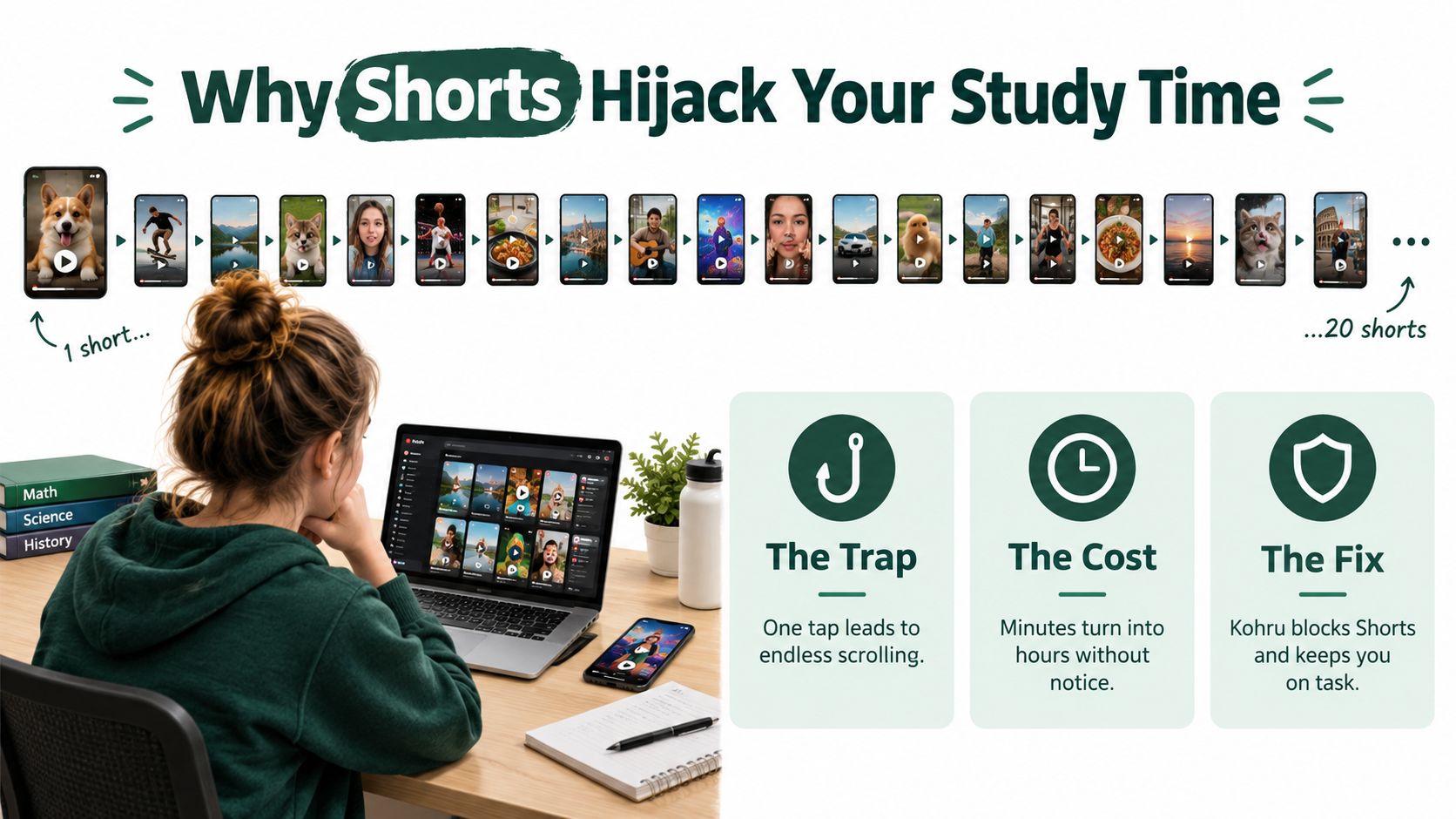
YouTube reported that Shorts generated more than 70 billion views per day on average by March 2024, up from 30 billion daily views in September 2022, more than doubling exposure in roughly 18 months, according to YouTube's Shorts revenue-sharing update. Those are platform-wide views, not unique people or minutes watched, but they show the scale of the environment competing for your next swipe.
Why dismissing the shelf isn't enough
You can tell YouTube to show fewer Shorts, but that doesn't create a durable barrier. On desktop, the Shorts shelf may return after about 30 days, and the standard YouTube experience doesn't support fully disabling Shorts, as documented in this guide to YouTube Shorts controls.
That matters because a study setup usually includes more than one route back into the feed. You might remove Shorts from the laptop home page, then open the app on your phone. You might block the app, then switch to a browser. You might close the shelf, then reach Shorts through search or a direct link.
Practical rule: If your workaround protects only one screen, it isn't a focus system. It's a temporary inconvenience.
Kohru addresses that gap by letting you start a timed Focus Session and block selected distractions on your iPhone and laptop together. You aren't trying to develop perfect resistance to a feed designed for repeated short sessions. You're removing the easy route while you work, then restoring access when the session ends.
How YouTube Built Shorts Into a Separate Beast
Shorts wasn't another video length added to an established platform. YouTube introduced its Shorts creation tools in September 2020, reached the United States in March 2021, and became broadly available worldwide in July 2021, according to YouTube's account of the first year of Shorts.
By September 2021, the average number of daily first-time Shorts creators had more than doubled compared with September 2020. That creator growth matters because a short-form feed needs a constant supply of fresh clips. The platform quickly developed both sides of the loop, more people producing content and more opportunities for viewers to keep swiping.
The format also encourages a different relationship with YouTube. Someone searching for a long lecture has a defined purpose. Someone opening Shorts enters a stream with no obvious endpoint. The next item arrives before the current item has created a reason to stop, and the phone-first design makes the feed easy to access between tasks.
A distinct attention channel
This history explains why ordinary YouTube controls often feel too broad. Blocking all of YouTube also blocks lectures, tutorials, recorded seminars, music for a planned work session, and videos you intentionally chose. Allowing all of YouTube leaves the Shorts channel open.
Shorts blocking is therefore more precise than a blanket YouTube ban. You can preserve useful long-form material while placing a boundary around the part of the service that turns a short break into an unplanned viewing session.
That boundary must also match the way you use devices. A browser-only restriction may protect your laptop while leaving the phone untouched. An account setting may affect recommendations but not direct navigation. A network filter may block YouTube entirely because it can't distinguish the Shorts path from the rest of the domain.
Built-In Settings on Android, iPhone, and Web
Start with YouTube's own controls if you want a low-friction reduction rather than a hard block. They take little setup, work across familiar YouTube surfaces, and let you test whether Shorts is the trigger disrupting your work.
YouTube's Shorts-feed limit
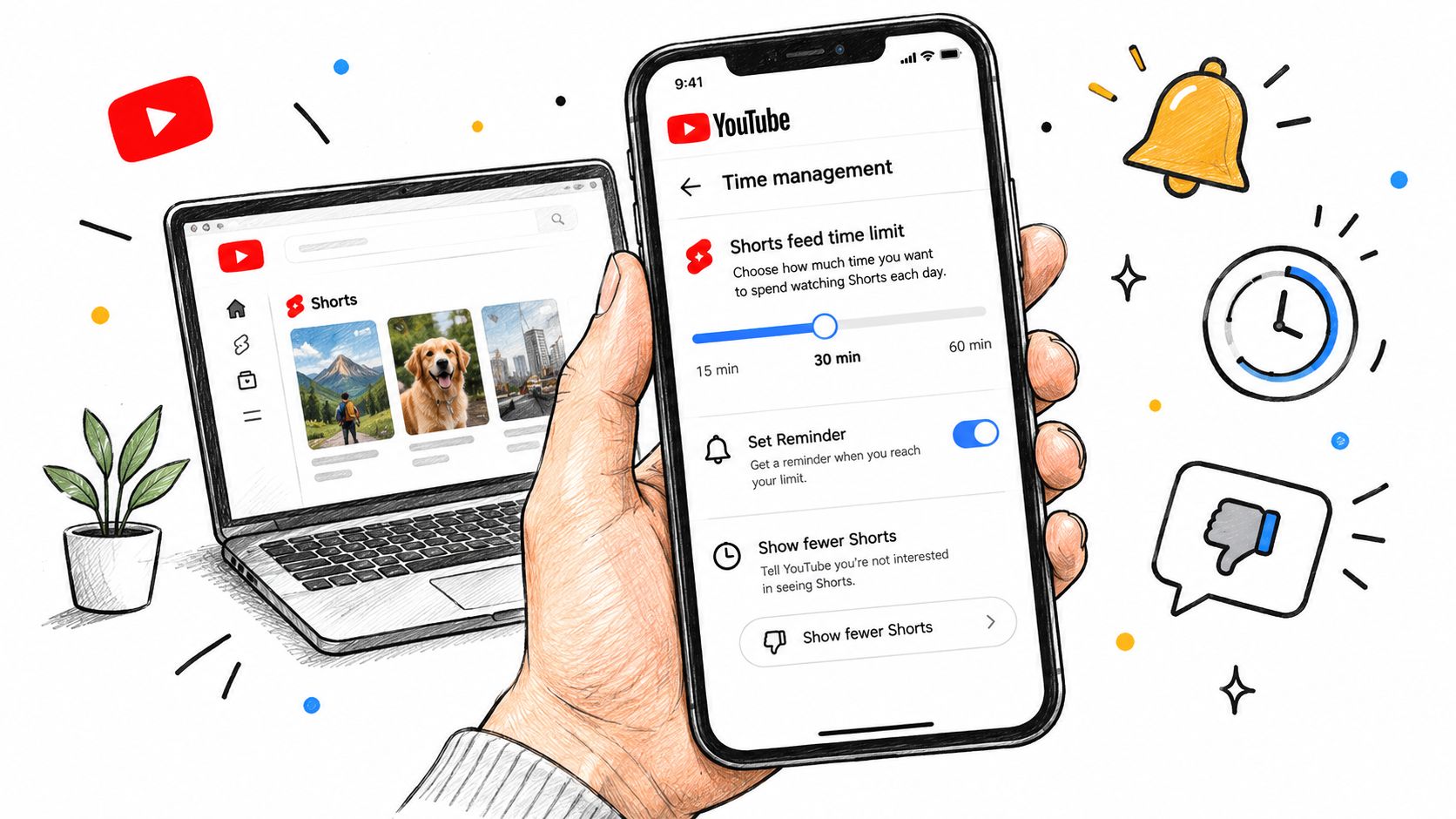
Open YouTube and go to Settings, then Time management. Find the Shorts-feed limit and set it to zero minutes where the option is available. You can also use the Take a break reminder to add a prompt during viewing.
This is useful as a speed bump, not as a security boundary. A reminder can be dismissed, and account changes, signed-out browsing, alternate browsers, direct links, and app behavior can create separate routes into Shorts. Set the limit, then test the exact paths you normally use.
The Show fewer Shorts or Not interested feedback option serves a different purpose. Use the menu on a Shorts shelf and send that feedback to reduce the number of Shorts recommendations on Home. It can make the feed less prominent, but it doesn't remove the Shorts tab or guarantee that direct Shorts pages won't load.
Android controls
On Android, combine YouTube's Shorts-feed limit with Digital Wellbeing if your problem is broader app access. Open Android Settings, find Digital Wellbeing, select the YouTube app, and set an app timer if you need to limit YouTube as a whole.
That approach is blunt. It treats a useful lecture and an unwanted Shorts session as the same app activity. Use it when you need a total YouTube boundary, not when you want regular videos to remain available.
iPhone controls
On iPhone, Screen Time can limit or block the YouTube app itself through app limits and content restrictions. Again, this protects you from the entire app rather than separating Shorts from long-form videos.
For a narrower intervention, use YouTube's own Shorts-feed limit and recommendation feedback first. If you keep overriding those controls, move to a timed cross-device blocker rather than adding more reminders you can dismiss.
Web controls
On YouTube's website, apply the Shorts-feed limit through the same time-management area when it appears in your account. Use the menu on the Shorts shelf to choose Show fewer Shorts, then check whether the shelf stays absent after you refresh and sign in from another browser.
Desktop hiding is temporary, and fully disabling Shorts isn't supported in the standard YouTube experience. Supervised accounts can enforce a stricter Shorts-feed limit, which makes them more suitable for parents managing a young person's account than for adults trying to control their own habits.
Extensions, DNS, and Host-File Workarounds
Technical workarounds can block more than YouTube's reminders, but each one protects a different layer. The mistake is choosing a tool because it works once in one browser, then assuming the whole device is covered.
| Method | Where it works | Durability | Caveat |
|---|---|---|---|
| Browser extension or path rule | One browser on one device | Moderate | Can miss apps, alternate browsers, private browsing, and other devices |
| DNS or host-file rule | Devices using the configured network or file | Broad but coarse | Can't separate Shorts from standard YouTube |
| Layer-7 HTTPS proxy | Inspected network traffic | Potentially granular | Requires TLS interception, certificate deployment, privacy trade-offs, and compatibility testing |
Browser extensions
A browser extension can redirect or block direct navigation patterns such as youtube.com/shorts/. This is the simplest technical route for someone who studies on one laptop and uses one browser.
Its weakness is scope. The rule normally applies only to that browser profile. A different browser, private window, mobile app, signed-out session, or second device can bypass it. Single-page-app navigation can also behave differently from a fresh page load, so test more than one direct URL.
DNS and host-file rules
DNS-only filtering isn't a good choice for Shorts-specific blocking. Shorts and standard YouTube use the same youtube.com domain, so DNS can't inspect the path and decide whether a request is for /shorts/ or a normal video. It will generally block all YouTube or leave Shorts available.
Host-file workarounds have the same basic limitation. They can block a domain, but they don't understand the page path behind that domain. Use them only when blocking YouTube entirely is acceptable.
Layer-7 proxy filtering
A Layer-7 HTTPS proxy can inspect request paths and block /shorts/ navigation, Shorts-related API calls, or Shorts shelves in feed responses. According to the technical details in the yt-shorts-blocker project, this requires TLS interception and certificate deployment, and native apps may fail when they don't trust user-installed certificate authorities.
That makes the approach more appropriate for managed environments than for a student's personal phone. It adds configuration, maintenance, privacy considerations, and app-compatibility testing. A successful browser redirect isn't proof that the same restriction works inside the native YouTube app.
Kohru Focus Sessions for Phone and Laptop
If you study with a laptop and reach for your phone whenever the laptop restriction works, use a single timed session that covers both devices. Kohru is an app built for students that helps block distractions on your phone and laptop at the same time, pairing an iPhone Focus Session with a browser extension on the laptop, as described on Kohru's official site.
The setup is straightforward:
- Choose the task. Open the Kohru iPhone app and select what you're doing, such as revising a chapter, writing an assignment, or completing problem sets.
- Set the duration. Choose the length of the Focus Session before you start. The fixed window removes the need to renegotiate with yourself every time a Short appears.
- Enable laptop blocking. Turn on laptop blocking so the browser extension joins the same session and blocks the websites selected for that session.
- Block the phone route. The iPhone side uses iOS Screen Time to block distracting apps during the session, while the laptop extension blocks selected websites in the browser.
- Work inside the boundary. Keep YouTube available only if your task requires it, and block the Shorts paths or YouTube surfaces that pull you away from the planned video.
- Use the end of the session as the break. When the timed session ends or you deliberately pause it, access returns for a planned break rather than an accidental one.
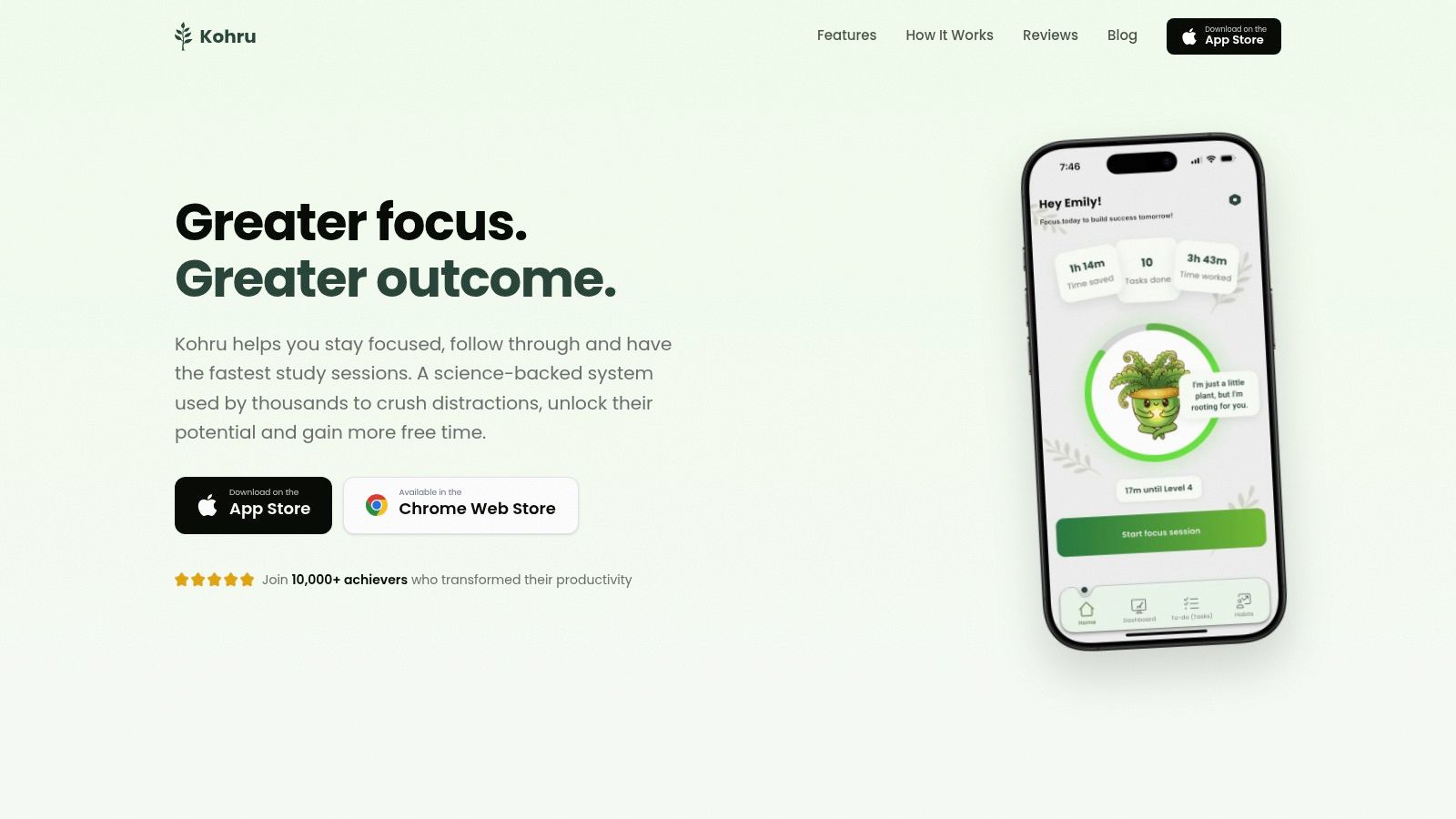
The advantage is not that Kohru changes YouTube itself. It coordinates the phone boundary and laptop boundary during the same Focus Session. That closes the common workaround where a student blocks one screen and immediately switches to the other.
Use the smallest block that protects the task. If you need a lecture, allow the lecture and block the feed. If YouTube itself is the trigger, block the site and use an offline resource instead.
Kohru's approach fits students who need a repeatable ritual, not a permanent restriction. Start a session when you sit down, select the distractions that threaten that task, and let the timed boundary carry the enforcement while you work.
What to Replace Shorts With During a Block
Blocking Shorts removes a trigger. It doesn't automatically give your attention somewhere better to go.
A systematic review and meta-analysis covering 71 studies and 98,299 participants found that heavier short-form-video use was associated with poorer cognition, especially attention and inhibitory control, along with weaker mental-health outcomes including stress and anxiety, as reported in the PubMed-indexed review. The finding describes an association, not proof that blocking YouTube Shorts alone will improve grades, retention, or productivity.
Choose a replacement before you block
Substitution is the trap most blocking guides ignore. If Shorts disappears but TikTok, Instagram Reels, email, or messages remain open, your attention may shift to the next cue.
Pick one replacement that matches the work:
- For learning: Watch the specific long-form educational video you selected before the session, then close YouTube.
- For reading: Use a print book, course text, or daily reading comprehension practice for kids when structured reading is the better alternative.
- For recovery: Take a deliberate offline break, stretch, drink water, or walk without replacing Shorts with another feed.
- For difficult tasks: Write the next physical action on paper, such as opening the document, outlining one paragraph, or solving the first problem.
Measure whether the intervention changes behavior rather than relying on how disciplined you feel. Track uninterrupted work intervals, completed tasks, sleep quality, and total short-form exposure across platforms. If YouTube Shorts falls but your phone checking rises, the block solved one route without solving the larger attention problem.
Choosing the Right Shorts Block for Your Life
Choose the lightest option that survives your normal behavior.
- You want fewer accidental recommendations: Set the YouTube Shorts-feed limit, use Show fewer Shorts, and recheck Home after signing in on your usual devices.
- You're a parent managing a teen's account: Use a supervised Google account with the stricter Shorts-feed limit rather than relying on a reminder the child can dismiss.
- You use one laptop and want a technical barrier: Add a browser extension or path rule, then test alternate browsers, private browsing, direct Shorts links, and logged-out use.
- You study across an iPhone and laptop: Use a Kohru Focus Session so the phone app restriction and laptop website block begin together.
- You need strict network enforcement: Consider path-aware proxy filtering only if you can manage TLS certificates, privacy implications, and native-app compatibility.
After an app update, account change, or new device, repeat a quick check. Test the Home feed, Shorts tab, direct Shorts link, search result, native app, browser, private browsing, and the other device. A block that passes only one route isn't finished.
Kohru gives students timed Focus Sessions that block selected distractions on an iPhone and laptop together, so YouTube Shorts can't become the easy escape from your study task. Start your next session with the phone and browser covered, then visit Kohru to set up a cross-device focus routine.
