You sit down to study, open your laptop, and tell yourself you'll start after checking one message. A phone alert pulls you away, then a tab on your laptop does the same. By the time you return to the assignment, the morning's gone and the work still feels untouched.
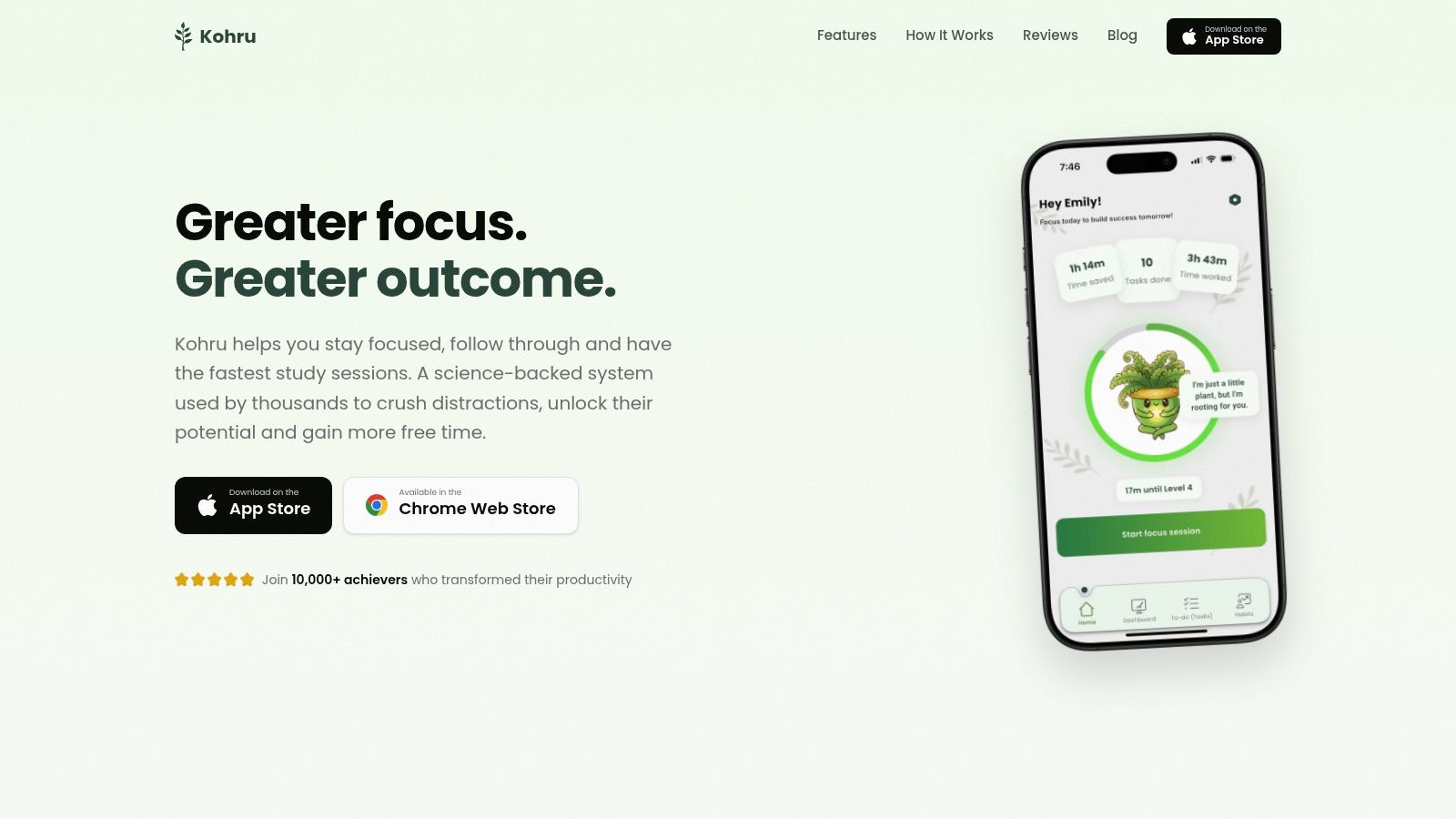
A useful deep work schedule doesn't just reserve long stretches on a calendar. It reduces task switches and makes it easier to resume when something interrupts you. Kohru is an app built for students that blocks distractions on your phone and laptop at the same time, helping you protect a focus block across both screens. The practical aim is simple: finish a defined task with fewer interruptions, rather than chase a particular number of focus minutes.
Table of Contents
- Deep Work Block Templates You Can Use Today
- How to Find Your Peak Focus Windows
- Clear Phone and Laptop Distractions Before Each Block
- Balance Deep Work With Shallow Tasks
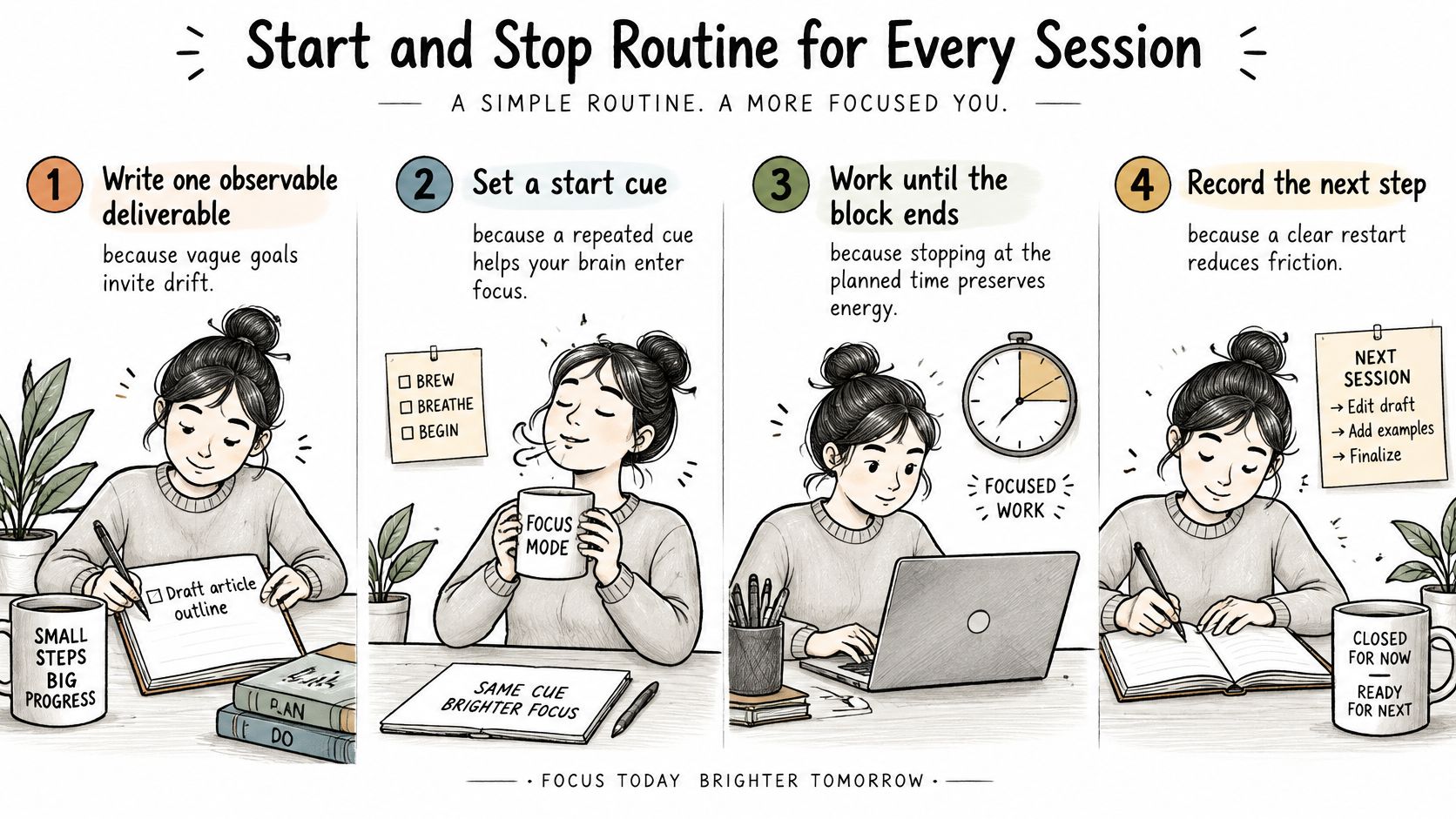
- Start and Stop Routine for Every Session
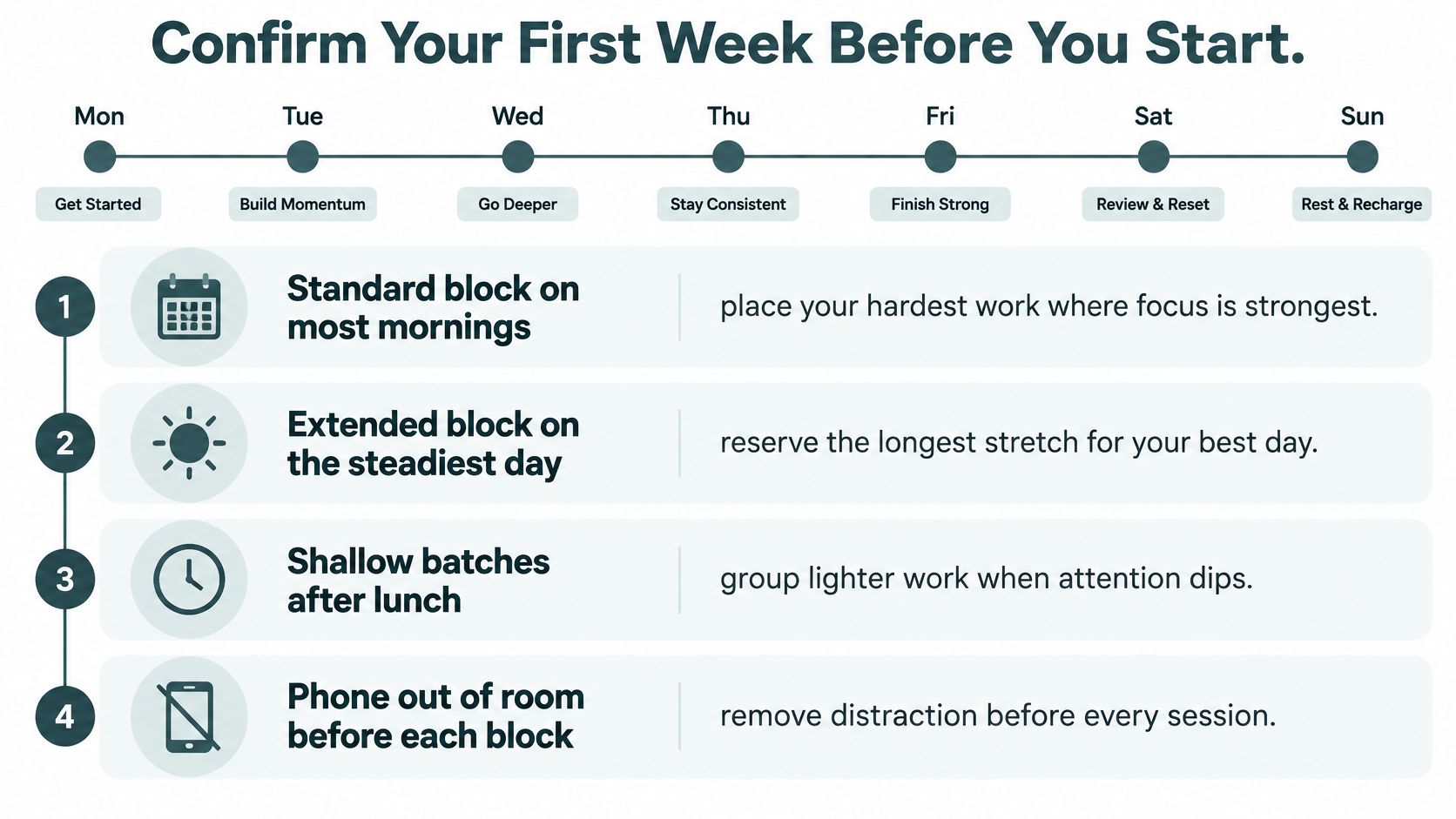
- Confirm Your First Week Before You Start
Deep Work Block Templates You Can Use Today
Start with a 45-minute standard block followed by a 10-minute break. It gives you enough room to make progress on demanding work without assuming you can concentrate indefinitely. Before the timer starts, choose one deliverable, such as completing a problem set or drafting a section, and silence distractions on both devices.
Kohru's two-device approach fits this starting rule: a focus block can lose its purpose if the phone is quiet but the laptop still offers a stream of alerts or tempting sites. A study of 84 Taiwanese undergraduates found that visible smartphone notifications influenced checking behavior, particularly among students with high smartphone vigilance. Students whose notifications were hidden tended toward longer individual use sessions, supporting a block design that suppresses alerts rather than relying on willpower alone (the study of notification settings and student phone checking).
| Template | Focus length | Break after | Best use |
|---|---|---|---|
| Sprint | 25 minutes | 5 minutes | Restarting a habit or a bad-attention day |
| Standard block | 45 minutes | 10 minutes | Reading, writing and problem sets |
| Extended block | 60 minutes | 10 minutes | Coding or research synthesis after a steady week |
| Long block | 90 minutes | 15 to 20 minutes | Only when completion and error rates stay stable |
Choose by how cleanly you finish
Use a 25-minute sprint if your attention falls apart quickly or you're rebuilding the habit. For a student with ADHD or other attention-regulation difficulties, start with a sprint and a visible task card that shows the next action. A small exploratory study of a study companion used by 15 university students who self-reported ADHD symptoms found participants reported reduced overwhelm and improved focus; it points to the value of task selection and a low-friction start, but it doesn't establish a universal effect (the ACM study on scheduling support for students with ADHD symptoms).
Move to 60 minutes only when a standard block ends without drifting. Reserve a 90-minute block for days when you've repeatedly completed work accurately at that length. For example, a biology student might use a standard block for a problem set, then switch to a sprint on a bad-attention day rather than abandoning the session.
Pick the shortest length you can finish cleanly three days in a row, then extend by 15 minutes. The break column is easy to ignore, but skipping recovery often makes the next session harder to complete.
How to Find Your Peak Focus Windows
A morning that feels productive can still be fragmented. Gloria Mark and colleagues reported that participants spent an average of 3 minutes and 5 seconds on a work event before an interruption or task switch, while device-based work averaged 2 minutes and 11 seconds without interruption (the Gallup report on workplace interruptions). Track switches and the time needed to recover after them, not just how long you sit at a desk. A useful focus window is one that reduces both.
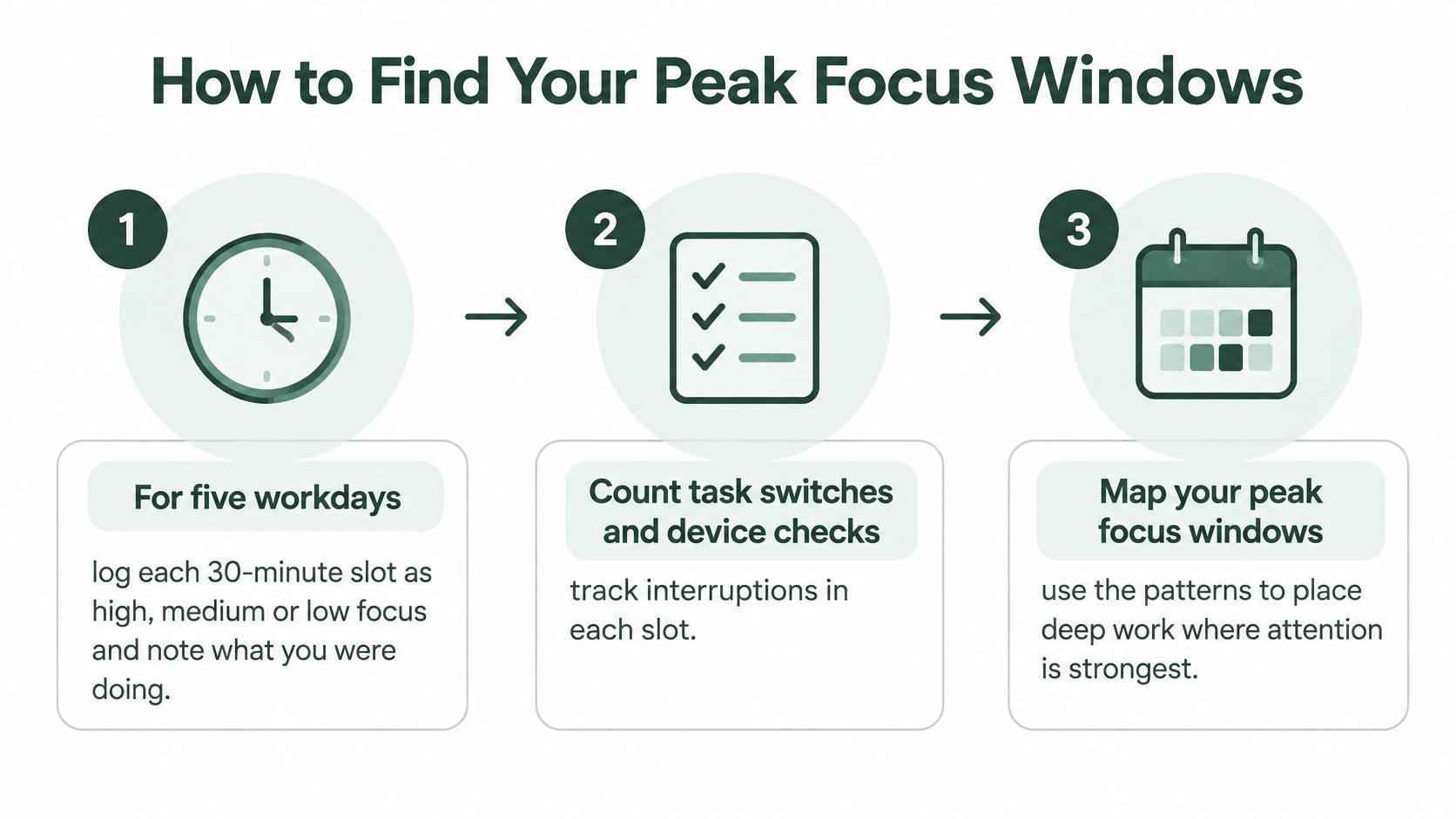
- For five workdays, label each 30-minute slot high, medium, or low focus, and record the task you worked on.
- Count task switches and device checks in each slot. A high rating alongside repeated checking can hide a fragmented work period.
- At the end of each day, mark your three longest high-focus slots. Look for recurring stretches rather than one unusually good morning.
- Compare all five days. If a window repeats on at least four days, name it as your peak window and put it on your calendar first.
- Book your first deep block at the start of that window, before opening email. Inbox work can break the stretch into smaller pieces, with recovery time after each interruption.
- If no window repeats, test a mid-morning slot for a week and log again. After a major deadline, students should repeat the process because exam weeks can shift their routines.
Log what you did, not only how focused you felt. The task-switch count makes it easier to tell whether a window supported sustained work or only felt productive.
Your result should be concrete: a named peak window and one daily block booked inside it. For more ways to protect that time, see the Acheloa Wellness guide to deep work. Plan to block distractions on both your phone and laptop from the start, so a device check does not turn into a series of switches and recovery periods.
Clear Phone and Laptop Distractions Before Each Block
A phone can compete for attention even when you don't intend to check it. In an experiment reported in Scientific Reports, participants performed worse on attention and working-speed measures of the d2-R test when a smartphone was present than when it was absent. The authors interpreted the result as evidence that the phone's presence alone can consume cognitive resources (the Scientific Reports smartphone-presence experiment).
Before a block, use this checklist:
- Move the phone out of reach. Put it in another room or a drawer. If it needs to stay nearby, make it unavailable during the block.
- Block distracting apps on the phone. A screen-down phone can still buzz, light up or invite a quick check.
- Block distracting sites on the laptop. Close email and chat clients instead of leaving them open in the background.
- Silence notifications on both devices. Don't leave one screen as an open channel for interruptions.
- Open only the work document. Write the block's deliverable at the top so you can return to the task without deciding what to do next.
A student who silences a phone but leaves a social feed open on a laptop hasn't really cleared the distraction. The second device can still pull attention away from reading, writing or problem-solving.
Kohru helps address that two-device gap by blocking distractions on a phone and laptop at the same time, so one Focus Session can cover both. Relying on willpower while alerts remain switched on is a weaker setup: it asks you to resist the interruption after the device has already presented it. The block doesn't start until both devices pass the checklist.
See the device-blocking setup in action: