Summary of the Article
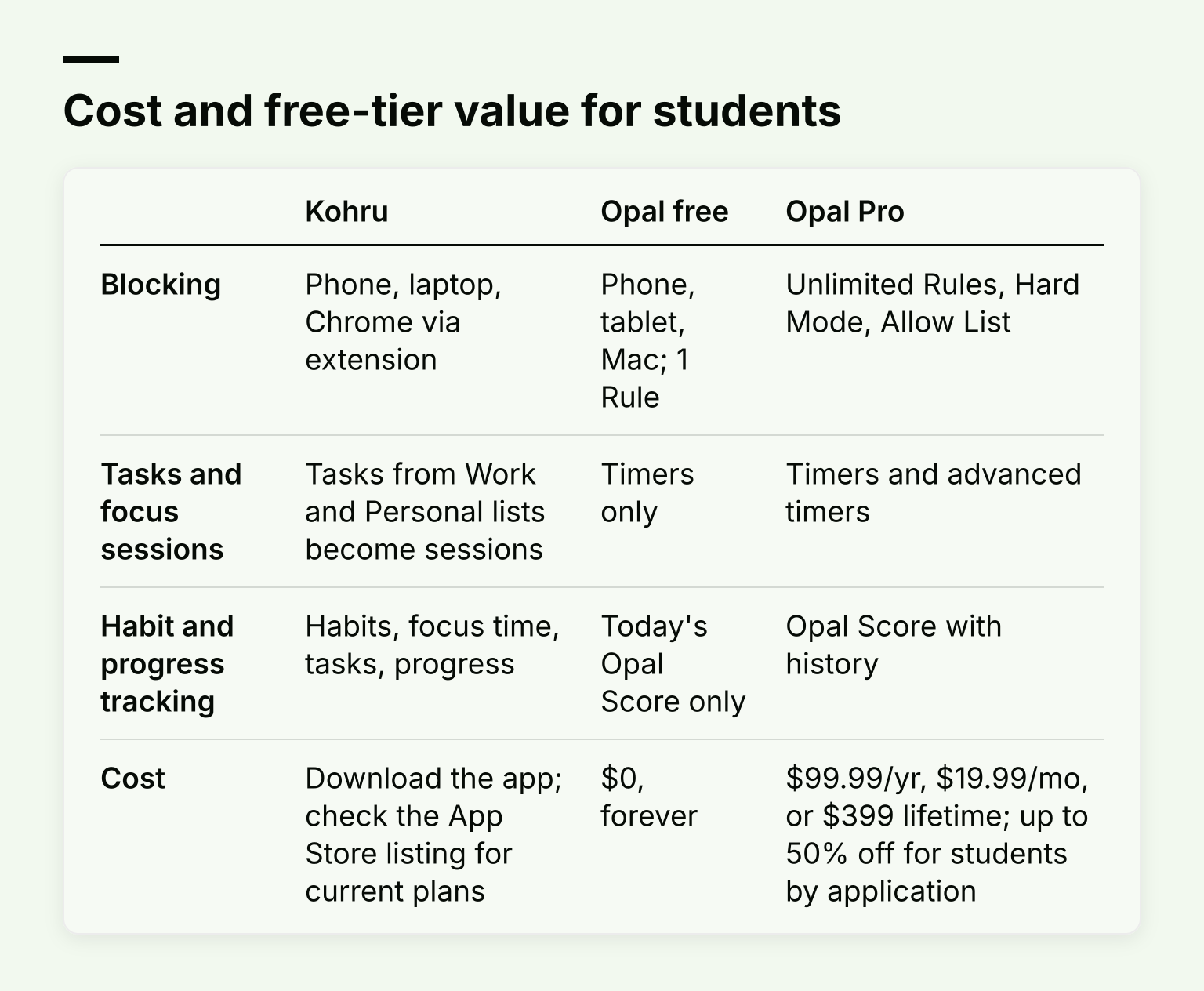
Kohru and Opal both block distracting apps, but they fit different kinds of students. Opal is a strict screen-time blocker with a free tier that limits you to one Rule, and its hardest mode and score history sit behind a paid plan. Kohru is a study-first app that blocks distractions across your phone, laptop and Chrome browser while also handling your tasks and habit tracking in one place.
- Kohru: best if you want blocking, a Chrome extension, task-based focus sessions, and habit tracking in one app for studying.
- Opal: best if you mainly want a hard-to-bypass phone block, but the strict mode and most limits cost $99.99 per year after a small free tier.
The short version: if your problem is studying, pick the study tool. If your problem is a phone you cannot put down, Opal's paid Hard Mode is the stricter lock.
Why compare these two apps?
Both apps promise the same end result: fewer distractions and more focus. But they solve the problem from different sides. Opal is built around screen-time control: rules, scores and blocking you cannot easily escape. Kohru is built around studying: you turn a task into a focus session, and the blocking happens as part of getting that task done.
That difference decides almost everything below, including which one is worth paying for.
What Kohru does
Kohru is a study and productivity app for students, working students and young professionals. Its core loop looks like this:
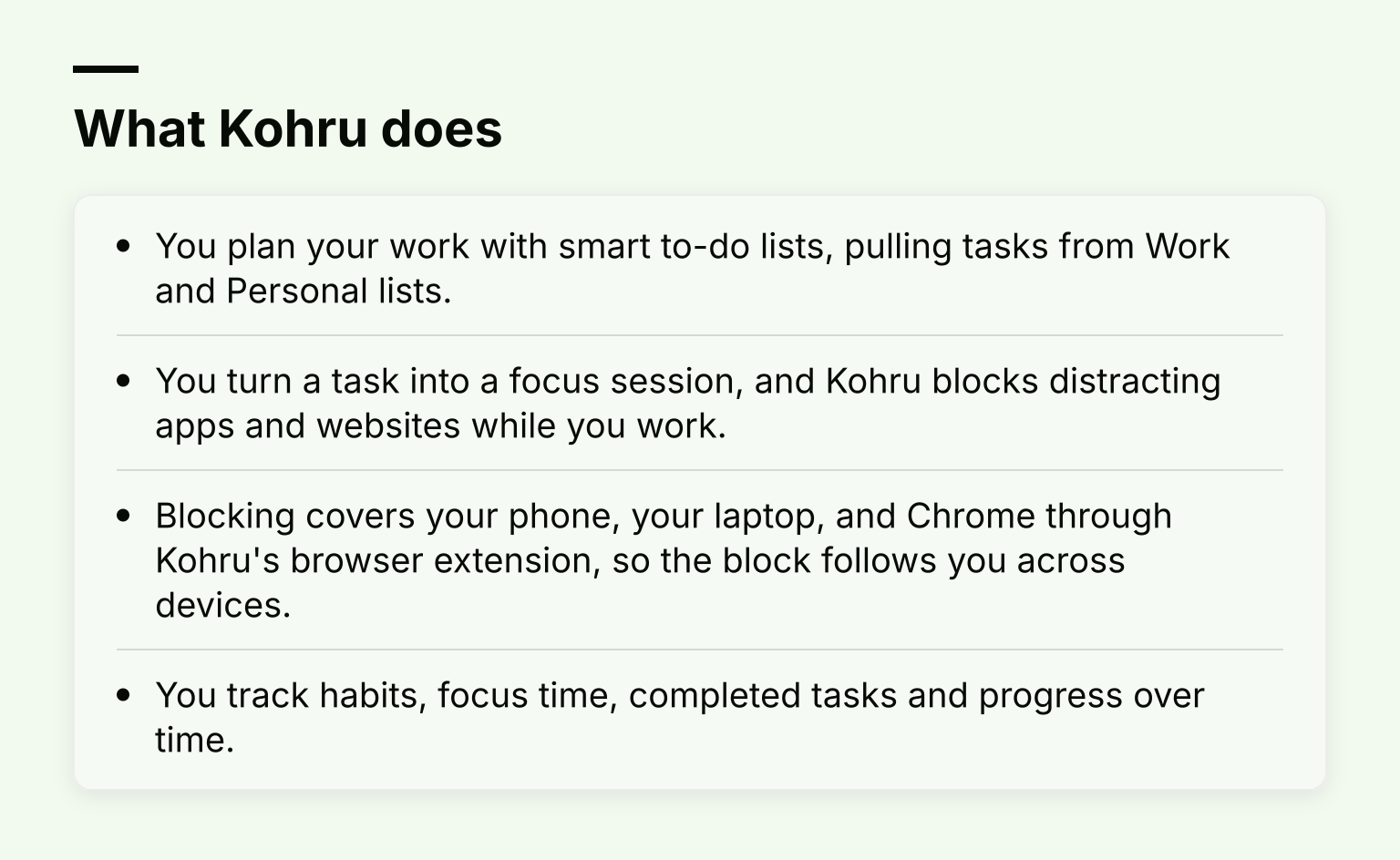
- You plan your work with smart to-do lists, pulling tasks from Work and Personal lists.
- You turn a task into a focus session, and Kohru blocks distracting apps and websites while you work.
- Blocking covers your phone, your laptop, and Chrome through Kohru's browser extension, so the block follows you across devices.
- You track habits, focus time, completed tasks and progress over time.
Kohru is also designed to support people with ADHD and other attention-regulation challenges, where starting a task is often harder than doing it. Turning a task into a session gives you a clear first step instead of a blank page.
One honest tradeoff: a study-first app means blocking is part of a bigger workflow. If you only want a phone that locks itself at 9 pm and stays locked, a dedicated screen-time blocker may fit your mental model better. That is where Opal comes in.
What Opal is and what its free version actually includes
Opal is a screen-time and app-blocking app on iPhone, Android and Mac. It blocks apps through sessions, schedules, time limits and open limits, and gives you a daily Opal Score based on your focus and rest.
Its free tier is permanent, but narrow. On Opal's own pricing page, free gets you:
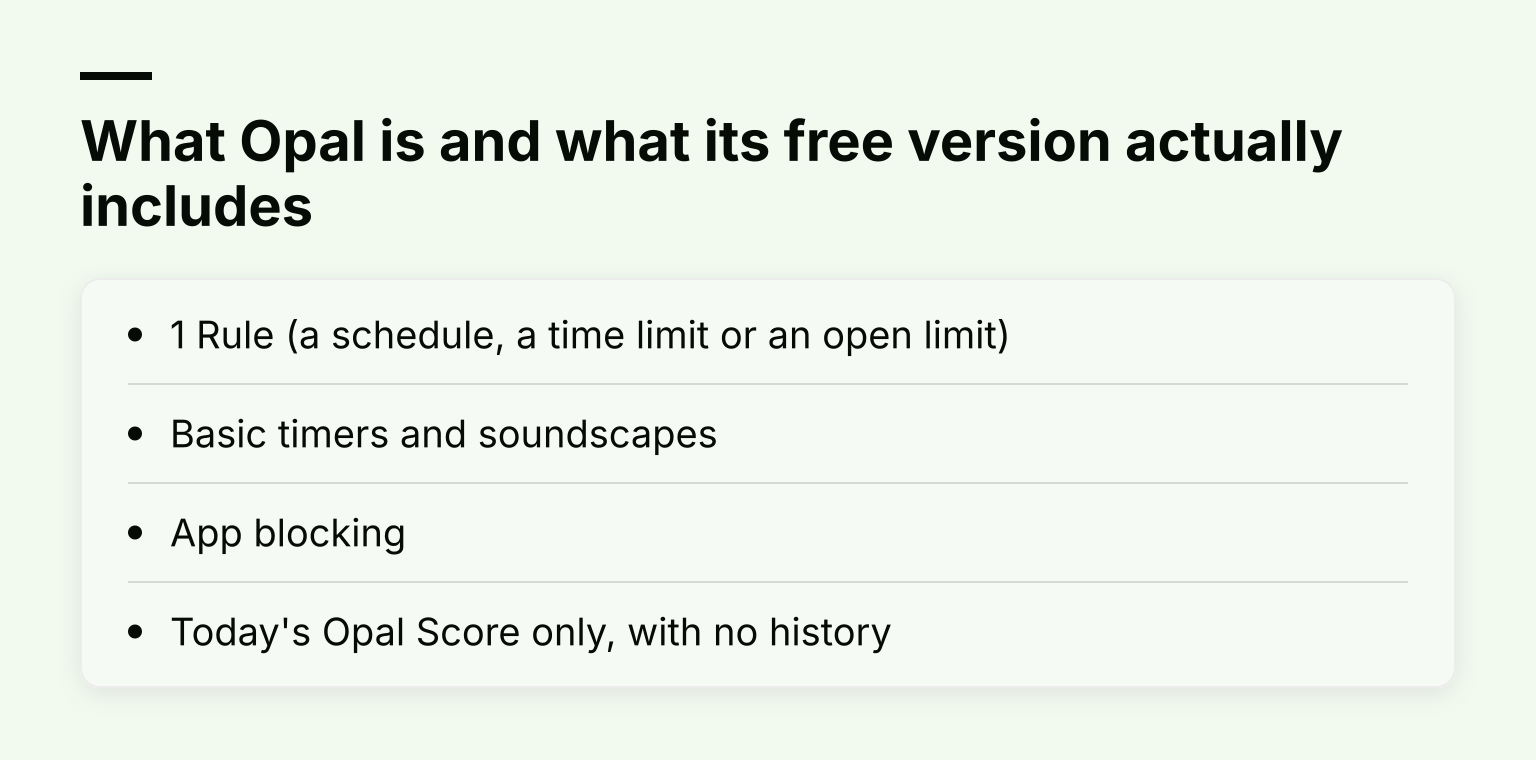
- 1 Rule (a schedule, a time limit or an open limit)
- Basic timers and soundscapes
- App blocking
- Today's Opal Score only, with no history
That single Rule is the real catch. You can block social apps from 9 to 5, or cap them at an hour a day, but not both at once. Some older help articles and third-party posts describe a more generous free tier with three recurring Rules; Opal's current pricing page says one, so treat the pricing page as the source of truth and check what the app shows after you install it.
What Opal Pro adds and costs
Opal Pro, according to Opal's help center and its pricing page, adds:
- Hard Mode: you cannot cancel a Rule or take a break. Opal's pricing page calls it "No way out. You can't turn Opal off."
- Unlimited Rules instead of one
- Allow List mode: block everything except a few apps you choose
- Opal Score and Screen Time history, not just today's number
- Extra block categories, sound mixes and sleep stories
Pricing on Opal's own page, in US dollars as of October 2026:
- Yearly: $99.99 (about $8.29 per month)
- Monthly: $19.99
- Lifetime: $399 one time
Students can apply for up to 50% off Pro. Prices also differ by country and store, so check your own App Store listing before you subscribe.
Blocking strength and bypass resistance
This is Opal's strongest argument, and it is worth stating fairly.
Opal's Hard Mode (paid) is a hard lock. Once a session starts at the strictest level, you cannot cancel it or take a break, and on iPhone, uninstall protection stops you from deleting the app to escape. If your past self keeps turning blockers off, this matters more than anything else in this article.
Kohru's focus-session blocking works differently: the block is tied to the session you are running. You start a focus session from a task, and distracting apps and websites stay blocked across your phone, laptop and Chrome until the session is done. The strength comes from the structure: the task, the timer and the block arrive together, which helps with the hardest part of studying, which is starting.
The honest tradeoff: if you need a blocker your own willpower cannot defeat, Opal Pro's Hard Mode is the more aggressive lock. If you need help beginning and finishing study sessions, a block that lives inside your study workflow usually gets used more consistently.