Brick vs Unpluq: Which Phone Lock Actually Keeps You Off Your Phone?

Brick vs Unpluq compared on price over two years, unlock rituals, bypass resistance, and scheduling, plus when a software-only blocker like Kohru makes more sense.

8 min read

Summary of the Article

Both Brick and Unpluq use a small physical device to block the apps that steal your attention, but they solve the problem in different ways. Pick Brick if you want a hard lock you have to physically walk to, with no subscription. Pick Unpluq if you want tunable, scheduled friction at a lower entry price and don't mind a subscription.

  • Brick: a $59 one-time NFC puck. Tap your phone to block, tap again to unlock. No subscription.
  • Unpluq: a $26.50 keychain Tag plus a required Premium subscription, about $29 per 3 months prepaid or $81 for a 12-month bundle with the Tag included.
  • Best for subscription-averse buyers and shared households: Brick.
  • Best for students and flexible schedulers: Unpluq.
  • Don't want to carry a tag at all? A software-only blocker like Kohru covers phone and laptop without any hardware.

One honest note before we start: this is a researched comparison based on each company's official pages and independent 2026 comparisons. We have not used either device ourselves, and both brands change pricing often, so double-check current prices before you buy.

The Core Difference: Hard Lock vs Tunable Friction

Think of Brick as a deadbolt and Unpluq as a speed bump.

With Brick, you tap your phone against a small magnetized NFC puck that lives somewhere out of the way, like on the fridge in the kitchen. Your chosen apps block instantly. To get them back, you physically walk to the puck and tap again. The whole point is that a five-second impulse can't beat a two-minute walk.

With Unpluq, a keychain-sized NFC Tag acts as your key, but the system is built to be adjusted. You choose which apps to block, when, and what barrier stands between you and them. That can be the physical Tag, or a digital barrier like scanning a QR code, shaking your phone, or tapping a sequence. Unpluq's own FAQ describes this as "intentional friction": a pause strong enough to break the habit, but one you can shape around your life.

Neither approach is better in the abstract. One is stricter, one is more flexible. The question is which one your habits actually need.

How Each Unlock Ritual Works Day to Day

Brick: Tap to Block, Walk Back to Unblock

Brick's ritual is built around distance. You set up custom modes (up to 10, per the Brick FAQ) defining which apps get blocked. When you want to focus, you tap your phone to the puck. If you need those apps back, you go to the puck. You can also start a block remotely by pressing and holding a virtual Brick in the app, but you still need the physical device to unblock. That asymmetry is deliberate: easy to start, hard to stop.
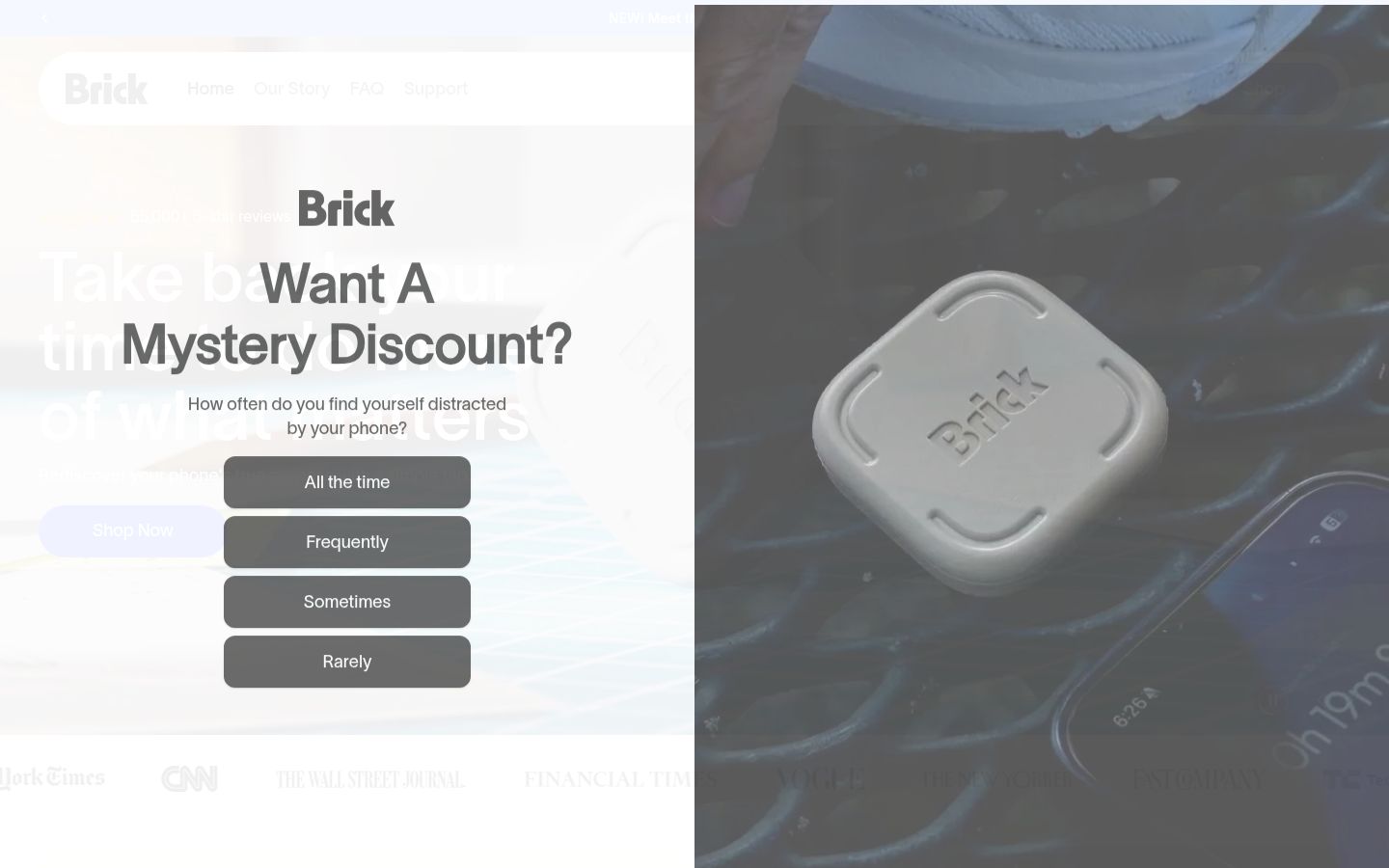
Screenshot of the homepage of Brick

If you can't trust yourself with a pocket-sized key, Brick's fixed location wins.

Unpluq: A Tag or a Barrier You Choose

Unpluq's ritual is built around choice. To open a blocked app, you scan your Tag or complete a digital barrier. Premium includes several barrier types, including a QR code barrier and a random barrier that picks one for you. If your Tag is in your pocket, unlocking takes seconds. That's the tradeoff: lower friction than Brick, but also easier to talk yourself through.
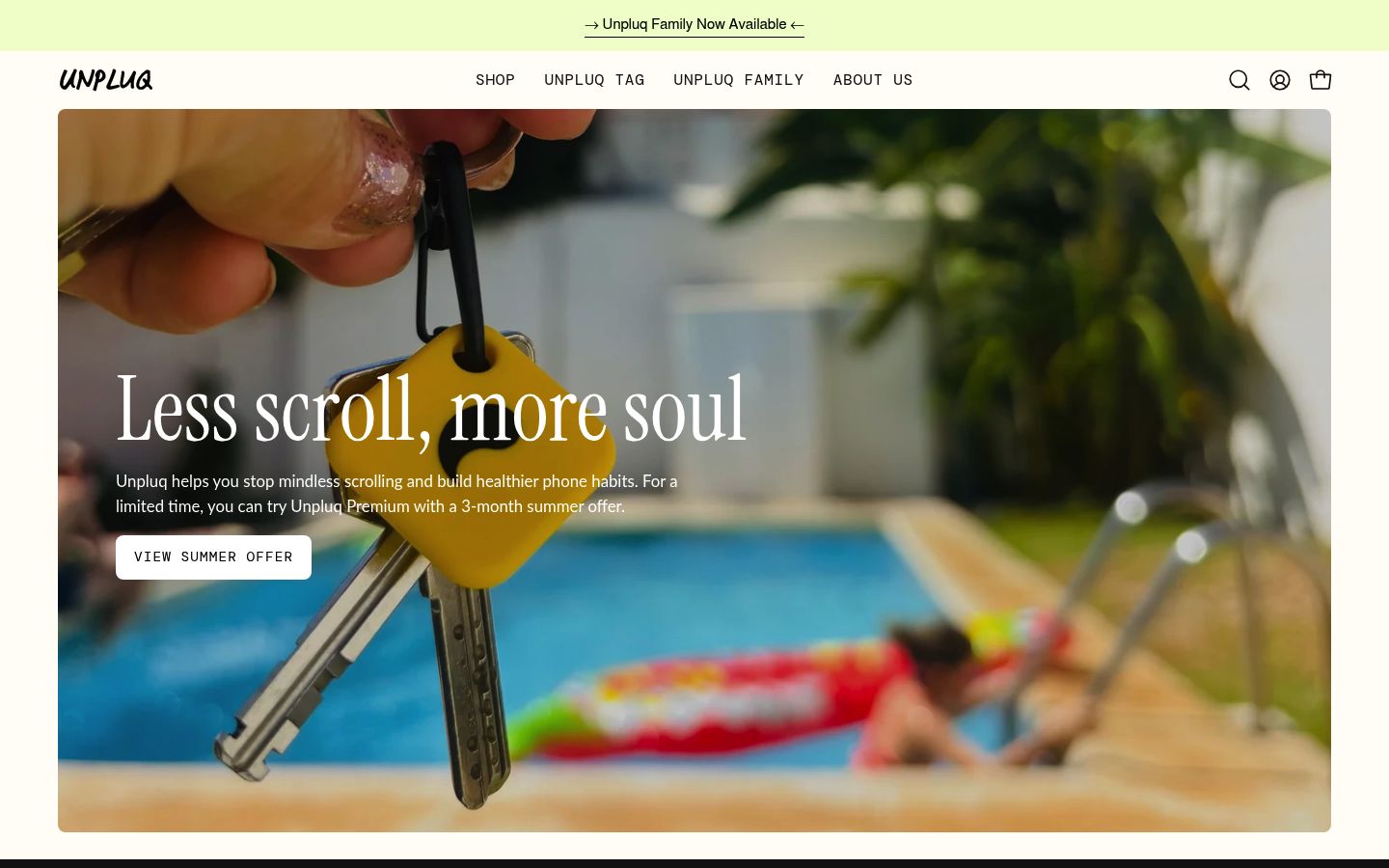
Screenshot of the homepage of Unpluq

If a two-minute walk would stop you from ever blocking anything, Unpluq's portable friction is the safer starting point.

Price Over One and Two Years

This is where the philosophical difference shows up in your wallet.

Brick Unpluq (Tag + Premium)
Upfront hardware $59.00 one-time (getbrick.com) $26.50 for the Tag alone (unpluq.com)
Subscription None. Brick's product page states there are no recurring fees, with lifetime app access included Required. The Tag only works with Unpluq Premium, per the Unpluq FAQ. Unpluq's subscription page lists Premium at $29.00 for the current 3-month prepaid term; price tracker ToolGPA recorded $81 for a 12-month plan with a Tag included (October 2026)
Year 1 total $59 $81 with the 12-month Tag bundle, or about $143 if you buy the Tag separately and pay four 3-month terms
Year 2 total Still $59 About $60 to $76 for another year on annual plans, per the same ToolGPA snapshot
Guarantee 30-day money-back 30-day money-back

Brick is clearly cheaper if you keep it two years or more. Unpluq is cheaper to try (less than half the upfront cost) and cheaper if it turns out you don't stick with it. There's no one-time-buy route on the Unpluq side: the Tag only works with Premium.

If you'd rather subscribe through the App Store, Unpluq Premium runs $6.99 per month or $59.99 per year there, per ToolGPA's October 2026 check. That puts year one at roughly $86 with a separately purchased Tag. Prices on both sides change often, so treat every number here as a snapshot and confirm on each vendor's site before you buy.

Free Tiers and Scheduling

Brick doesn't advertise a free tier; the app comes with the device. You get schedules, weekly activity stats, and up to 10 custom modes, plus remote activation.

Unpluq has a genuinely usable free version: you can block two apps on one schedule, per its app store listings as tracked by ToolGPA. Premium unlocks unlimited apps and schedules and up to 7 digital barrier types, per Unpluq's subscription page. For testing whether app blocking helps you at all, Unpluq's free tier is the lowest-risk way to find out.
How Hard Are They to Bypass?

Both systems assume you'll be tempted to cheat, and both leave a controlled escape hatch.

  • Brick: five Emergency Unbricks, per the official FAQ, which unblock all apps and can be reset with an in-app request (Brick says it processes resets within about 2 business days). Strict Mode closes loopholes like deleting the app or changing settings. Losing the puck is survivable, but not free.
  • Unpluq: Emergency Mode lets you through once per day for about five minutes, and can be turned off entirely, per the Unpluq FAQ. If you lose your Tag, you can mark it lost up to 5 times per account; each time, your schedules switch to a non-Tag barrier until you recover it. A Tag in your pocket is also a psychological escape hatch, since the barrier is always within reach.

If you want maximum commitment, disable Unpluq's Emergency Mode or use Brick's Strict Mode. If you want a safety net, both give you one, just on different strings.

Platform Support and Known Quirks

Both work on iPhone and Android.

  • Brick lists Android 12.0 or later across its pages; its product pages say iPhones need iOS 17.0 or later, while its FAQ currently says iOS 18.0 or later, so check before you buy. On iPhone, you can block any app except Phone (Apple policy) and selected Safari sites; on Android, any app except Phone and your launcher.
  • Unpluq supports iPhones on iOS 16+ and Android devices with NFC, per the official Tag page. Some Android phones have battery-optimization quirks that can interfere with scheduled blocking, a common note in independent comparisons.

Neither blocks everything: Brick can't touch the Phone app on iPhone, and both depend on their companion apps staying healthy. Android users should check current requirements on each vendor's site before buying.

Households, Families, and Students

Households, Families, and Students: One Brick covers multiple phones; Unpluq scales per person; Students get a real deal on Unpluq

  • One Brick covers multiple phones. The same puck works across several devices, which makes it a good household purchase: one $59 buy for the whole family, per the Brick FAQ.
  • Unpluq scales per person. Each subscription covers one phone and one tablet, per the Unpluq FAQ, but there's a 20% family discount on 3 or more subscriptions (code EVERYONEOFFLINE at checkout). Parents of younger kids can also look at Unpluq Family, a separate parental-control plan that starts at $79.95 per year for up to 3 phones with a Tag included.
  • Students get a real deal on Unpluq: 40% off the Tag with a 6- or 12-month subscription, verified with proof of enrollment. That makes Unpluq the cheapest legitimate option for most college students.

Which One Fits You?

Which One Fits You? Pick Brick if you've tried and failed with softer blockers, want a strict hard lock, hate subscriptions, or want one device for several people and 2 more

  • Pick Brick if you've tried and failed with softer blockers, want a strict hard lock, hate subscriptions, or want one device for several people.
  • Pick Unpluq if you're a student (student discount), you want to start cheap, you like scheduling blocks around your day, or you want to test the habit with the free tier first.
  • Pick neither if carrying a fob sounds like a hassle. That's a legitimate answer, and there's a third path.

Kohru: The Software-Only Path if You Don't Want a Tag

Both of these tools solve distraction with a physical ritual. Some people find that ritual grounding. Others lose the fob, forget it, or just don't want one more thing attached to their keys.

The software-only path blocks the same apps without hardware. Kohru is built for students who study with their phone nearby: its Focus Sessions block distracting apps and websites across your phone, laptop, and Chrome browser, so a single study session covers everything you'd be tempted to switch to. You turn a task from your to-do list into a focus session, and it tracks your habits, focus time, and completed tasks so you can see progress over weeks, not just minutes. The tradeoff vs a physical device is honest: software is easier to work around than a puck on the fridge, so it works best when you want support and structure rather than a wall.

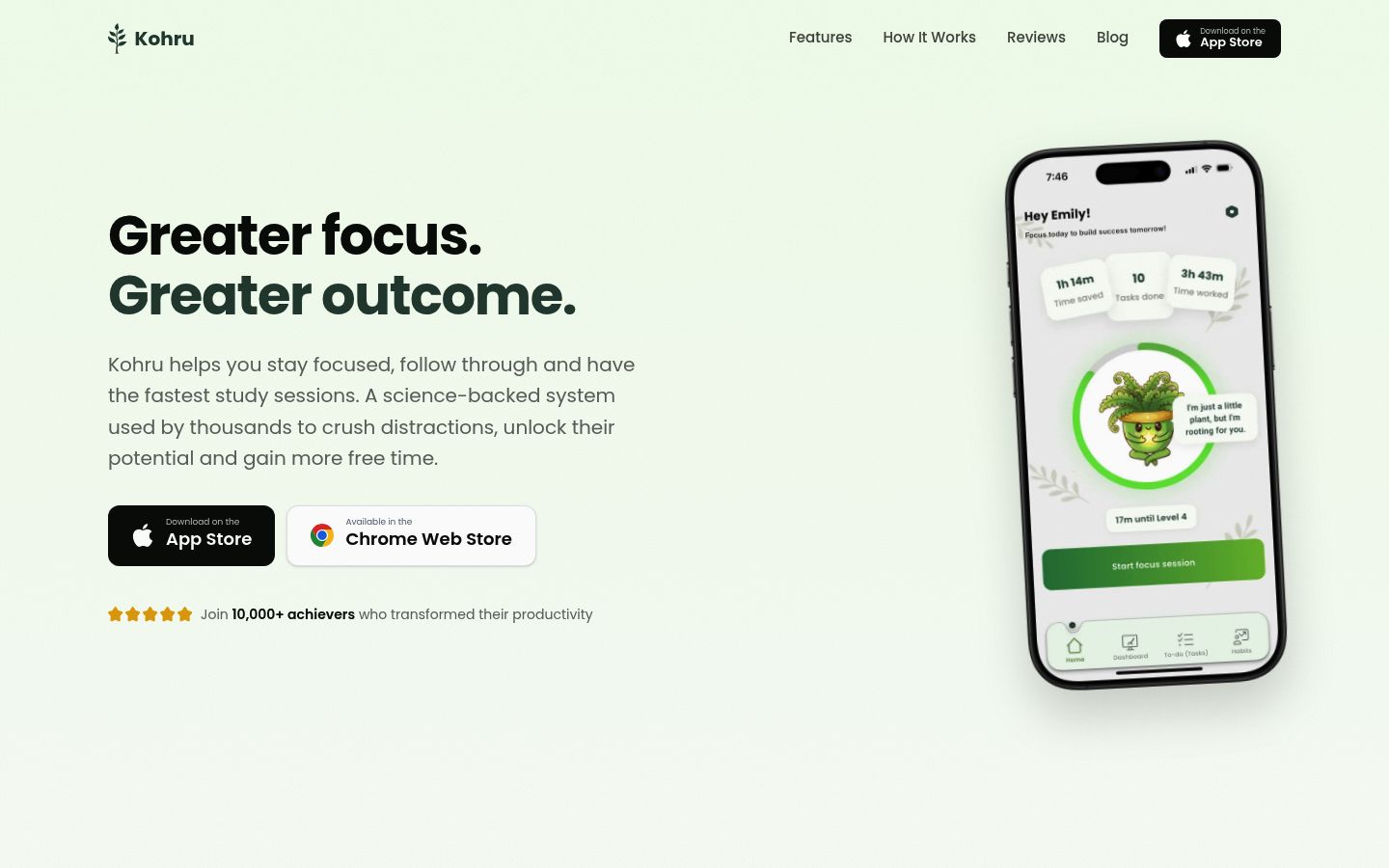
Screenshot of the homepage of Kohru

If you're comparing hardware blockers specifically, our guide to Brick alternatives that block apps without hardware covers more options, and our broader shortlist of iPhone app blockers is a good next stop for iPhone users.

The Bottom Line

Brick is the stronger lock and the better long-term value. Unpluq is the more flexible tool and the cheaper experiment. Both work; the right pick depends on whether you need a wall or a pause button.

Whichever you choose, a blocker only helps if you actually sit down and study. If you're ready to build the habit, download Kohru for iPhone, turn your tasks into focus sessions, and pair it with our guide on how to stay focused while studying. A Chrome extension is available if you do most of your work on a laptop.