TL;DR
An app blocker for iPhone only works if it matches how you usually give in. Pick the lightest tool that closes your actual gap:
- Apple Screen Time: free, built-in, and enough for gentle limits; easy to bypass.
- Jomo: best value for strict, bypass-resistant rules; the free plan is thin.
- AppBlock: strong Strict Mode with the most unlock conditions; a cluttered free tier.
- Freedom: the best cross-device coverage (Mac, Windows, browsers) with Locked Mode; that strictness costs $3.33/month.
- Opal: polished schedules and Deep Focus, the hardest bypass mode here; Pro is $99.99/year.
- one sec: science-backed friction that cuts app opens; only one app is free.
- ScreenZen: a completely free delay-and-streaks tool with a settings lock; iOS polish is basic.
- Clearspace: breathe or do pushups before opening apps; great for impulse opens, not full schedules.
- Kohru: block phone, laptop, and Chrome in one study app with sessions and habit tracking.
One caveat up front: this ranking is based on each tool's documented features, published pricing, and published research, not a hands-on head-to-head test. Prices below were checked against official sites and the US App Store in October 2026.
The four ways iPhone blockers actually enforce a block
Almost every iOS blocker uses one or more of these mechanisms. Knowing your failure mode tells you which one to pick.
- Scheduled shields. The app is blocked during set times (study hours, evenings). Stops schedule slippers who plan well but cave later.
- Friction pauses. A breathing screen, a delay, or a prompt appears when you tap the app. Stops reflexive, mindless opens rather than determined ones.
- Strict or locked modes. You can't edit rules, end sessions early, or uninstall the blocker until a condition is met. Stops people who routinely talk themselves out of the block.
- Network and browser filters. The block lives in DNS, the router, or a browser extension, not just the phone. Stops the leak where you ditch your phone and open the same site on your laptop.
No app makes quitting impossible. Everything below can be defeated with enough effort (a factory reset being the extreme case). The real question is how many hurdles sit between you and the feed.
Quick comparison
| Tool | How it enforces | Bypass resistance | Best fit |
|---|---|---|---|
| Apple Screen Time | Built-in schedules and daily limits | Low: one tap ignores the limit | Gentle structure first |
| Jomo | Scheduled rules plus Strict Mode | High: blocks edits, uninstalling, clock changes | Cheapest real strictness |
| AppBlock | Schedules, location, Wi-Fi, Quick Block | High: the most unlock conditions | Flexible scheduling plus locking |
| Freedom | Sessions synced across devices | High with Locked Mode (premium) | Distraction on phone and computer |
| Opal | Schedules, limits, friendly block screens | Highest with Deep Focus | A polished paid experience |
| one sec | Breathing delay when you open an app | Low to medium: it nudges | Reflexive opens |
| ScreenZen | Delays, prompts, and a settings lock | Medium-high, and free | Working with zero budget |
| Clearspace | A breathing or exercise gate | Low to medium | Impulse opens with stakes |
| Kohru | Blocking tied to focus sessions | Medium: a system, not a lock | The whole study loop |
Apple Screen Time: the free baseline everyone should start with
Your iPhone ships with capable blocking: Screen Time Schedules (formerly Downtime) control when apps are available, Time Allowances (formerly App Limits) cap daily use by category, and Always Allowed keeps essentials reachable. Apple renamed these controls in recent iOS versions, so a tutorial written for iOS 17 may show menus your phone doesn't have. Apple's current Screen Time guide reflects the new names.
Enforcement strength: weak for self-blockers. You hold the Screen Time passcode (or know how to reset it), and one tap on "Ignore Limit" wins. It's a reliable alarm clock, not a fence.
Who it fits: anyone whose problem is gentle structure, not willpower under fire. Try it for a week before paying for anything. If limits keep slipping, that's your signal to escalate, not to blame yourself. Our guide on limiting app usage on iPhone walks through the setup in detail.
Jomo: the best bypass resistance per dollar
Jomo lets you block apps at set times, after a limit, or until you take action, and its Strict Mode prevents deleting rules, changing them, uninstalling Jomo, or even tampering with your iPhone's date and time. Strict Mode can be time-boxed, session-bound, always-on with a password or random code, or scheduled.
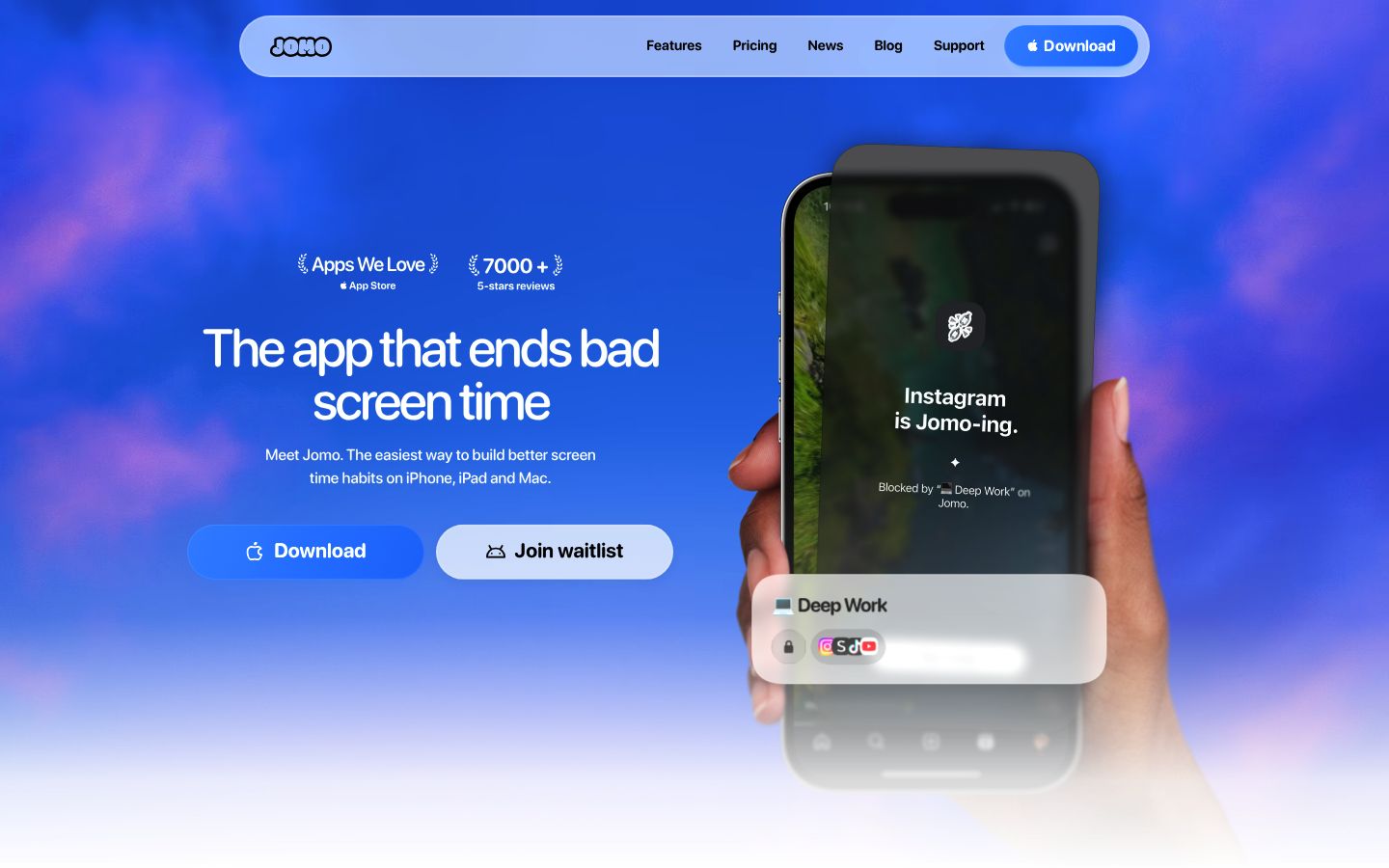
Price: the free plan covers 1 session and 1 rule. Plus is $29.99/year, $99.99 as a one-time purchase, or $14.99/year for students. That's the cheapest route to genuine bypass resistance in this list.
Tradeoff: the free tier is very thin, and the interface is built around rules and sessions, which takes a few minutes to learn.
Who it fits: people who know their own tricks, like deleting the blocker or changing the clock.
AppBlock: Strict Mode with the most ways to lock yourself in
AppBlock blocks apps and websites by schedule, location, Wi-Fi, or one-tap Quick Block. Its Strict Mode is the most configurable here: unlock conditions include a cooldown wait, a timer, following schedules, approval from a trusted contact, a PIN, or even plugging in your charger. It can also hide the App Store and prevent time changes.
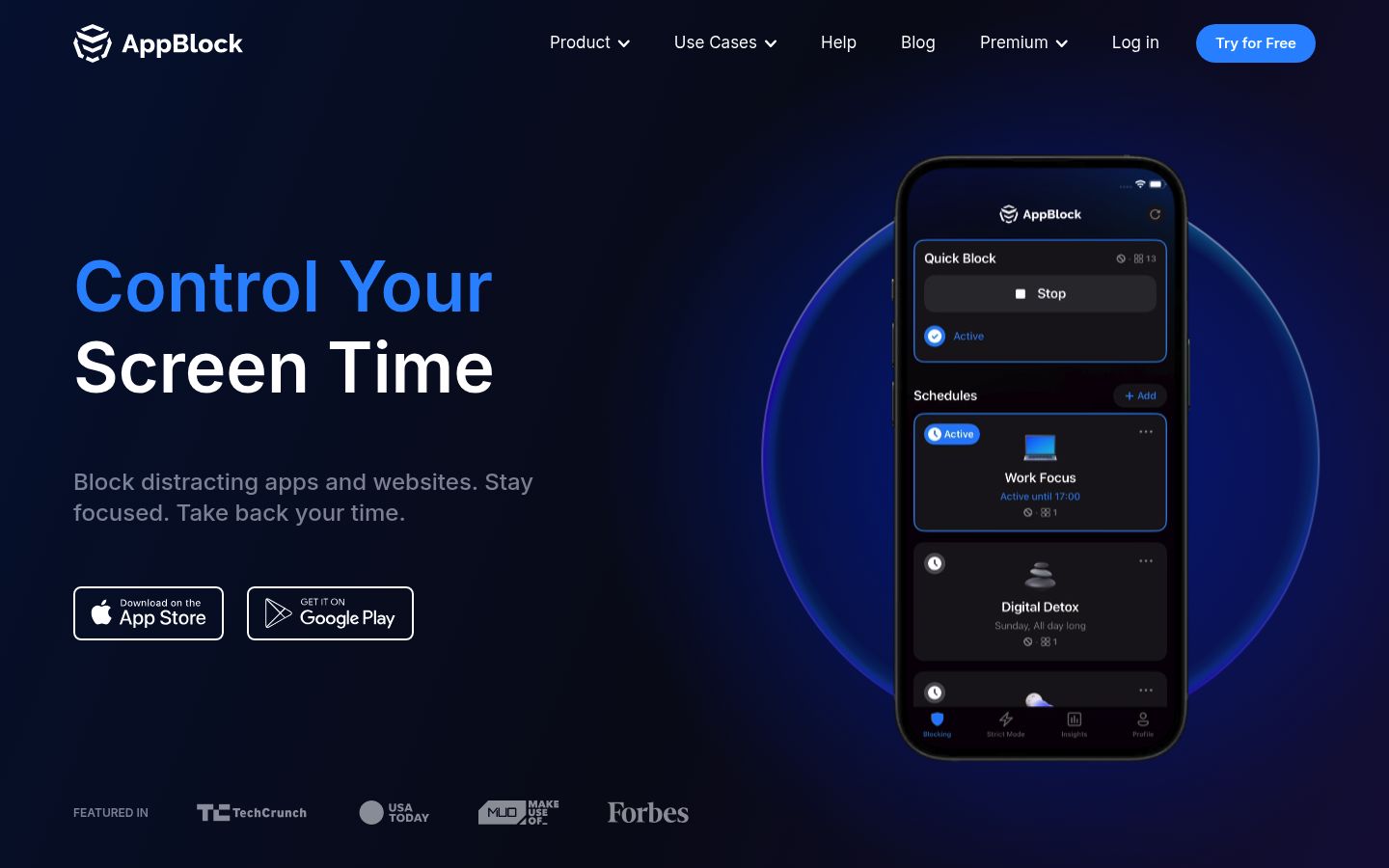
Price: the free tier limits Quick Block to 4 hours, schedules to 2, and Strict Mode to 12 hours. Premium is $4.99/month or $29.99/year on the US App Store.
Tradeoff: it's feature-packed to the point of clutter, and the free tier's caps make it a trial rather than a long-term home.
Who it fits: people who want serious locking plus scheduling flexibility and don't mind a busy interface.
Freedom: the cross-device classic
Freedom syncs block sessions across iPhone, Mac, Windows, Android, and major browsers, which matters because most blocks leak to the laptop long before the phone wins. Its Locked Mode prevents ending a session early or editing blocklists mid-session, with one early exit allowed per week.
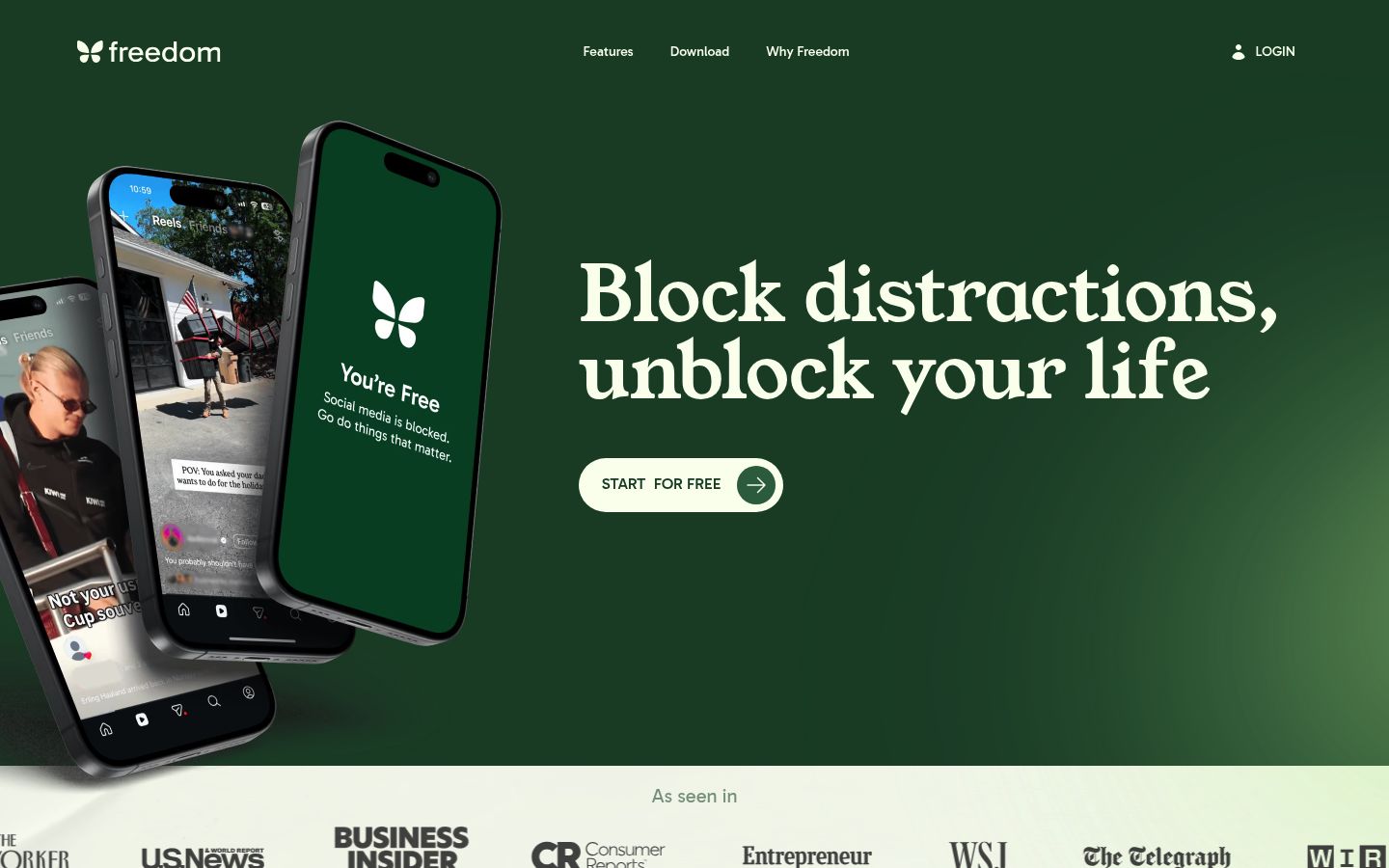
Price: the free plan covers basic sessions on unlimited devices. Premium adds scheduling, sessions over 2 hours, and Locked Mode for $3.33/month billed yearly ($8.99 month-to-month, $99.50 lifetime).
Tradeoff: the strictness you'd want costs money, and Locked Mode must be enabled separately on each device, a detail people miss.
Who it fits: anyone whose distraction spans phone and computer. Pair it with our full cross-device blocking guide if desktop is half your problem.
Opal: the polished shield, at a premium
Opal builds rules from schedules, app limits, and open limits, with friendly block screens and a focus score. Its Deep Focus mode won't let you cancel or bypass at all, and Pro adds Hard Mode, allowlists, and score history.
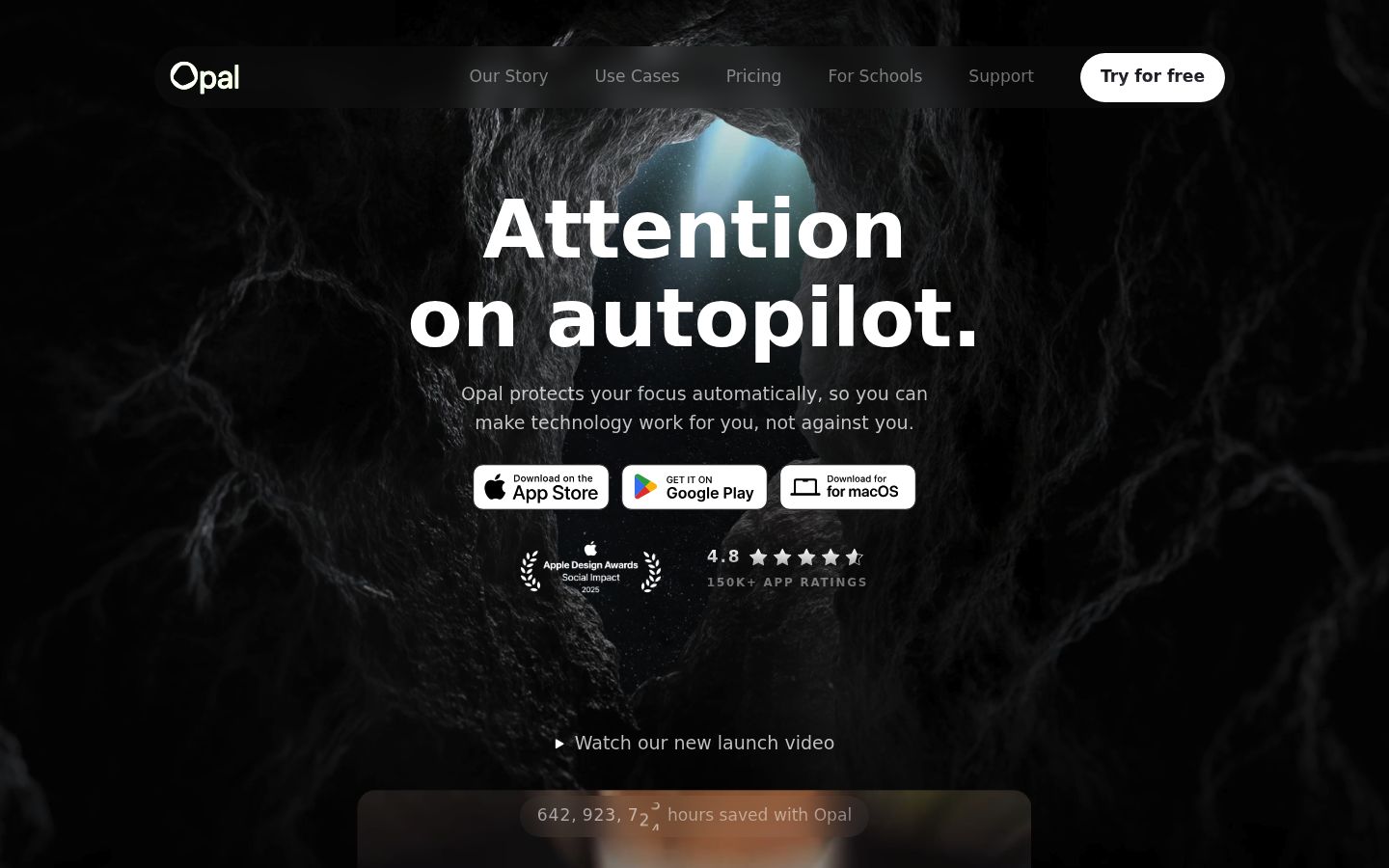
Price: the free tier covers a small number of rules plus timers and the daily score. Pro is $19.99/month, $99.99/year, or $399 lifetime on the US App Store.
Tradeoff: it's the most expensive mainstream option, and free-tier limits push you toward Pro quickly.
Who it fits: people who want an encouraging, polished experience and will actually use a paid subscription.
one sec: the best-evidenced friction app
one sec interrupts a targeted app with a breathing exercise and a short delay, then offers you the chance to dismiss the open. It's the only app here backed by a peer-reviewed field experiment: a PNAS study with 280 participants found one sec reduced actual openings of target apps by 57% over six weeks, combining a 36% dismissal rate with a 37% drop in opening attempts.
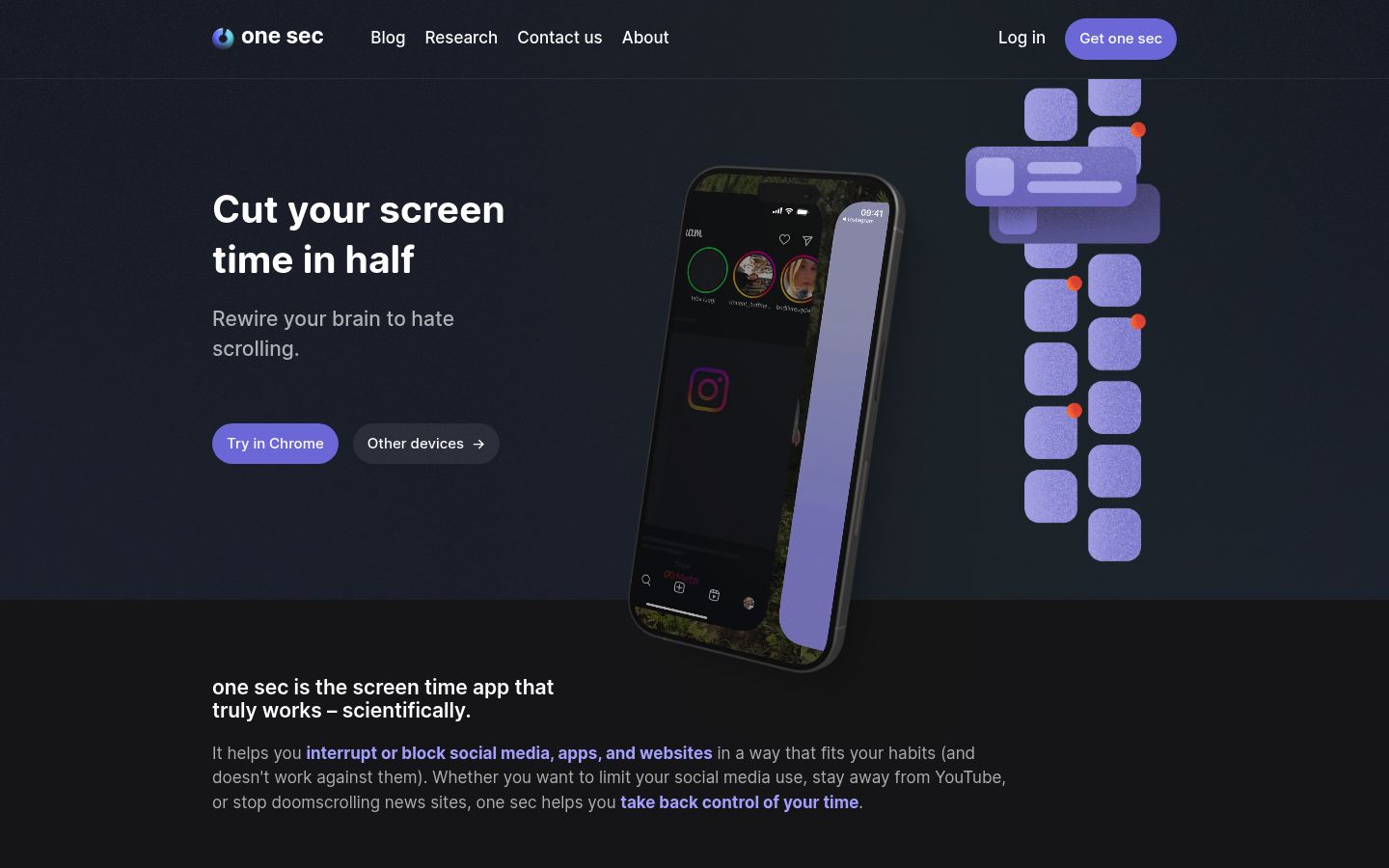
Price: free for one app. Pro removes the cap and adds features like a doom-scroll emergency brake for about $19/year ($6.99/month, $99.99 lifetime in the US), with a 50% student discount.
Tradeoff: it nudges rather than blocks. A determined user waits out the breath and scrolls anyway.
Who it fits: reflexive openers who don't want their apps blocked hard, just interrupted.
ScreenZen: free and surprisingly strict
ScreenZen is donation-supported and completely free. Its App Store listing reads like a friction app's wishlist: increasing delays before opening, mindful prompts, strict time-range blocking, locks on Settings so you can't loosen rules mid-urge, breathing activities, streaks, and an accountability partner who can unlock for you. It's available on iOS, macOS, Windows, and Android.
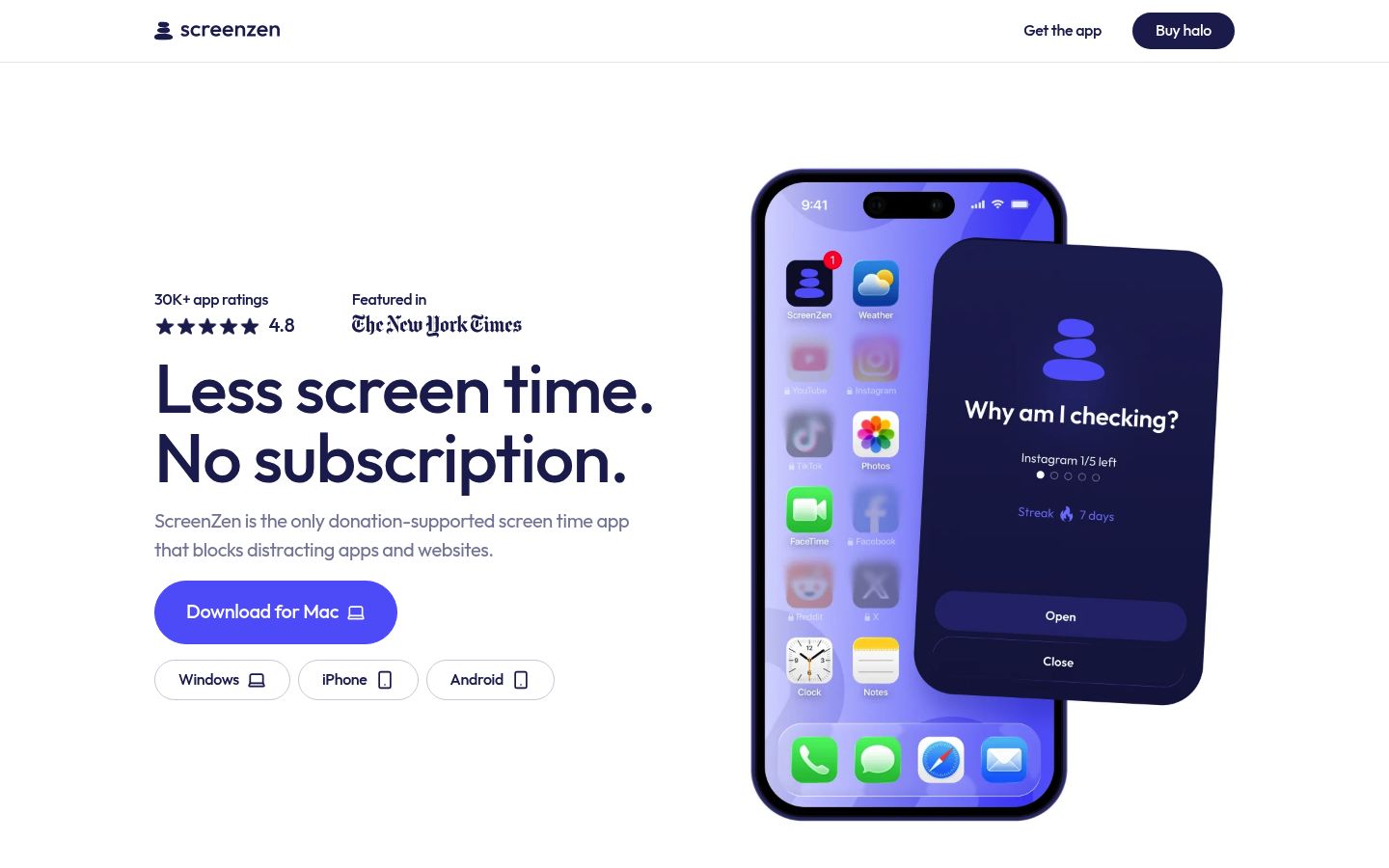
Price: free. Optional tips of $5 to $40 in the App Store if you want to support it.
Tradeoff: it's scrappier than paid competitors, and some features (like the Halo companion device) take it beyond what most people need.
Who it fits: anyone who wants real blocking and locking with zero budget, or who wants to test strictness before paying for it.
Clearspace: friction with pushups
Clearspace asks you to take a deep breath, or complete an exercise like pushups verified by an ML model, before a distracting app opens. It adds accountability partners who get notified if you breach your budget or delete the app, plus streaks and budgets for tracking.
Price: free for one app and the core features. Premium is $6.99/month or $44.99/year on the US App Store. Students get Premium free.
Tradeoff: it's iPhone-focused and centered on impulse opens, not elaborate schedules or multi-device blocking.
Who it fits: impulse openers who like physical stakes, and students in particular.
Kohru: blocking as part of a study system
Kohru is a study and productivity app that blocks distracting apps and websites across your phone, laptop, and Chrome browser, then connects that blocking to focus sessions, to-do lists, and habit and progress tracking. Tasks from your Work and Personal lists turn into focus sessions, so the block starts when your study session starts instead of living in a separate blocking app.
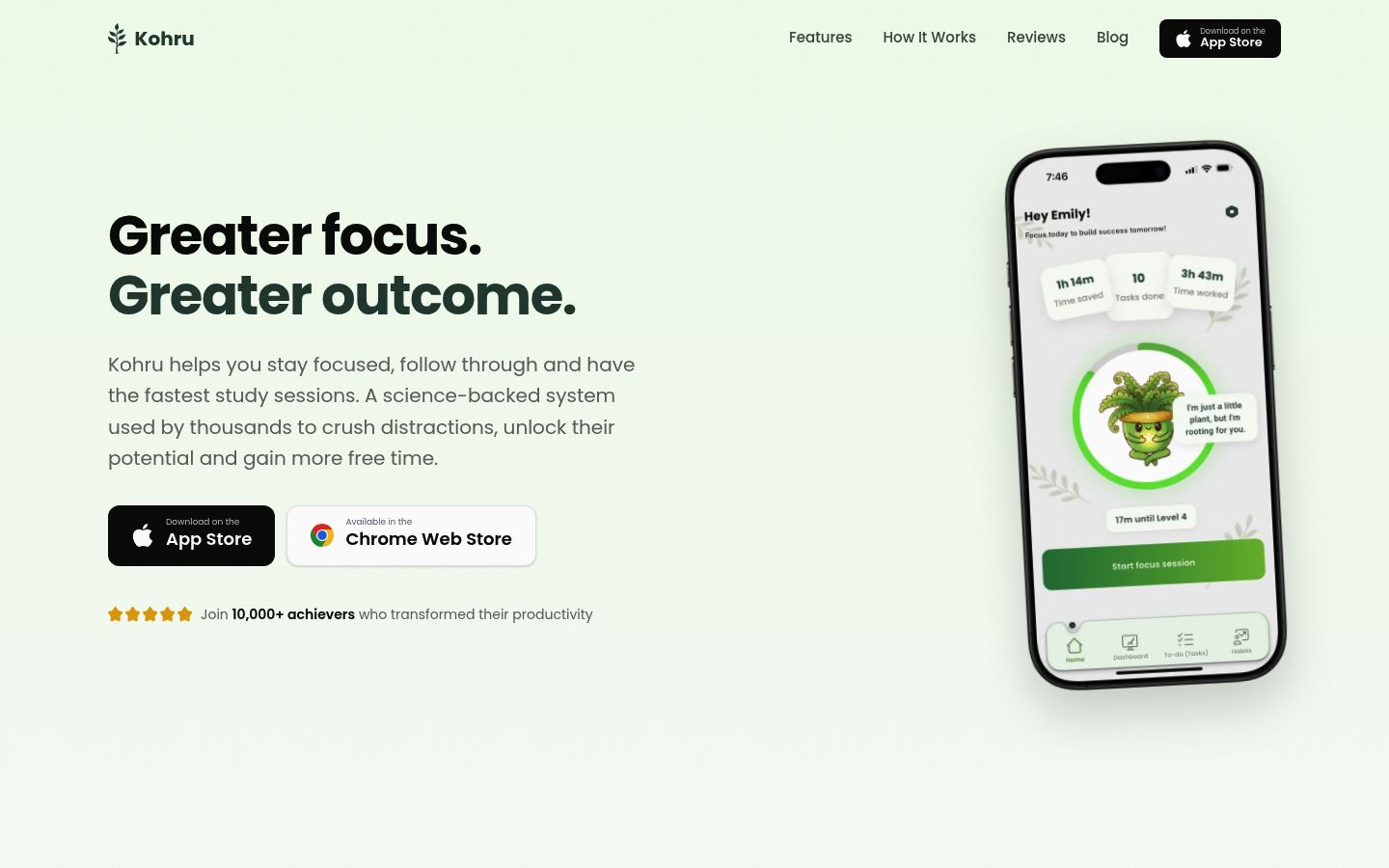
Tradeoff: it's not a dedicated lockdown tool with hard strict modes. Choose it when your real problem is the whole study loop, phone plus laptop plus starting tasks, not one stubborn app.
Who it fits: students and working students who want blocking, sessions, and habit tracking in one place. If you're weighing broader tools, our best focus apps for iPhone comparison covers that landscape too.
How to pick: match the tool to your failure mode
Work through this in order and stop at the first tool that closes your gap:
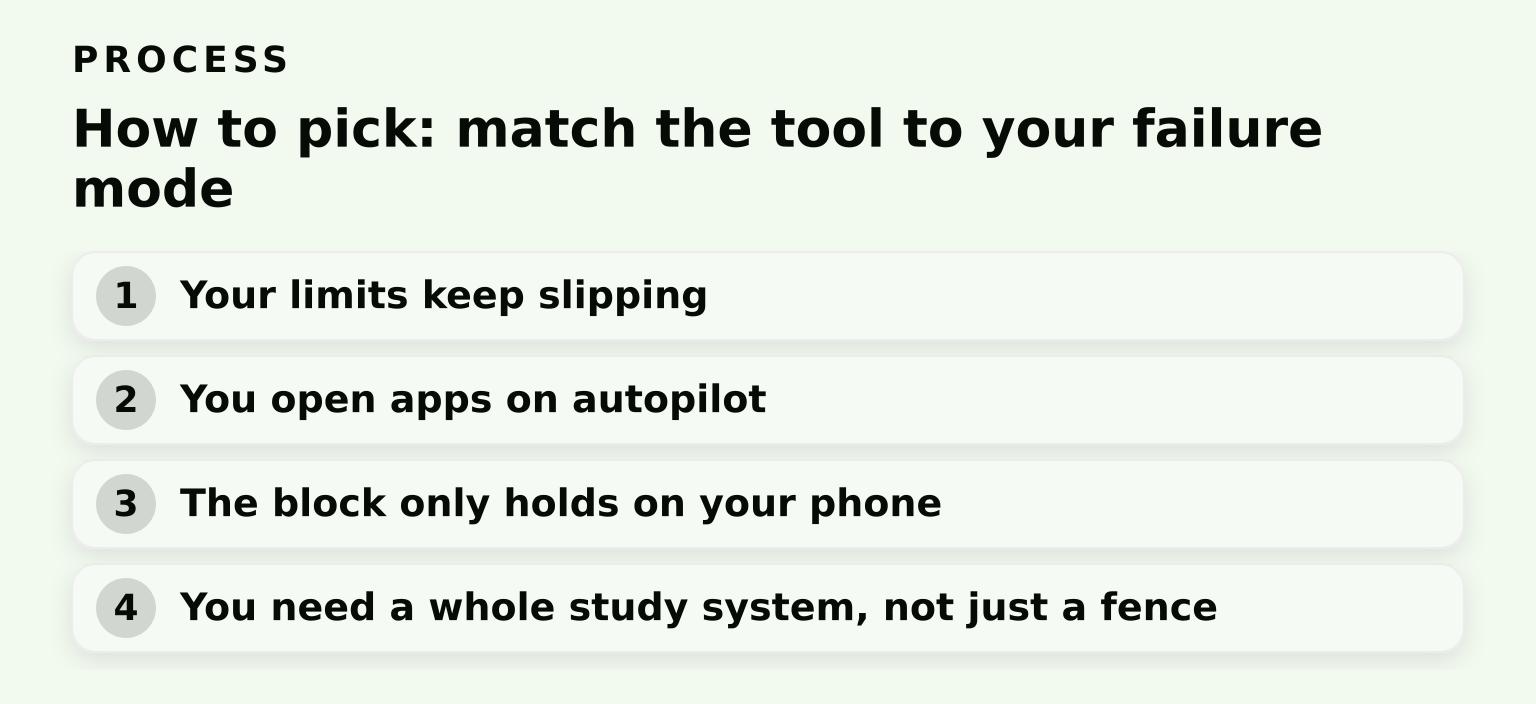
- Your limits keep slipping because you tap "Ignore." Start with Apple Screen Time to confirm the problem is willpower, then move to Jomo Strict Mode (cheapest) or AppBlock.
- You open apps on autopilot. Try ScreenZen or Clearspace free, or one sec free for your worst app.
- The block only holds on your phone. Add laptop and browser coverage with Freedom, AppBlock's desktop extensions, or Kohru.
- You need a whole study system, not just a fence. Kohru combines blocking with sessions and habits.
If you want a shorter shortlist with different cuts (free picks, lockers, habit tools), our related deep-dive on the best app blocker for iPhone with 7 top picks approaches the same question from another angle.
Honest limitations
- Pricing shifts often, and App Store listings don't always spell out what free tiers include. Confirm on the vendor's page before subscribing.
- iOS menu names changed in recent releases (Downtime became Screen Time Schedule, App Limits became Time Allowances), so older tutorials may not match your phone.
- Strict modes can backfire: locking yourself out before an emergency leaves you stuck, so start with soft conditions like a PIN or a short timer.
- No ranking here comes from hands-on lab testing. It reflects documented features, verified pricing, and published research.
The next step
Start free: set one Screen Time Time Allowance tonight, and if you catch yourself bypassing it within a week, install ScreenZen or Jomo's free tier. If your distraction habit spans phone, laptop, and Chrome and you'd rather block distractions inside a full study system, download Kohru and start a focus session.
