Best Study Apps for Adults and Working Students (2026)

The best study app for adults depends on your bottleneck: focus time or review material. Six options compared for working students, with honest tradeoffs.

10 min read

Summary of the Article

The best study app for adults depends on your bottleneck. If the problem is finding and protecting study time around a job, you need a focus and blocking app. If the problem is turning your own material into something you can review in 15 minutes, you need a content or spaced-repetition tool. Most working students need one of each.

  • Kohru: protects scarce study time by blocking distractions on phone, laptop and Chrome; it does not quiz you.
  • Anki: full-control spaced repetition on your own material; takes real setup effort.
  • Quizlet: fast wins when a ready-made set already exists for a common subject; free Learn rounds are limited per set.
  • Gemini Notebook (formerly NotebookLM): understand long manuals and reports before a test; a comprehension tool, not a review scheduler.
  • Knowt: turns your recordings, slides, PDFs and videos into flashcards and notes; AI output needs a check.
  • RemNote: notes and scheduled flashcards in one workspace; steeper learning curve than a plain notes app.

If you have 20 minutes on a train, none of this matters unless your phone stays out of your hand. That is why the list starts with the time problem, then the content problem.

Why adults need different study apps than traditional students

Most "best study apps" lists are written for 18-year-olds with three-hour free blocks, a library down the hall, and professors assigning textbook chapters. A working student lives differently. Your study time comes in fragments: a 20-minute commute, half a lunch break, an hour after the kids are in bed.
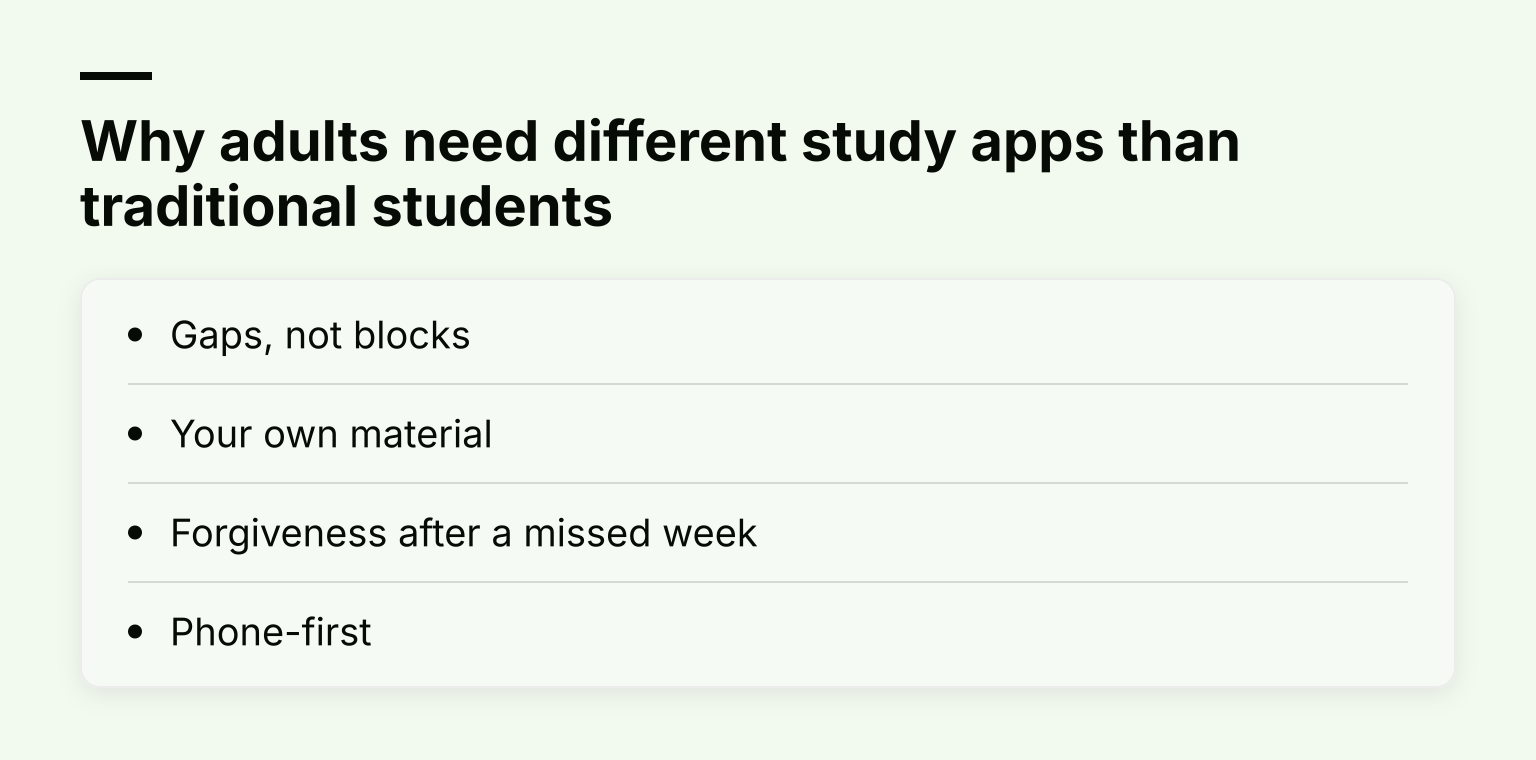
Why adults need different study apps than traditional students: Gaps, not blocks; Your own material; Forgiveness after a missed week; Phone-first

That changes the requirements in four ways:

  • Gaps, not blocks. A session has to fit and actually start inside a 15 to 20 minute window. An app that needs an elaborate setup ritual loses to one that opens and goes.
  • Your own material. Adults usually study assigned material: a compliance manual, a certificate course, a handout from an evening class. Public decks of biology terms don't cover your employer's safety policy.
  • Forgiveness after a missed week. Work trips happen. A review schedule that punishes a missed week by dumping 400 due cards on you will make you quit. Anki, for example, factors late answers into the next interval, so a card you remembered correctly after a delay still works in your favor, and its newer FSRS scheduler is built to handle cards reviewed after a break of weeks or months.
  • Phone-first. The 20-minute gap happens on a train or in a parking lot. Desktop-only tools lose most of your available time.

These criteria, more than any single feature, decide which study apps for adults actually get used after week two. If you're a traditional student with long free blocks, the general list in our 10 best study apps for students will serve you better than this one.

How to pick in one minute

Ask one question: what stops you studying right now?
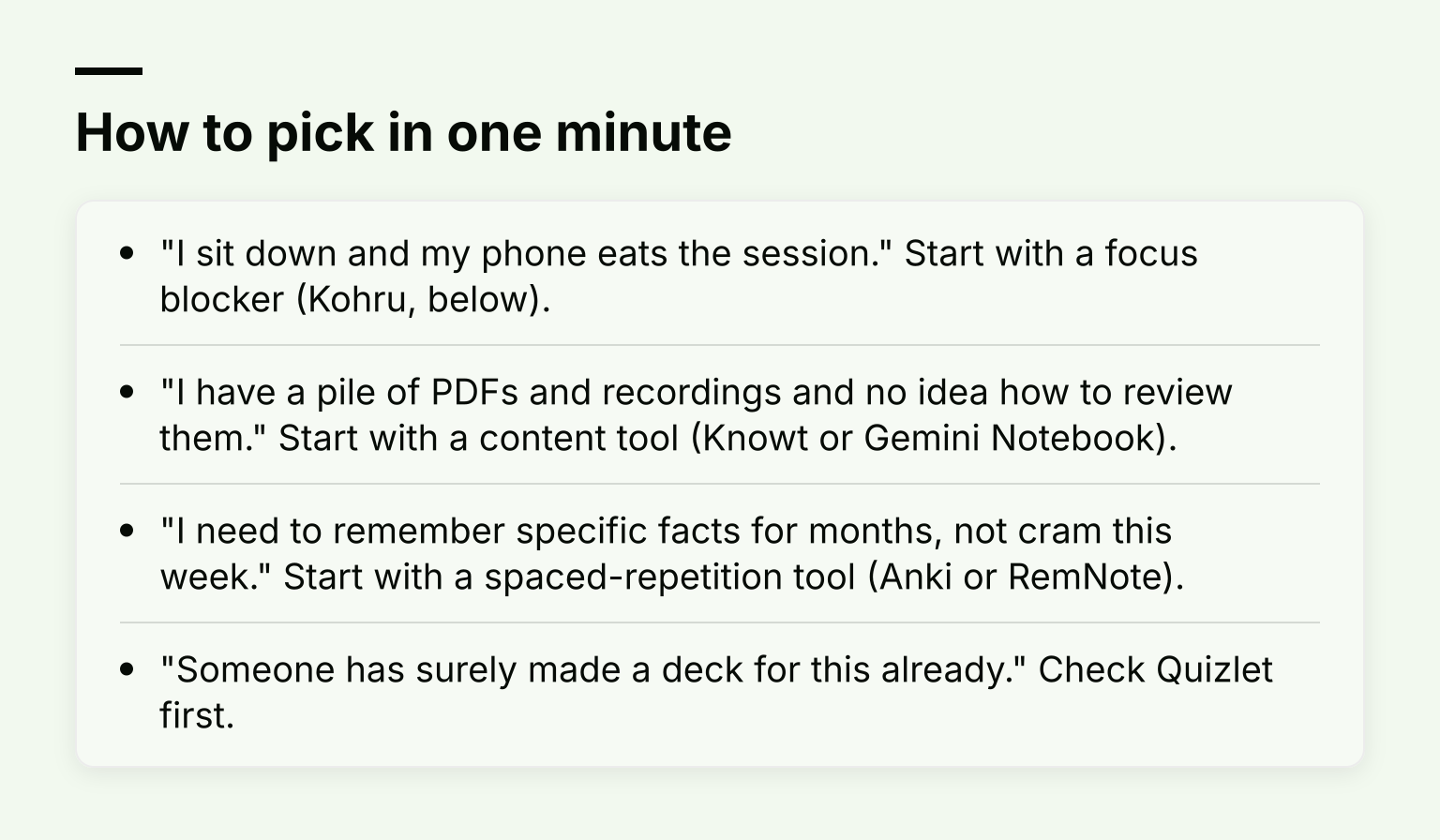
How to pick in one minute: "I sit down and my phone eats the session." Start with a focus blocker (Kohru, below) and 3 more

  • "I sit down and my phone eats the session." Start with a focus blocker (Kohru, below).
  • "I have a pile of PDFs and recordings and no idea how to review them." Start with a content tool (Knowt or Gemini Notebook).
  • "I need to remember specific facts for months, not cram this week." Start with a spaced-repetition tool (Anki or RemNote).
  • "Someone has surely made a deck for this already." Check Quizlet first.

Kohru: protecting the study time you do have

Kohru is the pick if your bottleneck is time itself. It is a study and productivity app built around running distraction-free sessions: it blocks distracting apps and websites across your phone, laptop and Chrome browser, so the 20 minutes you found stay yours. You can plan work with smart to-do lists and turn tasks from your Work and Personal lists directly into focus sessions, which matters when your evening study slot has to start the second you finish dinner. Habit, focus-time and progress tracking gives you a streak to protect, which is its own motivator on weeks when motivation runs low.
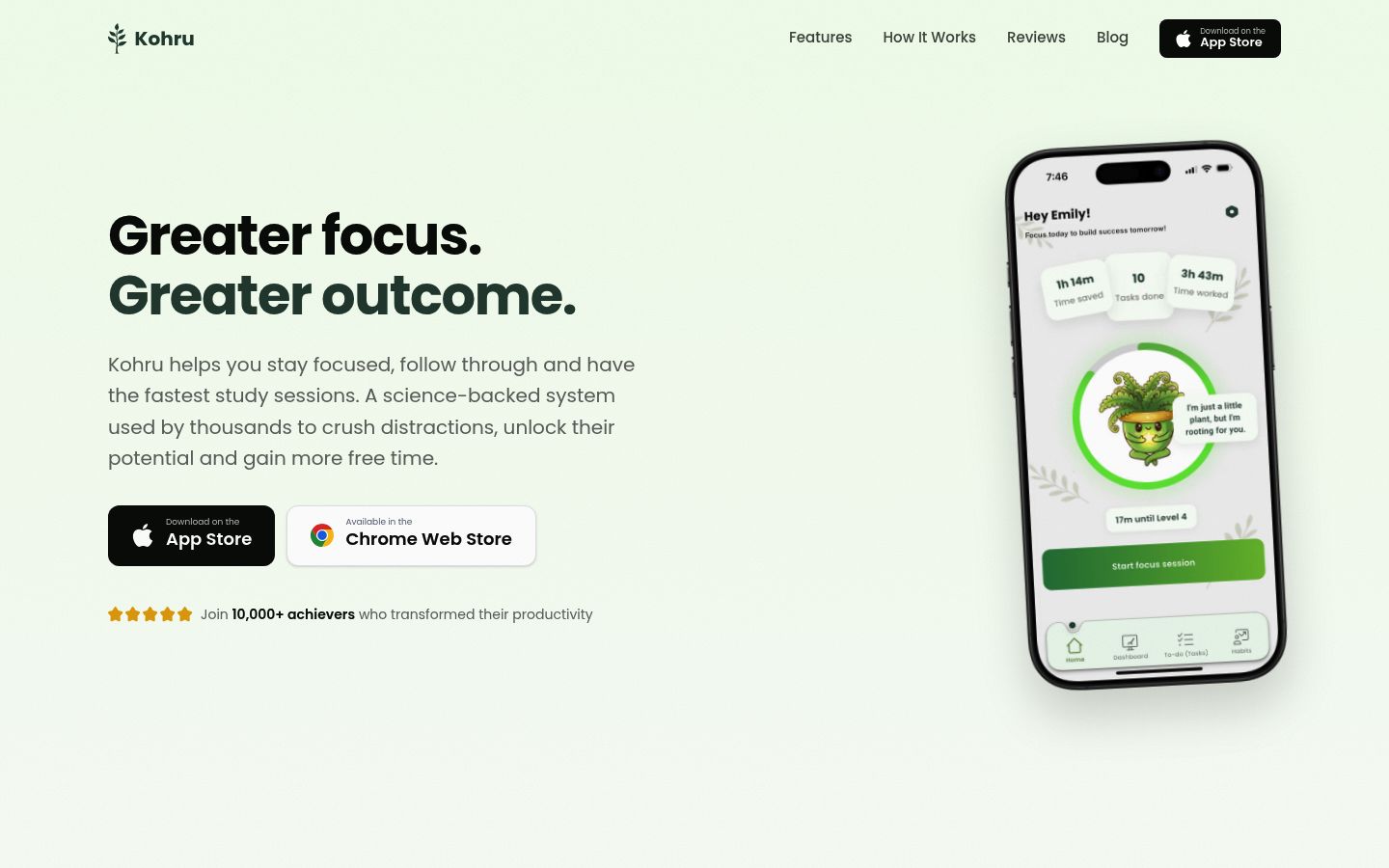
Screenshot of the homepage of Kohru

The honest tradeoff: Kohru solves the when problem, not the what problem. It won't quiz you on flashcards or summarize a PDF. Adults balancing a job usually need it paired with one of the content tools below. If your main struggle is distraction rather than memorization, it may be the only app on this list you need. For a deeper look at the blocking side, see our guide to the best app blockers for working students and young professionals.

It also supports people with ADHD or other attention-regulation challenges, where the hard part is often starting the session, not doing it. You can try it at kohruapp.com.

Anki: maximum control over spaced repetition

Anki is the open-source flashcard program built on two well-studied principles: active recall and spaced repetition. You make or import cards from your own material, and the scheduler shows you each card right before you would forget it. The computer version is free, syncs across devices through the free AnkiWeb service, and handles decks of 100,000+ cards.
Screenshot of the homepage of Anki

Why it fits adults: it works entirely from your own material, and its scheduling is famously forgiving of missed days. Per Anki's own FAQ, answering cards later than scheduled is factored into the next interval, so you get a boost for late-but-correct answers rather than a penalty, and the FSRS scheduler is specifically better at handling cards reviewed after a delay.

The honest tradeoffs are real. Card creation is manual, the interface has a learning curve, and the official iPhone app, AnkiMobile, is a one-time $24.99 purchase on the US App Store. The Android app, AnkiDroid, is free and open source. Setup is an investment: medical students swear by Anki because they study the same subject for years. If you're cramming for a one-off certificate exam in six weeks, that investment may not pay back.

Quizlet: the shortcut when a set already exists

Quizlet's strength for adults is speed. For common subjects (a language, project-management terminology, general accounting), someone has usually already built the deck. You search, you start reviewing in minutes on your phone. Its Google Play listing describes it as more than flashcards, and the platform includes Learn mode, practice tests and other study activities.

Why it fits adults: zero setup cost on night one, phone-first, and sessions naturally fit a commute. The tradeoffs: for niche professional material, the existing set you find may be shallow or wrong for your exam. And according to Quizlet's own help center, free accounts get Learn for only a limited number of rounds per flashcard set and one practice test per set; the fuller versions of those modes are subscriber features. Check current plan limits on quizlet.com before you build your whole routine around a paid mode. Use Quizlet where public knowledge is the syllabus; use Anki or RemNote where your employer's or certifier's own material is.
Gemini Notebook (formerly NotebookLM): understanding long material first

If your exam covers a 300-page manual, the first problem isn't remembering, it's comprehension. NotebookLM, which Google renamed to Gemini Notebook in July 2026, answers questions grounded in the sources you upload rather than the open internet. You can add PDFs, Google Docs, web pages, YouTube URLs and audio files, ask what a section actually means, and generate summaries. Audio overviews turn documents into listenable summaries, which is a natural fit for a commute. On the free plan a notebook holds up to 50 sources, and each source can run to 500,000 words or 200 MB; paid Google plans raise the limits, per Google's help center and the Workspace product page.

Screenshot of the homepage of Gemini Notebook (formerly NotebookLM)

Why it fits adults: it works only from your material, which is exactly what a professional exam demands, and it won't answer questions about your manual by pulling in random web content. The tradeoff: it is a comprehension and summarization tool, not a review scheduler. Nothing comes back to test you next Tuesday. Pair it with a flashcard tool, or use it as your first-pass read before the real studying starts.

Knowt: turning your recordings, slides and videos into review material

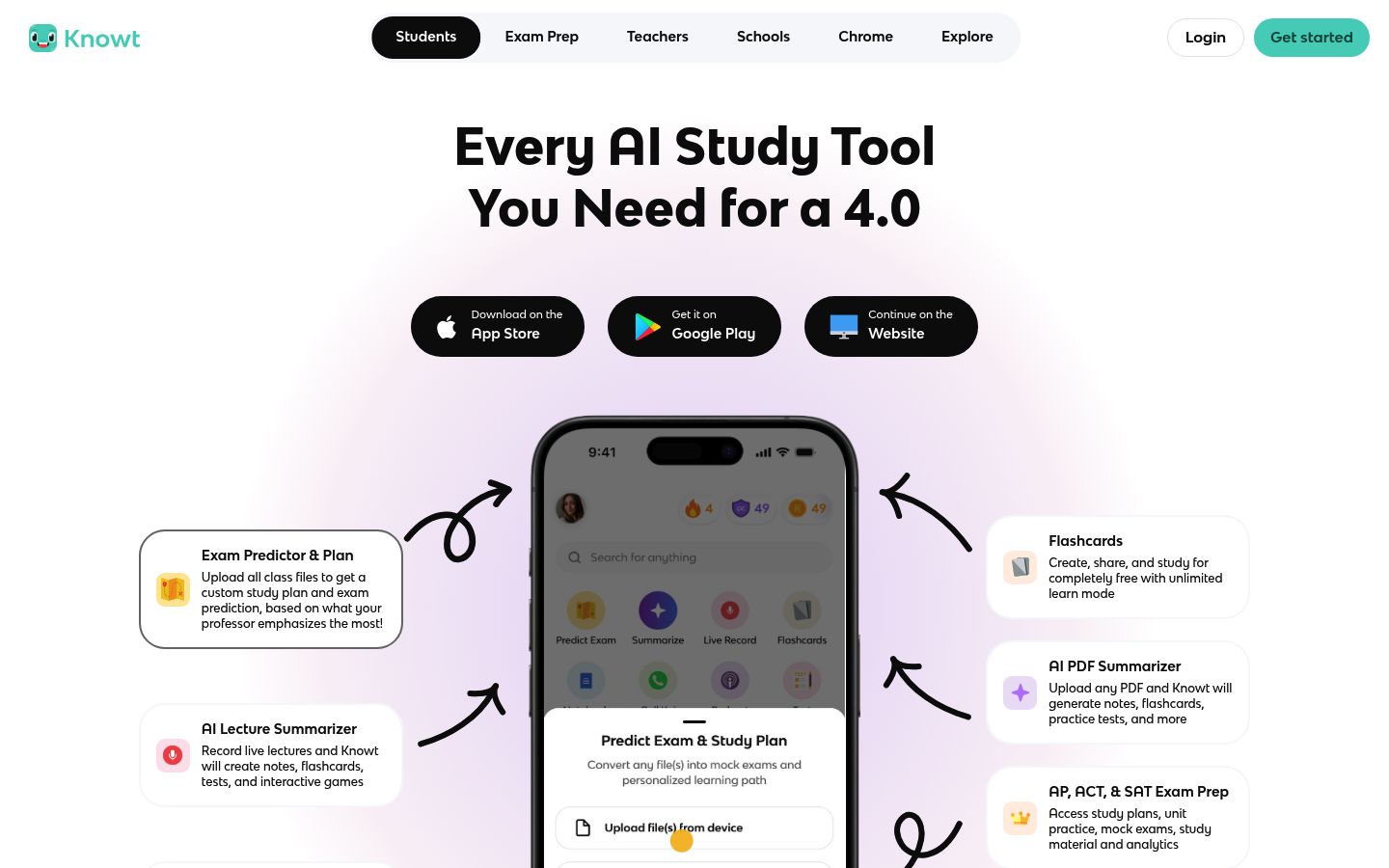
Knowt is built for the adult whose course material is messy: a recorded evening lecture, a slide deck from a webinar, a PDF from the training department. You can upload up to 30 files at once (PDFs, videos, slides, images and audio), and its AI assistant Kai generates notes, summaries, flashcards and practice tests from them. Knowt also positions itself as a free Quizlet alternative.

Screenshot of the homepage of Knowt

Why it fits adults: it removes the card-making bottleneck entirely, which is often the reason busy people never start spaced repetition at all. The tradeoffs: AI-generated flashcards from a three-hour recording will include noise, so skim and edit the first set it produces before you trust your review sessions to it. Also read the fine print on "free": per Knowt's help center, the free student plan includes a limited monthly number of AI summaries, so check the current limits on the site itself.

RemNote: notes and flashcards in one workspace

RemNote takes the opposite approach to Knowt: instead of generating material for you, it makes the note-taking itself produce the review. You take structured notes, and any bullet can become a spaced-repetition flashcard. Its scheduler offers a choice of algorithms, including Anki's SM-2 and the machine-learning-based FSRS, and it can import your Anki decks with scheduling history preserved if you've outgrown manual card creation there. For exam prep, RemNote's exam scheduler adjusts your daily practice around an exam date; it is a Pro feature, though you can try it free for your first exam.

Screenshot of the homepage of RemNote

Why it fits adults: if you're already a note-taker, it converts the notes you'd write anyway into a review system with no extra step. The exam scheduler is also genuinely useful when you're juggling one certification exam around work travel. The tradeoff: it is a full note-taking system, so there are more concepts to learn than in a plain flashcard app, and if you study only on your phone, the outlining editor is more comfortable on a laptop or tablet.

How these apps compare for adult learners

App Works from your own material Handles a missed week Phone-first Best for
Kohru Yes (your own tasks) N/A (no review schedule) Yes Protecting focus time
Anki Yes Yes (late reviews factored in) Yes, paid on iOS Long-term memorization
Quizlet Partially (mostly public sets) Not scheduled Yes Common subjects, fast start
Gemini Notebook Yes (sources only) N/A (no review schedule) Yes, incl. audio Understanding long documents
Knowt Yes (AI-generated) Not scheduled Yes Converting messy material
RemNote Yes Yes Best on desktop or tablet Notes plus review in one place

A weekly routine that survives a real job

The tool matters less than the slot. A routine that works for working students:

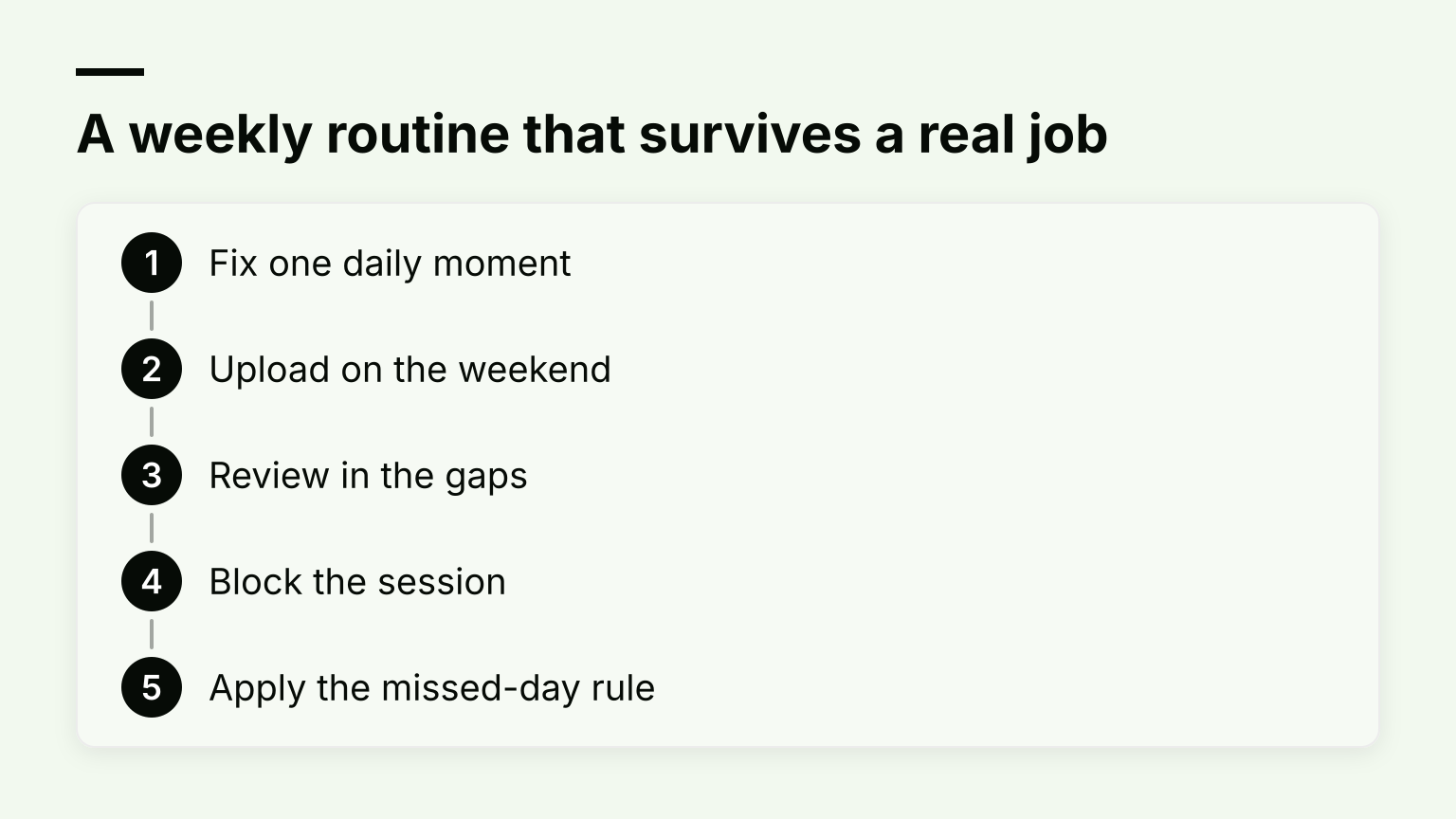
A weekly routine that survives a real job, in 5 steps: Fix one daily moment; Upload on the weekend; Review in the gaps; Block the session; Apply the missed-day rule

  1. Fix one daily moment. Same trigger every day: the morning commute, the first 15 minutes of lunch. Deciding daily is how routines die.
  2. Upload on the weekend. One 20-minute Sunday session: drop the week's PDFs, slides or recordings into your content tool and generate flashcards while you're not tired.
  3. Review in the gaps. Commute and lunch breaks are for flashcard review, never for first-reading new material. New material belongs to the evening block.
  4. Block the session. Start a focus session and let your blocker hold the line for the full 15 to 20 minutes.
  5. Apply the missed-day rule. If you miss a day, you do tomorrow's due cards only, plus a maximum of 10 overdue ones. Never try to "catch up" in full; that rule is what turns one bad week into quitting.

Our guide to study time management goes deeper on fitting study around shifts and deadlines, and if budget is the constraint, our roundup of the best free focus apps for studying covers no-cost options for step 4.

One useful sanity check from other students: in community threads like this r/GetStudying discussion, the tools people keep using months later are almost always the ones with the lowest daily friction, not the ones with the most features. Campus guides like St. John's list of free digital apps make the same point from the student-services side: a free, simple tool you open daily beats a complex one you abandon.

What none of these apps replace

Two things, and it's worth knowing before you invest a weekend in setup:

  • Official question banks for licensed exams. For bar exams, nursing boards, PMP, insurance licensing and similar, the certifying bodies and established prep providers publish question banks that match the real exam's format and weighting far better than anything AI-generated from your notes. Use the apps above for the knowledge layer; buy the official practice material for the exam layer.
  • Employer training hosted in an LMS. If your company's compliance training lives in Workday, Cornerstone or a similar internal system, completion tracking usually happens there, not in your study app. You can still use these tools to actually learn the material, but don't expect your streak to satisfy the audit trail.

Start with the 20 minutes you already have

Pick one gap in your week you already know about, choose the one app that matches your bottleneck from the picker above, and run it for two weeks before adding a second tool. If your bottleneck is the gap itself, download Kohru to block distractions across your phone, laptop and Chrome, and give your next study session a fighting chance.