Summary of the Article
ScreenZen is a free, donation-supported app blocker that makes you wait before opening distracting apps. It works on iPhone, iPad, Mac, Windows and Android, and the only optional costs are tips of $5 to $40 and a $49 Halo device. Based on its own privacy policy and App Store label, the core app collects no personally identifiable information and asks for strong permissions only where blocking requires them.
The catch is enforcement style, not cost or safety:
- ScreenZen: free friction-based blocking with delays and strict modes; delays can be waited out and there is no task or habit layer.
- Kohru: hard blocking across phone and laptop plus a Chrome extension, with tasks turning into focus sessions and habit and progress tracking; built for students who need more than soft friction.
- Opal: freemium with a limited free tier; strict Hard Mode is behind a paid Pro plan.
- Jomo: freemium with one free session; Strict Mode requires Plus.
- one sec: free for one app; adds a breathing pause before an app opens, with Pro for more.
What ScreenZen Is and How It Works
ScreenZen is a screen time app from ScreenZen LLC that blocks distracting apps and websites. Its website calls it "the only donation-supported screen time app that blocks distracting apps and websites," and it runs on iOS, macOS, Windows and Android.
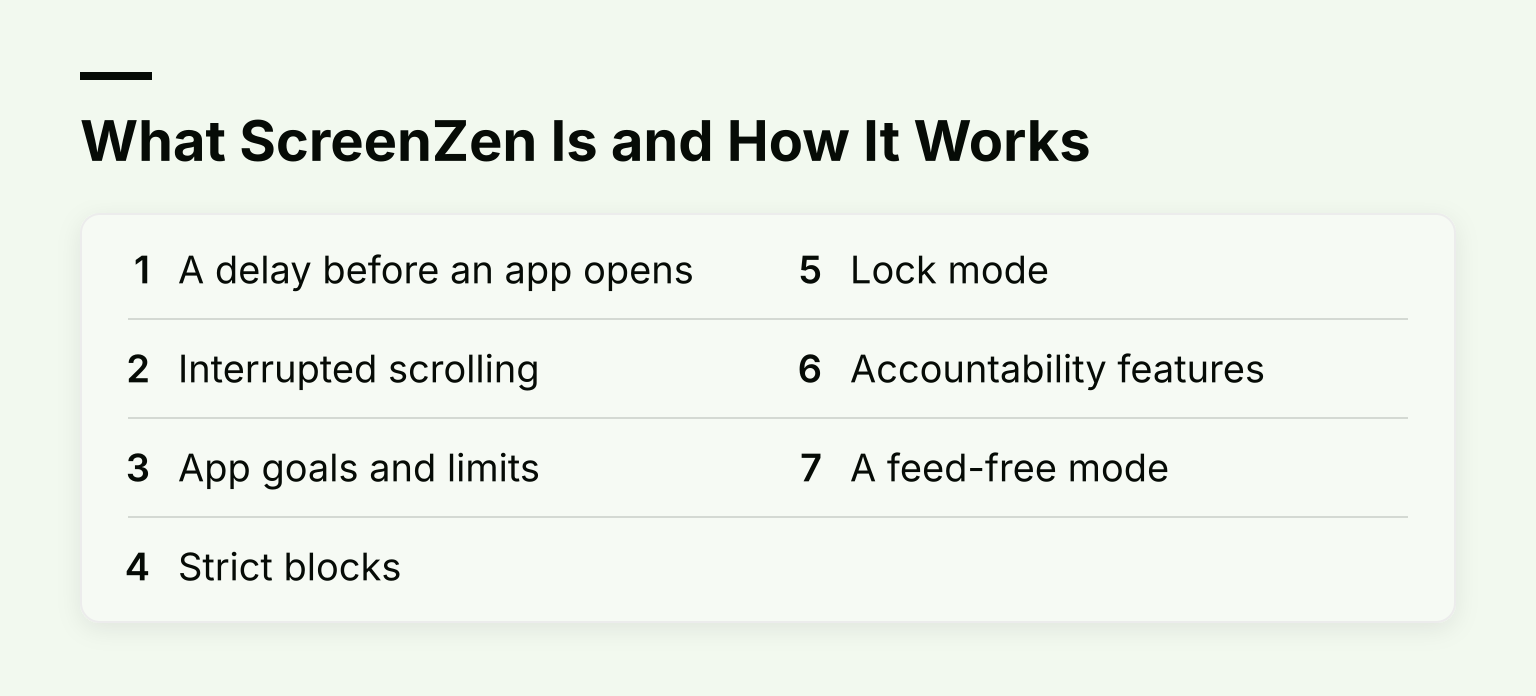
Unlike most blockers, ScreenZen leans on friction instead of hard walls. Its App Store listing describes the main mechanics:
- A delay before an app opens. You wait a few seconds before choosing whether you really need to open a distracting app. The wait can increase each time you open it.
- Interrupted scrolling. Short check-in interruptions break long feed sessions so you do not get pulled in.
- App goals and limits. You can set an open limit or time limit per app and block the app once you reach it.
- Strict blocks. You can block apps for time ranges, after a number of opens, or after a screen time budget, with schedules that differ by day of the week.
- Lock mode. The website says lock mode closes common loopholes and can prevent uninstalling.
- Accountability features. Messages like "Is this important?" appear before an app opens, and optional social features let someone else keep you accountable.
- A feed-free mode. ScreenZen offers a Minimal mode that hides feeds so your check-ins stay short.
The idea is simple: most impulsive app opens collapse once you insert a pause. Wired's review of the Halo device notes the app itself is free with no upsells and no subscription required.
Is ScreenZen Free?
Yes. ScreenZen's website states the app is completely free, and the core app does not require an account. The US App Store listing lists the app as Free, with the only in-app purchases being optional tips: $5, $10, $20 and $40.
Two optional extras:
- Tips. Purely optional donations if you want to support the project. WhistleOut's review notes you can customize the pause screen by donating.
- Halo. A $49 physical device you place in your bedroom. When you walk in, ScreenZen blocks the apps you chose until you step out. You do not need it to use the app, it ships in the US only, and its product page says you pay once with no subscription.
If you are comparing free blockers on iPhone, our guide to the best free app blockers for iPhone shows how ScreenZen's free tier stacks up against the others.
Is ScreenZen Safe?
By the usual meaning of safe, yes, with a few honest caveats. Everything below comes from ScreenZen's own privacy policy and its store listings, not from independent testing of its servers.
What the privacy policy says
- No personally identifiable information for the core app. The policy states that the core app collects no PII and that blocking settings are stored only on your device.
- Anonymous, self-hosted analytics. ScreenZen runs its own instance of an open-source analytics tool. Per the policy, it collects event data like device details and, since September 2026, one daily total of combined time spent in your blocked apps, not per-app logs.
- No ads, no data sales. The policy says ScreenZen does not sell personal information, does not work with data brokers, and does not use advertising or marketing networks.
- Anonymous means no deletion. Because analytics are not linked to your identity, the policy says records cannot be found or deleted on request. Deleting the app stops further collection.
- Optional features do more. The social accountability features and the Halo device require an account, which stores things like an email address and profile picture.
A third-party review raised a Trustpilot complaint that appears to contradict the privacy policy. We could not verify that claim, so treat it as an unverified report rather than a fact.
What the app stores say
The App Store privacy label lists only "Data Not Linked to You": usage data and diagnostics for analytics. There is no tracking section and no linked-data section. Apple notes these labels are reported by the developer and not verified by Apple. The Google Play data safety section lists app interactions, device IDs and crash logs for analytics, says data is encrypted in transit, and states data can't be deleted.
Permissions on Android
On Android, ScreenZen asks for permissions including display over other apps, accessibility access (its Play description says accessibility is used to block websites), data usage access, and ignoring battery optimization. That is a powerful set, but it is also the same set every Android app blocker needs to see which app is in front and cover it. The right takeaway is not that ScreenZen is unusually risky; it is that any blocker you install should be one you trust.
Our verdict: the privacy posture is unusually clean for a free blocker. The tradeoff is anonymous analytics you cannot switch off or delete, and strong Android permissions that are inherent to the category.
Where ScreenZen's Friction Works Well
Friction-based blocking fits a specific problem well: impulsive opens. If you pick up your phone, open Instagram on autopilot, and snap out of it 20 minutes later, a short delay that forces a decision breaks that loop. The escalating waits make repeat opens annoying, the check-in interruptions stop doomscrolling in its tracks, and the streaks and accountability messages add social pressure.
Third-party reviewers back this up for the intended use. FOCO's review, which we read but which is not hands-on testing either, calls ScreenZen best for cutting impulsive opens of social apps and rates its privacy label as cleaner than most blockers it reviewed, including Opal.
Where ScreenZen Falls Short
No review is honest without the weak spots. Four matter:
- Delays can be waited out. Third-party reviewers such as Lifestack point out that a determined user can simply wait out the pause and open the app anyway. If your problem is addiction-level compulsion rather than impulsive habit, a few seconds of friction may not hold. ScreenZen's strict modes and lock mode narrow this gap, but they raise the same question: you set them, so you can also soften them.
- A reported Android loophole. One reviewer quotes a user saying that changing the device clock on Android resets limits. We have not tested this ourselves, so treat it as a reported workaround, not a confirmed fact.
- Platform limits. ScreenZen depends on the screen time APIs of each operating system, which cap what any blocker of this type can enforce.
- No task or habit layer. ScreenZen blocks distractions but does not organize what you are supposed to do instead. There is no task list, no habit tracking, and no progress view. For a student, blocking TikTok only helps if the study plan underneath is solid.
Who ScreenZen Is Right For
Choose ScreenZen if you want to cut impulsive app opens, you want it across iPhone, Android, Mac or Windows, and you want to spend nothing. It is also a good first blocker: the free tier is real, not a trial, so you can test the friction model before spending anything on any app.
When Friction Is Not Enough
Ask yourself a few questions:
- Do you ever wait out the delay and open the app anyway?
- Do you turn blocks off the week before exams when you need them most?
- Do you know exactly what you should study, but still fail to start?
If you answer yes to any of those, the problem is not only distraction. You need something that enforces blocks harder and connects blocking to the work itself.
That is where the alternatives differ. Some go stricter on enforcement. Others add the missing task and habit layer. And building a distraction-free study environment around whatever tool you pick matters as much as the tool itself.
The Alternatives, Compared
Kohru: hard blocking plus tasks, habits and progress
Kohru is a study and productivity app built for students. It blocks distracting apps and websites across your phone and laptop and extends focus sessions to Chrome through a browser extension. Where ScreenZen stops at blocking, Kohru connects blocking to the work: tasks from Work and Personal lists turn into focus sessions, smart to-do lists help you plan, and the app tracks habits, focus time, completed tasks and progress.
If you want to see how that compares to pure blockers, our guide to free focus apps for studying breaks down which tools cover blocking only and which add the study layer. We have not run a head-to-head test against ScreenZen, so treat this as a fit recommendation: pick Kohru when you need hard blocking plus the task and habit system around it.
Opal: strict mode behind a paywall
Opal blocks apps on iPhone, Android and Mac. Its free plan includes app blocking, basic timers and a small allowance of rules: Opal's own pricing page lists three Rules covering schedules, time limits and open limits, though some third-party guides report a smaller count, so check what the app shows after you install. Strict enforcement is the real difference: Opal's paid Pro plan adds Hard Mode, which it describes as a session you cannot turn off, plus unlimited rules and an Allow Only list.
Jomo: gentle limits with a strict upgrade
Jomo takes a calmer approach on iPhone and Mac. Its pricing page gives the free plan one session, one action or limit and one screen time budget, and the paid Plus plan adds Strict Mode, up to ten sessions and more budgets.
one sec: a breathing pause instead of a wall
one sec forces a short breathing exercise before a distracting app opens. One app is free, and Pro adds unlimited apps, strict block sessions and website blocking. On the US App Store listing, Pro costs $19.99 per year, $6.99 per month or $99.99 for lifetime; one sec's own FAQ lists euro prices and notes they differ by region.
At a glance
| App |
Enforcement style |
True cost |
Platforms |
Extra layers beyond blocking |
| Kohru |
Hard blocking across phone and laptop plus Chrome |
Check the site for current plans |
Phone, laptop, Chrome |
Tasks to focus sessions, smart to-do lists, habits, progress tracking |
| ScreenZen |
Soft friction: delays, limits, strict modes, lock mode |
Free; tips $5 to $40; Halo device $49 |
iPhone, iPad, Mac, Windows, Android |
Streaks and accountability; no task layer |
| Opal |
Soft by default; Hard Mode with Pro |
Free plan with 3 rules; Pro $99.99/yr, $19.99/mo, or $399 lifetime |
iPhone, Android, Mac |
Focus score; no task layer |
| Jomo |
Soft limits; Strict Mode with Plus |
Free plan with 1 session; Plus $29.99/yr or $99.99 lifetime |
iPhone, Mac |
Squads and reports; no task layer |
| one sec |
Breathing interruption; strict sessions with Pro |
Free for 1 app; Pro $19.99/yr or $99.99 lifetime (US App Store) |
iOS, Android, desktop browsers |
Emotion and intention tracking |
Opal's prices come from Opal's pricing page, Jomo's from Jomo's pricing page, and one sec's from the US App Store listing and one sec's FAQ. Prices vary by region and change often, so check each paywall before you buy.
FAQ
Is ScreenZen safe? Its privacy policy says the core app collects no personally identifiable information, stores blocking settings on your device, and sends only anonymous, self-hosted analytics. The App Store label lists only "Data Not Linked to You." Android requires strong permissions, which is true of every Android blocker.
Is ScreenZen free? Yes, completely. Optional tips of $5 to $40 exist, and the optional Halo device costs $49.
Does ScreenZen work on iPhone, Android, Mac and Windows? Yes, all four, plus iPad.
Can ScreenZen be bypassed? The delays can be waited out by a determined user, and reviewers report a clock-change workaround on Android. Lock mode is designed to close common loopholes and prevent uninstalling, but no self-set tool is truly unbreakable.
What if ScreenZen's friction is not enough for me? Pick a tool built for your actual gap. If you need hard enforcement plus tasks, habits and progress tracking, download Kohru and run your first blocked study session tonight.
